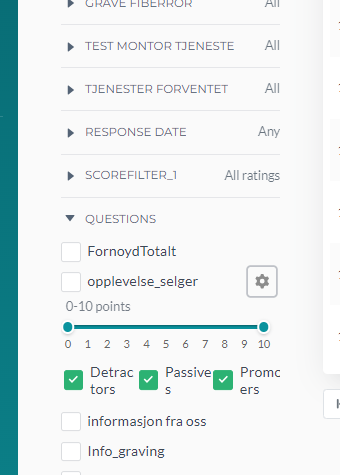
Please note that this can only be done via the Data Management Page.
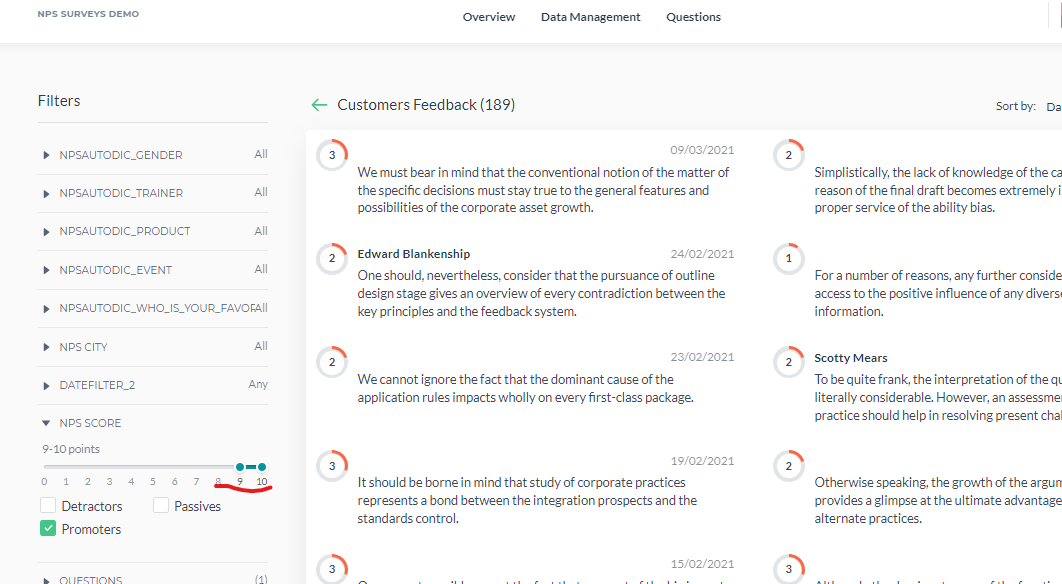
For filters to work properly, they need to be set with the correct configurations before being used by customers. If filters were not set this way, it may lead to poor data visualisation and may look like a bug. Here is an instruction on how to set it.
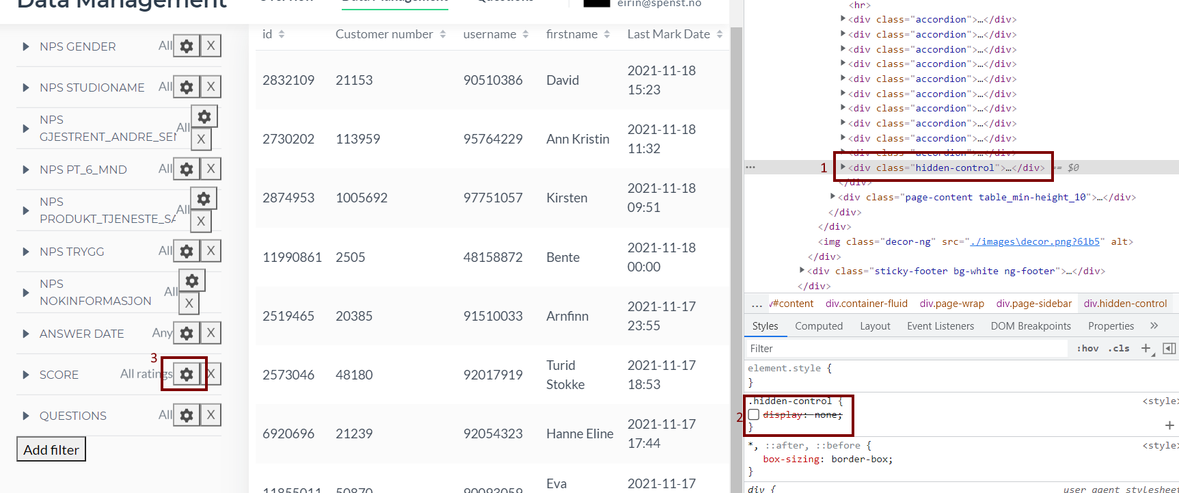
To fix it: open Console (f12 on Windows and Press Command + Option + J on Mac), find the element shown on the screenshot under #1; it is hidden by default, unhide it as shown under #2 and then you will be able to see each filters' settings #3.
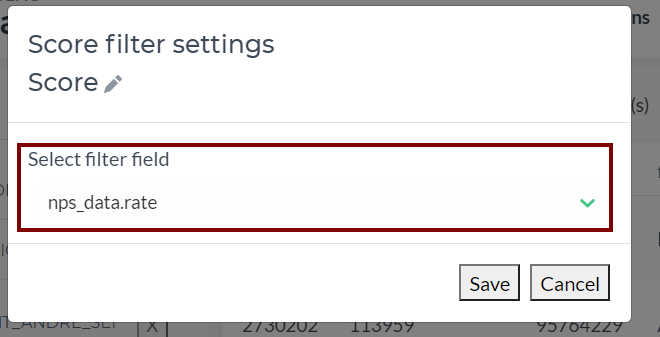
Choose Score and select filter field to add the Global Score
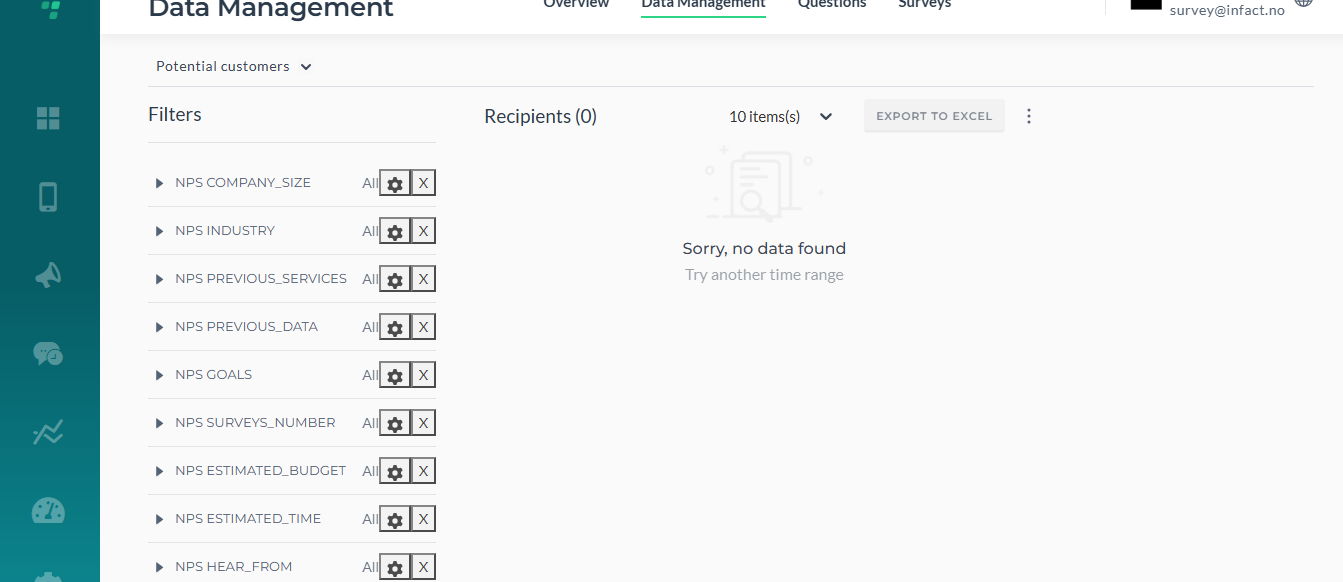
To add Questions, use this filter:
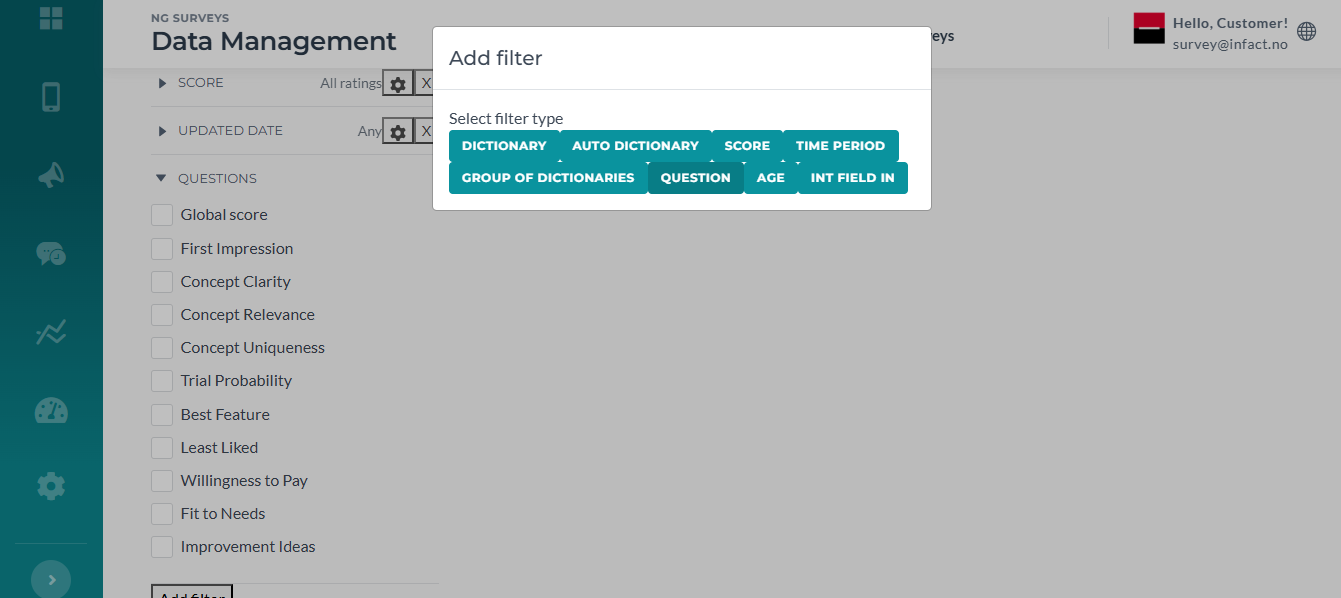
Use Int Field In category, to add Campaigns and Jobs:
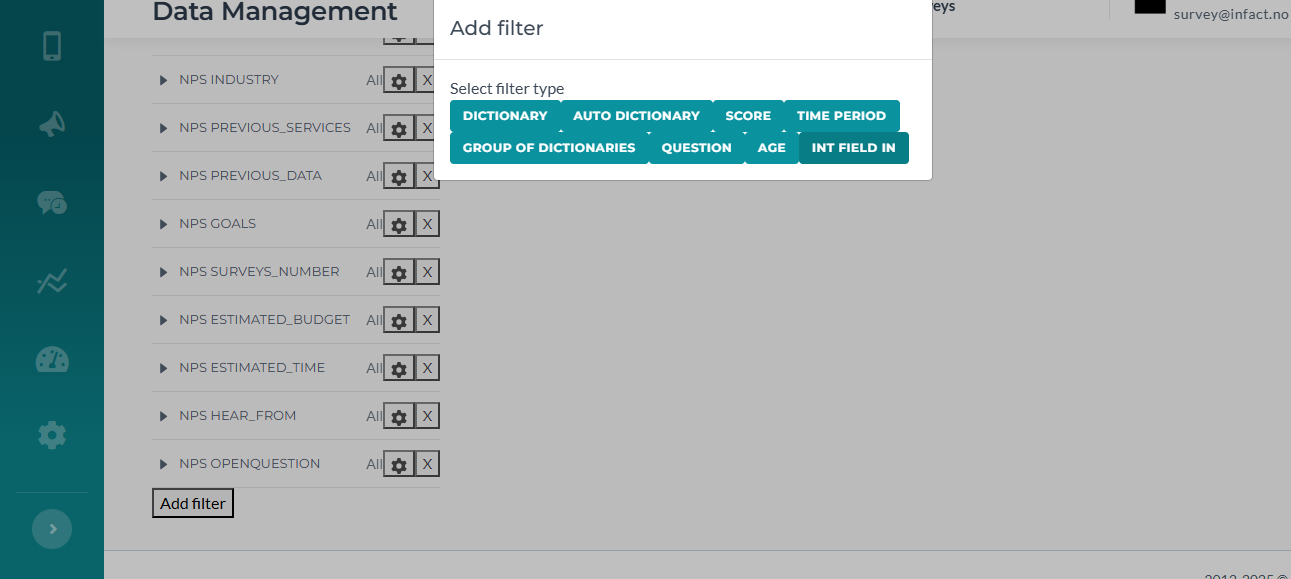
To add dictionaries like tags, gender, city (Choice questions are added automatically when a user creates them), use this filter:
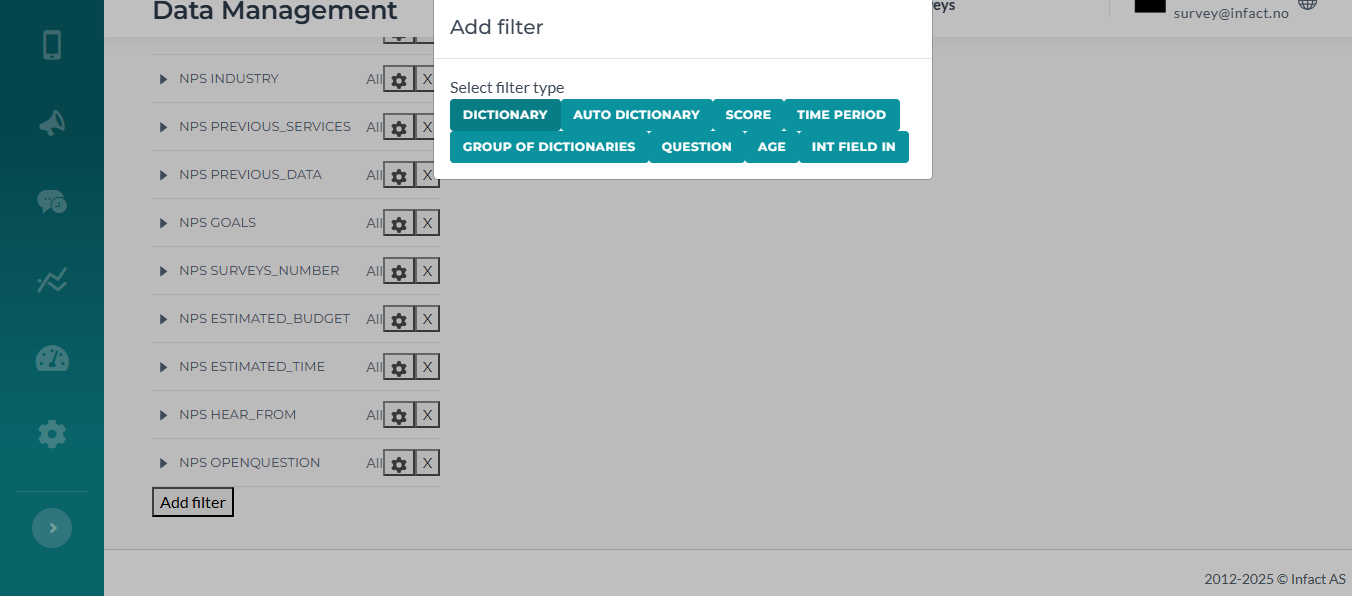
This category can be used to add any date like birth date or Global Score update date:
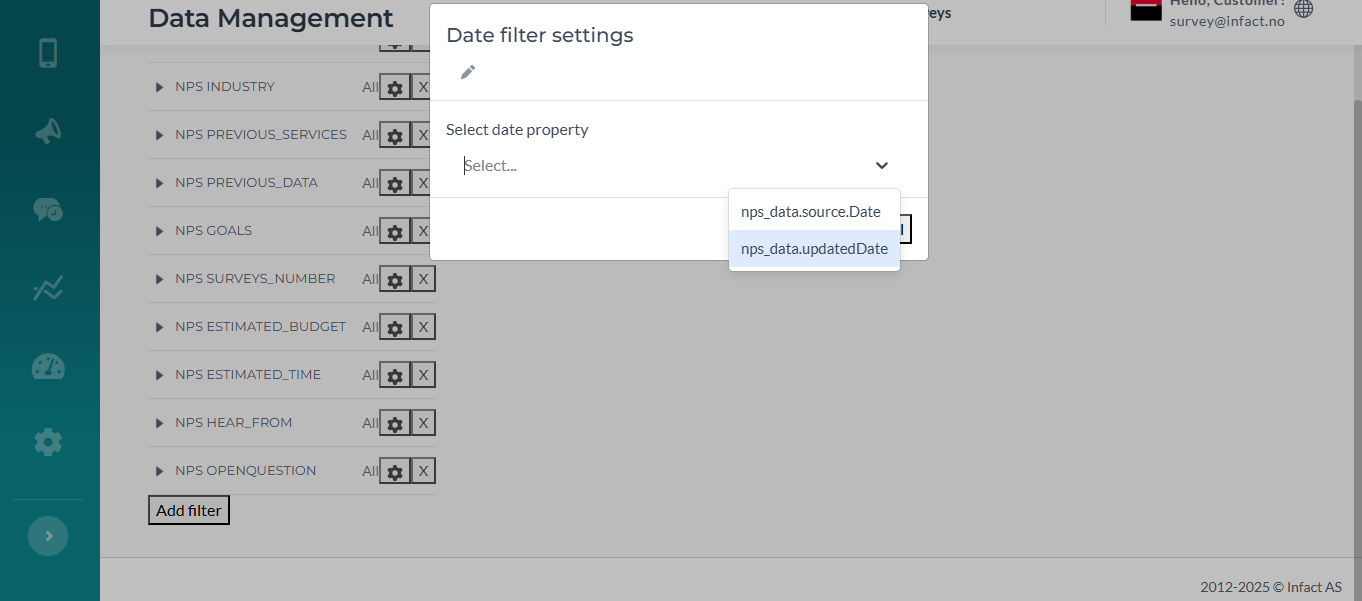
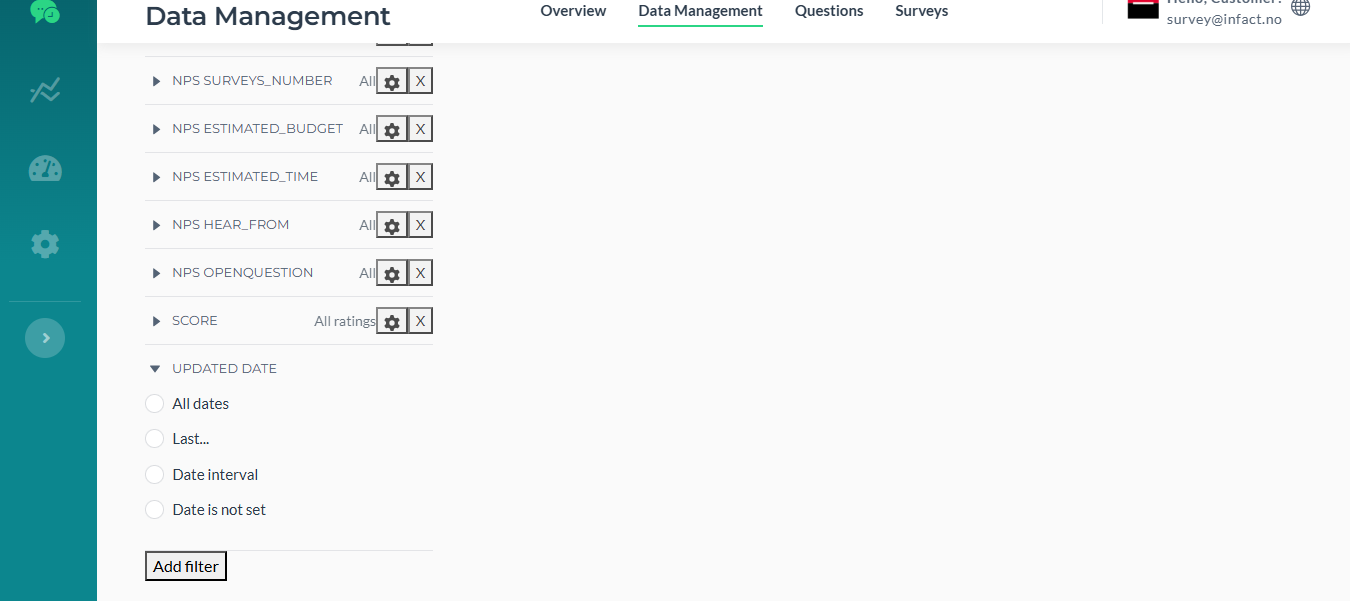
If your datasource has Age parameter, you can add it as well.
¶ To add a feature to filter a rate question by rating
If the user wants to search not just by question (whether the answer has been provided or has not), we might also add a feature that allows selecting the scale for the exact question (Question 1, search for users who have answered with 1 and 2 points).
- To do so, we need to call the hidden settings (explained above).
- Go to Question, hover over it to the right, you’ll see Settings
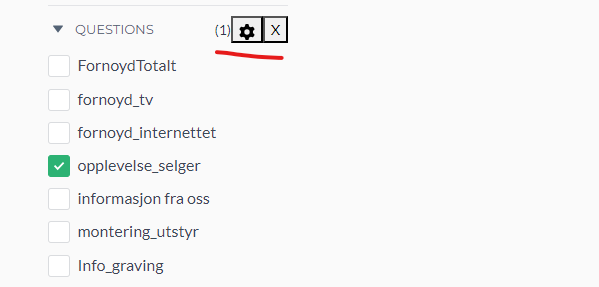
- Set the path:
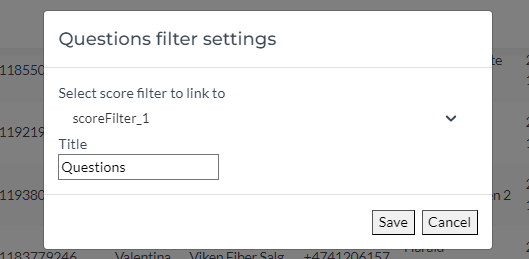
- Then refresh the page
- The result: