If you would like to copy and paste any landing page or email template or any landing page from one Customer to another, you can use Import/Export tool for it.
Log in under Admin or Employee, then delete “admin” in the URL and paste this address “_dev_tools/importexport/importexport.aspx”
After that, you will be able to copy any of the abovementioned items to any customer account.
For example, we will import the landing page (website).
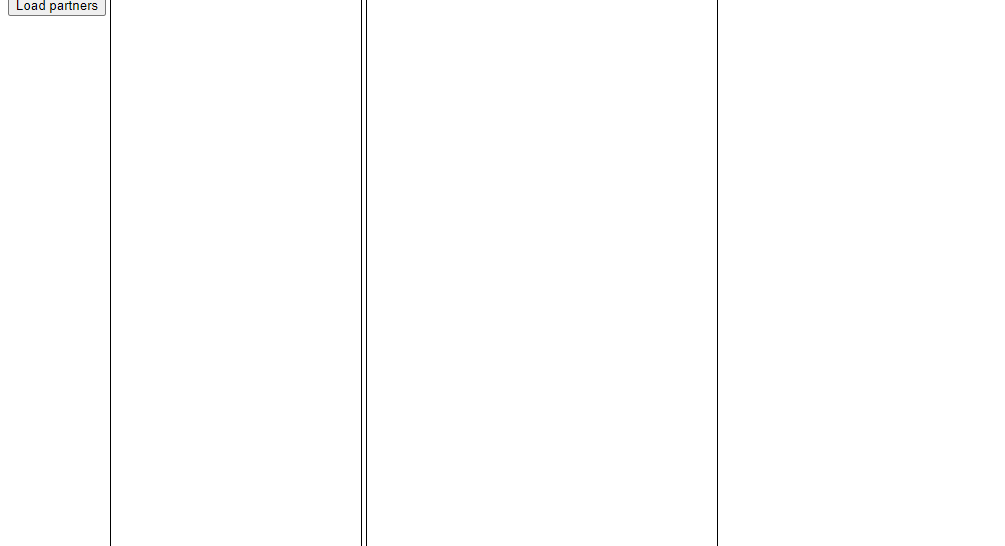
Click “load partners” then choose the customer from which you want to copy the site.
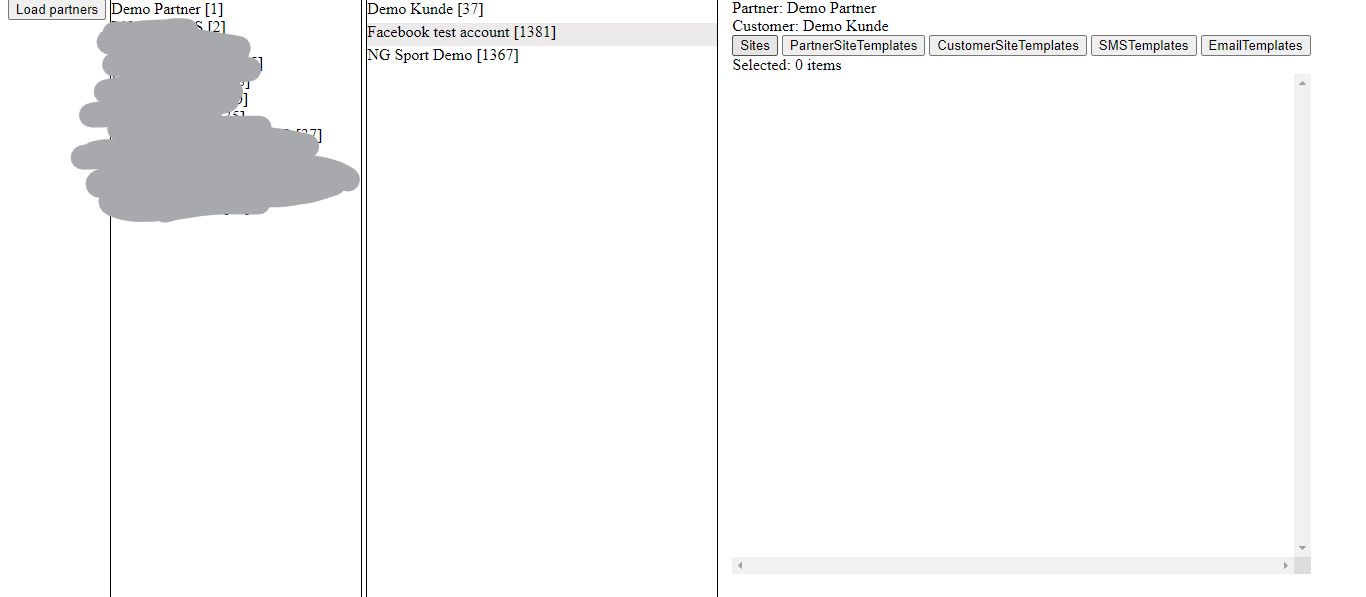
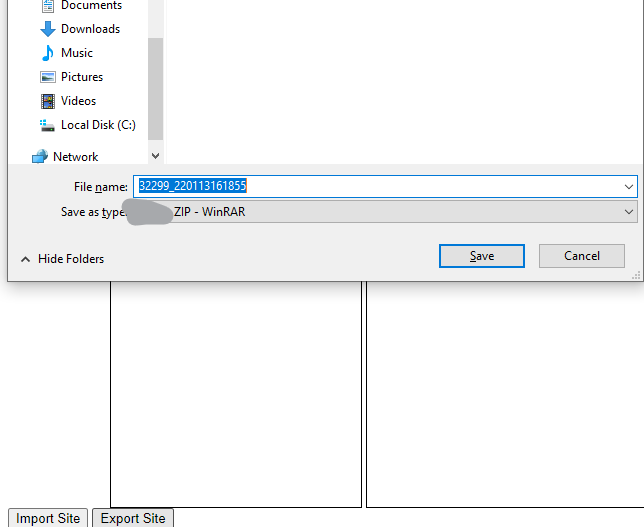
After choosing the exact site, click “export” and download the file.
Then go to the directory in which you would like to paste this site.
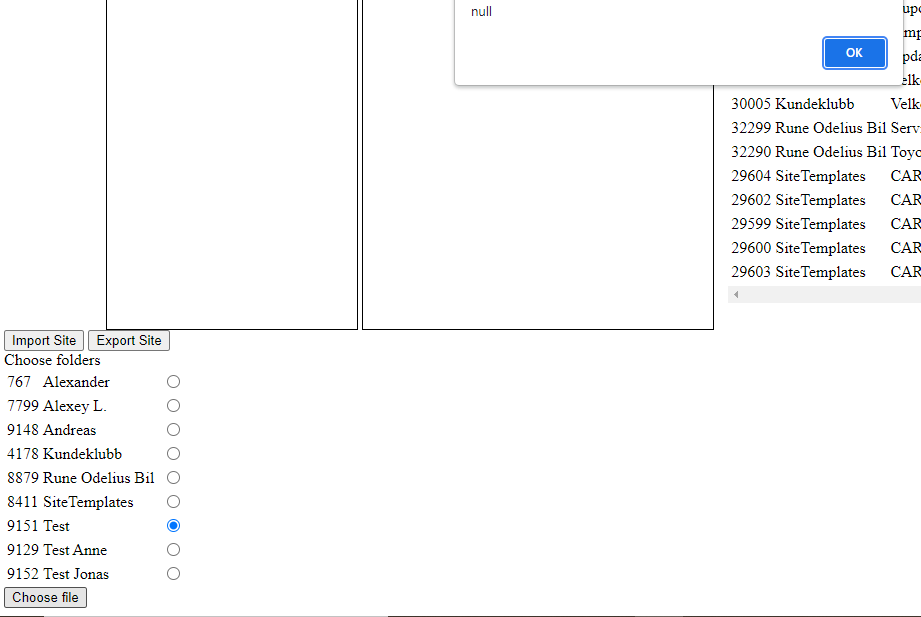
Choose the folder and choose the file. You can choose the .zip file you've downloaded; no need to de-archive it. Do not pay attention to the pop-up “null”. You can check whether the file was uploaded on this page by refreshing it or via UI.
¶ To transfer sites between beta and live servers, you need to import Customer Templates
Once you've imported the site, you can check its template via sites in the database or in the console when editing the site.
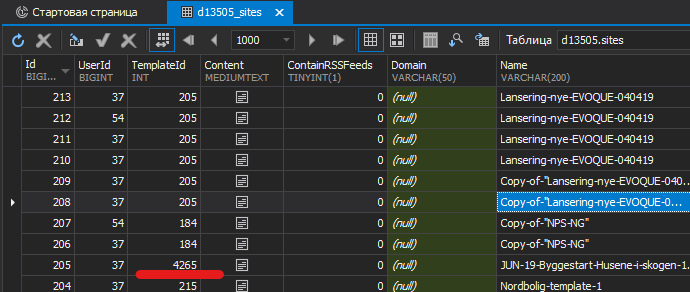
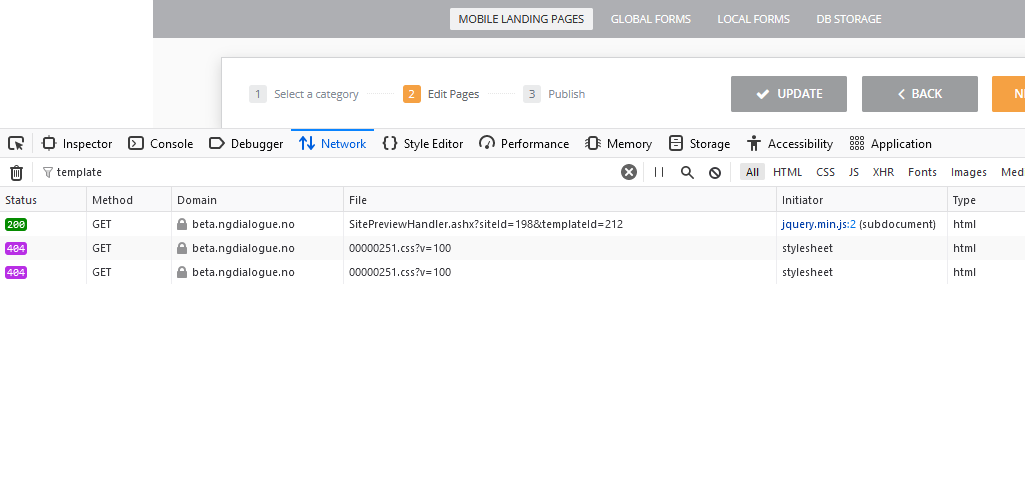
You need to import the template the same way the site is imported and change the template's id in the table “site”.
NB! To make an imported site/form work, it needs to be republised meaning edited and saved.
NB! If the folder you are importing into is empty, the sites won't be shown. Please create any site prior to import and then delete it.