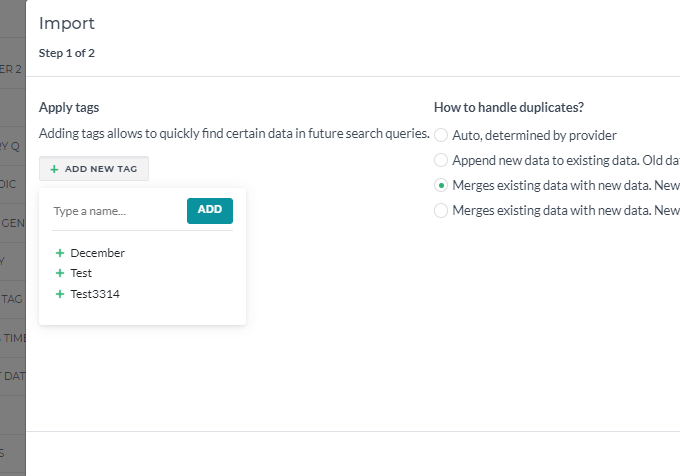
When there is a need to update your members' list and you would like to avoid duplicates (for example, the customer provided some additional details and they need to be inserted in the right record), you can use the merge strategy.
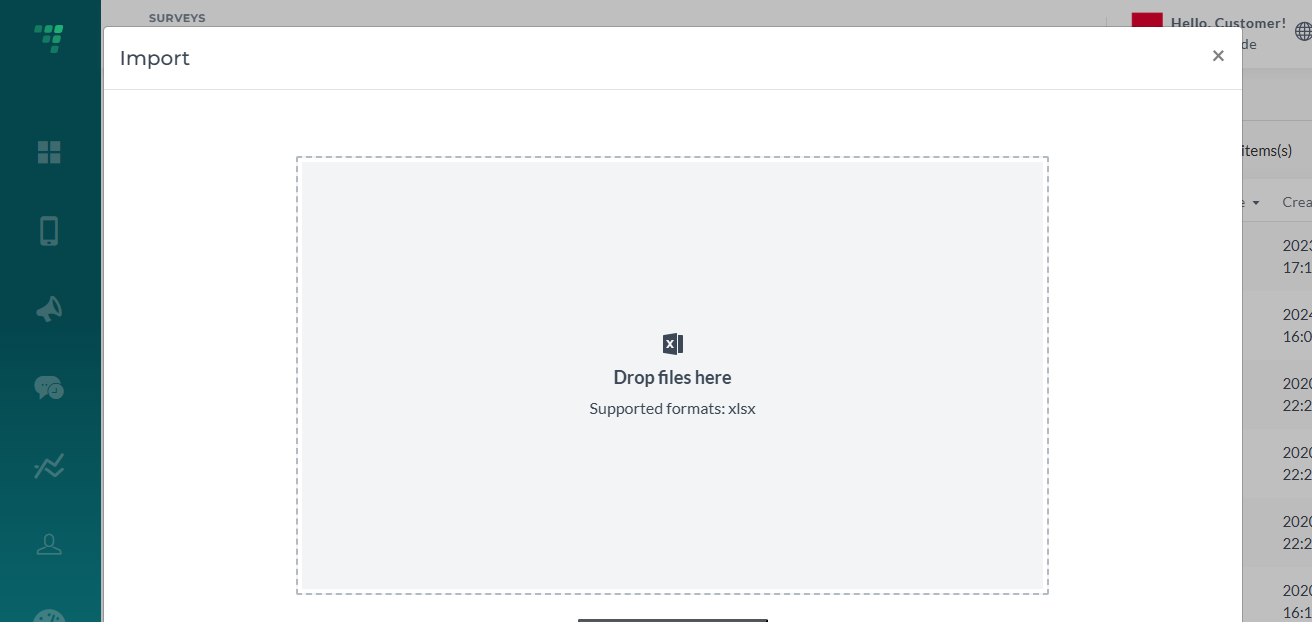
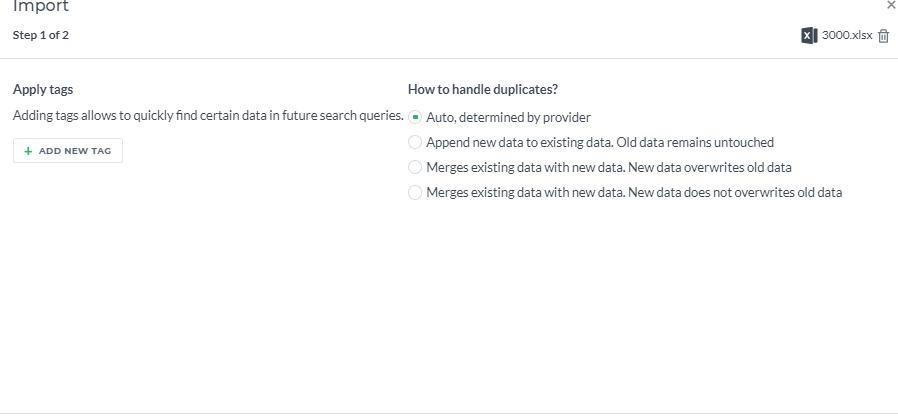
When importing a file with records that may have duplicates or contain updated info via Dashboard, choose one of the two last options:
Make sure to map all the columns and set one of them as a key. This field will be an indicator that allows merging one record with another. You can choose either phone numbers or emails as a key.
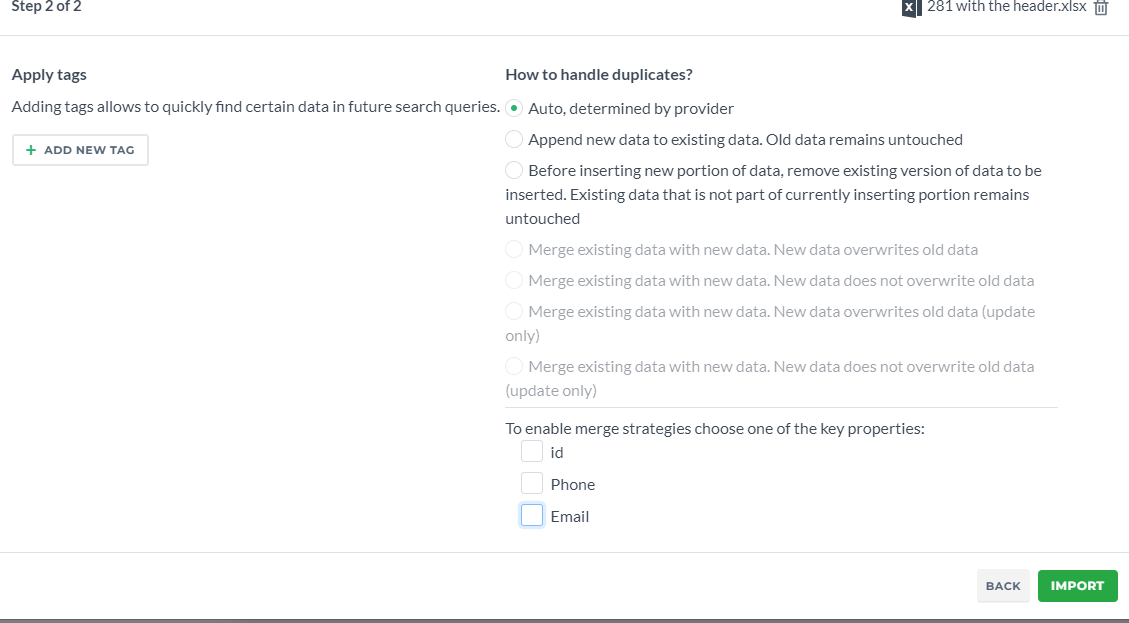
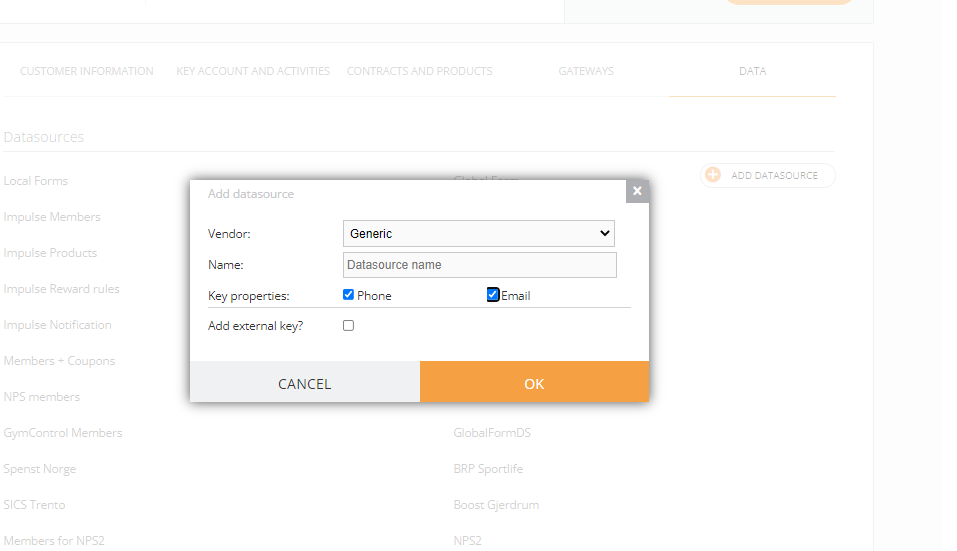
Which column can be chosen as a key, depends on the settings of the datasource. When being created under Admin, both can be chosen or only one of them:
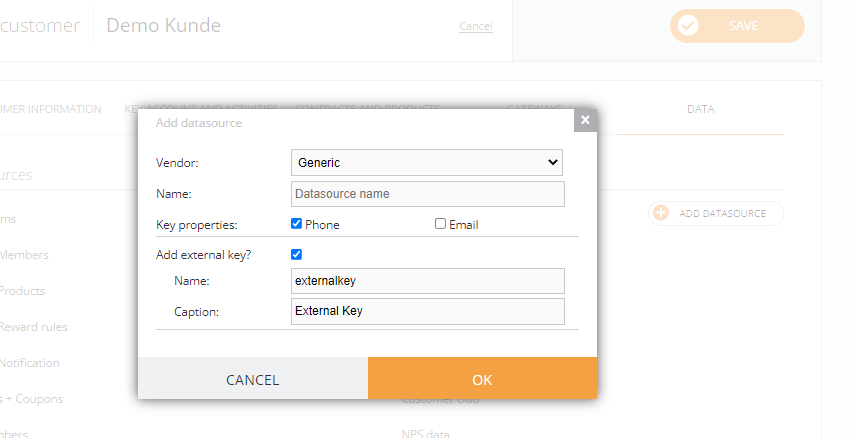
You can also add an external key to your datasource. For example, you would like to add a field “client number” that will be a unique code for each client and it will be used as a key for merge strategy. You can add it when creating a datasource or ask us to add this field to the already existing datasource.
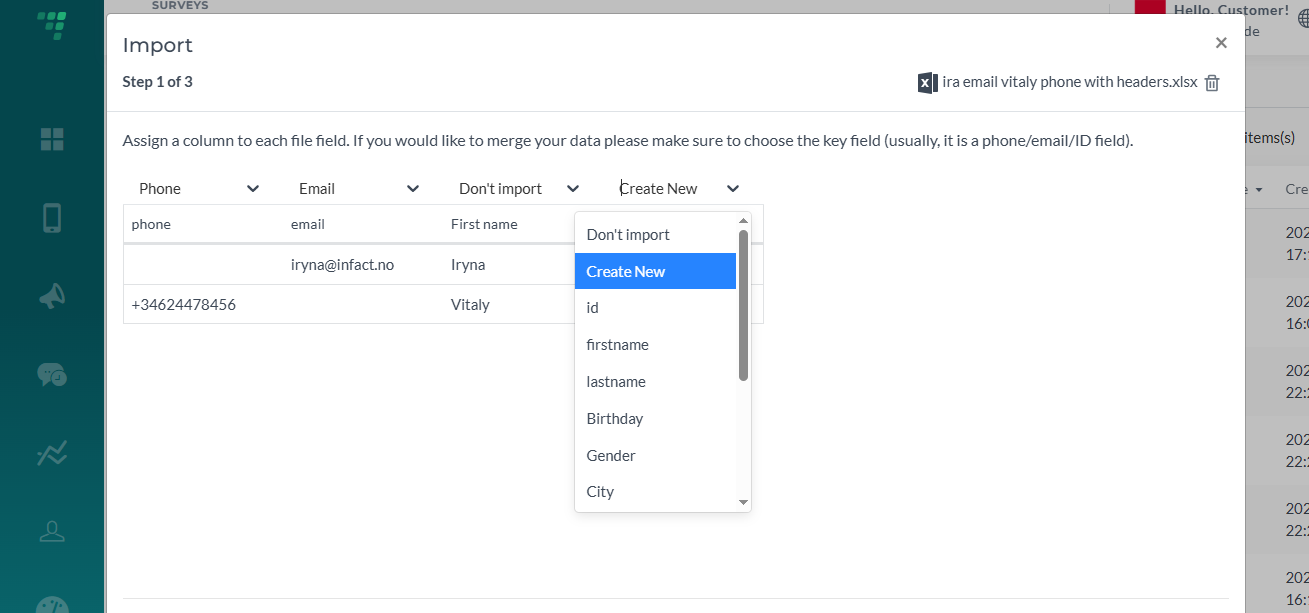
Also, to make imported data more convenient to sort, different tags can be set for each data import and then used for filtering: