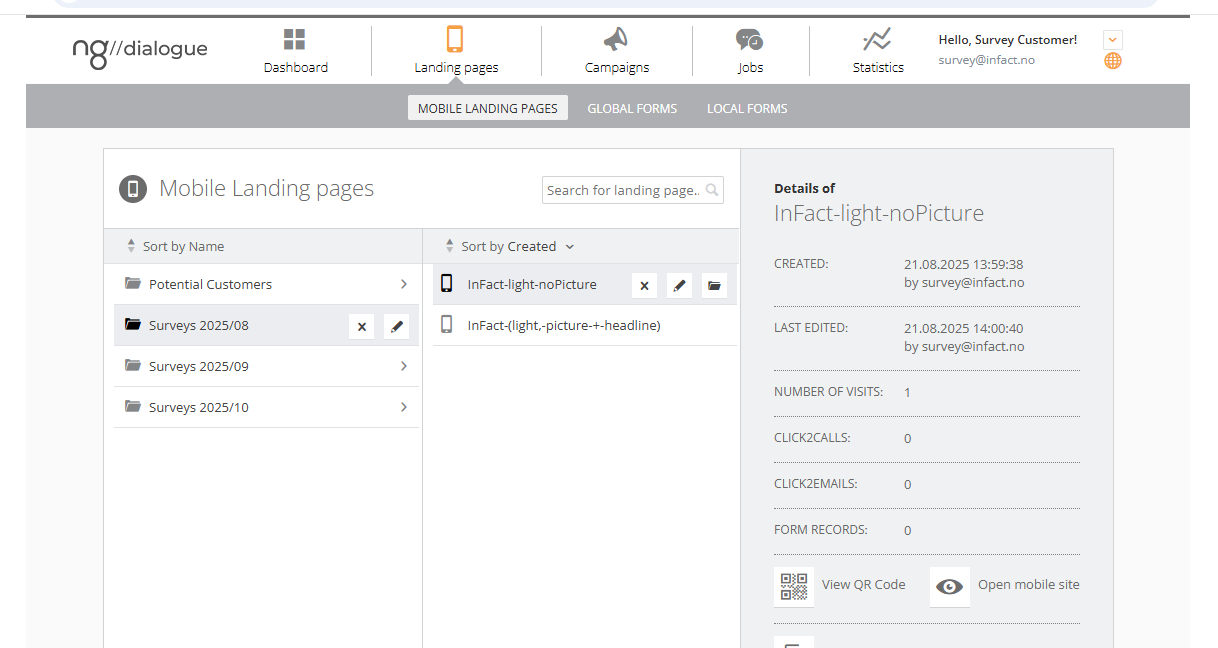
¶ Template
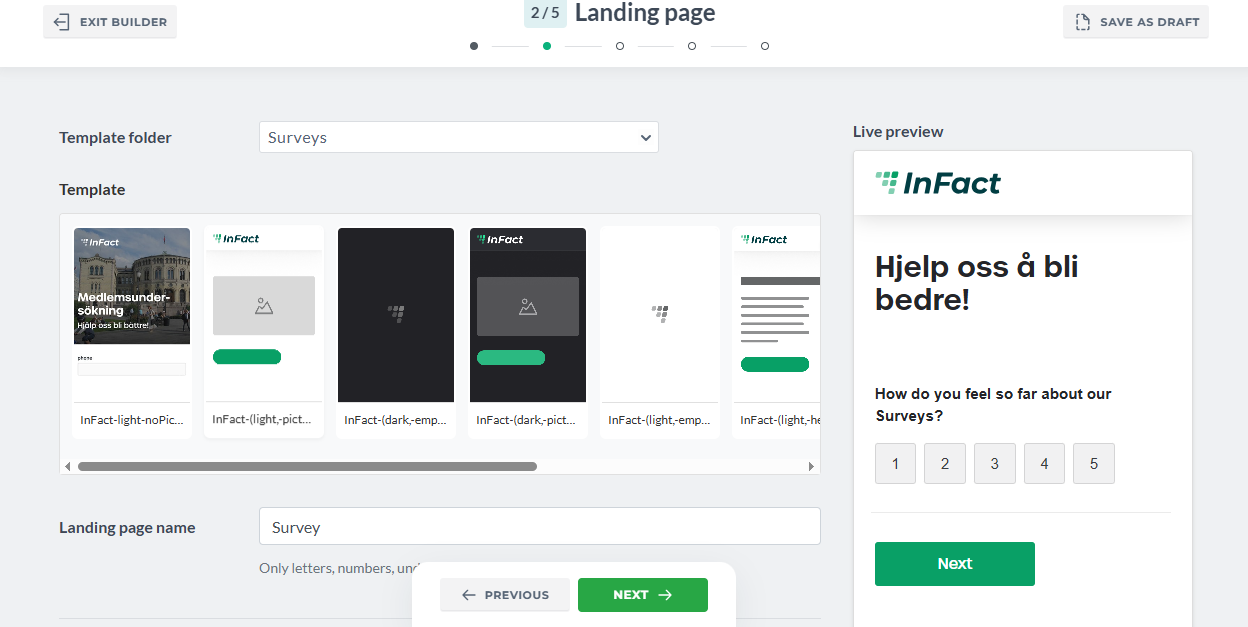
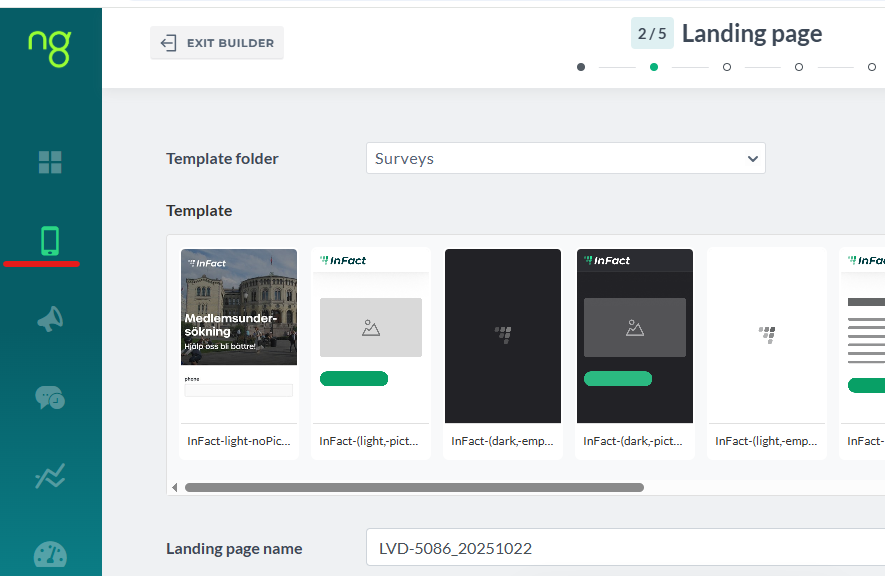
When creating Survey via Survey Builder, you can see those Infact templates
Answering questions regarding templates:
- Can landing page templates be survey templates? — Yes, if a customer has some landing page templates, contact tech team to move this template to survey template and also you might needs Alex's help with adjusting it. Soon we will implement an option to copy landing page template into survey template category.
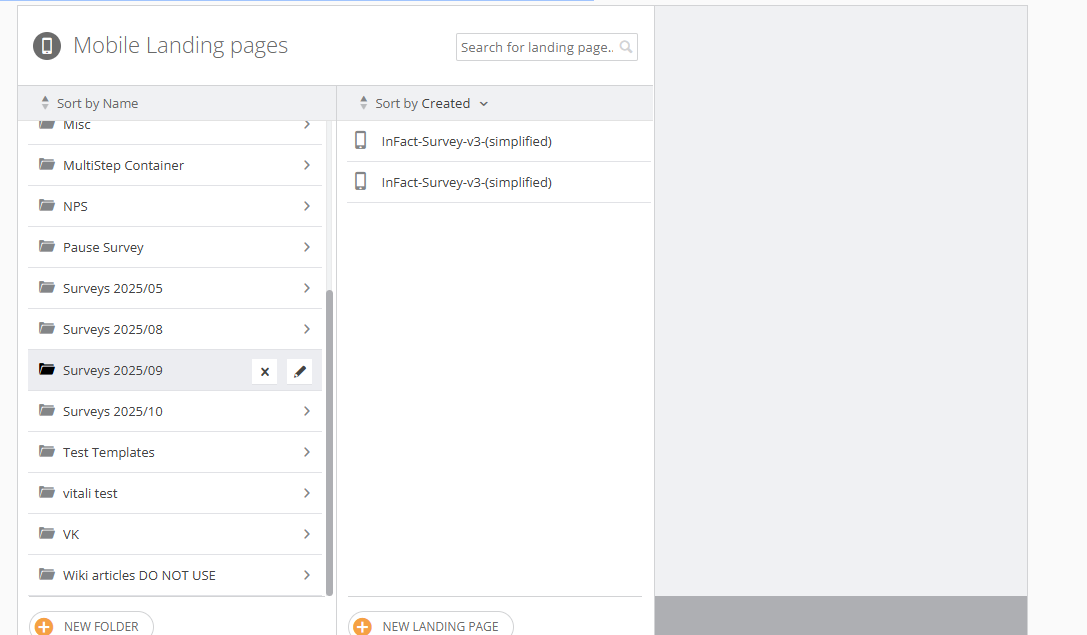
- Can I change the landing page's look after the survey is created via Survey Builder — yes, just save the survey as New (not draft) and go to main platform https://www.ngdialogue.no/mmww/Admin/CustomerPage.aspx under Customer and edit your landing page. Make sure you do not edit the survey via Survey Builder afterwards as all custom changes will be removed as landing page, form are re-generated each time the survey is edited.
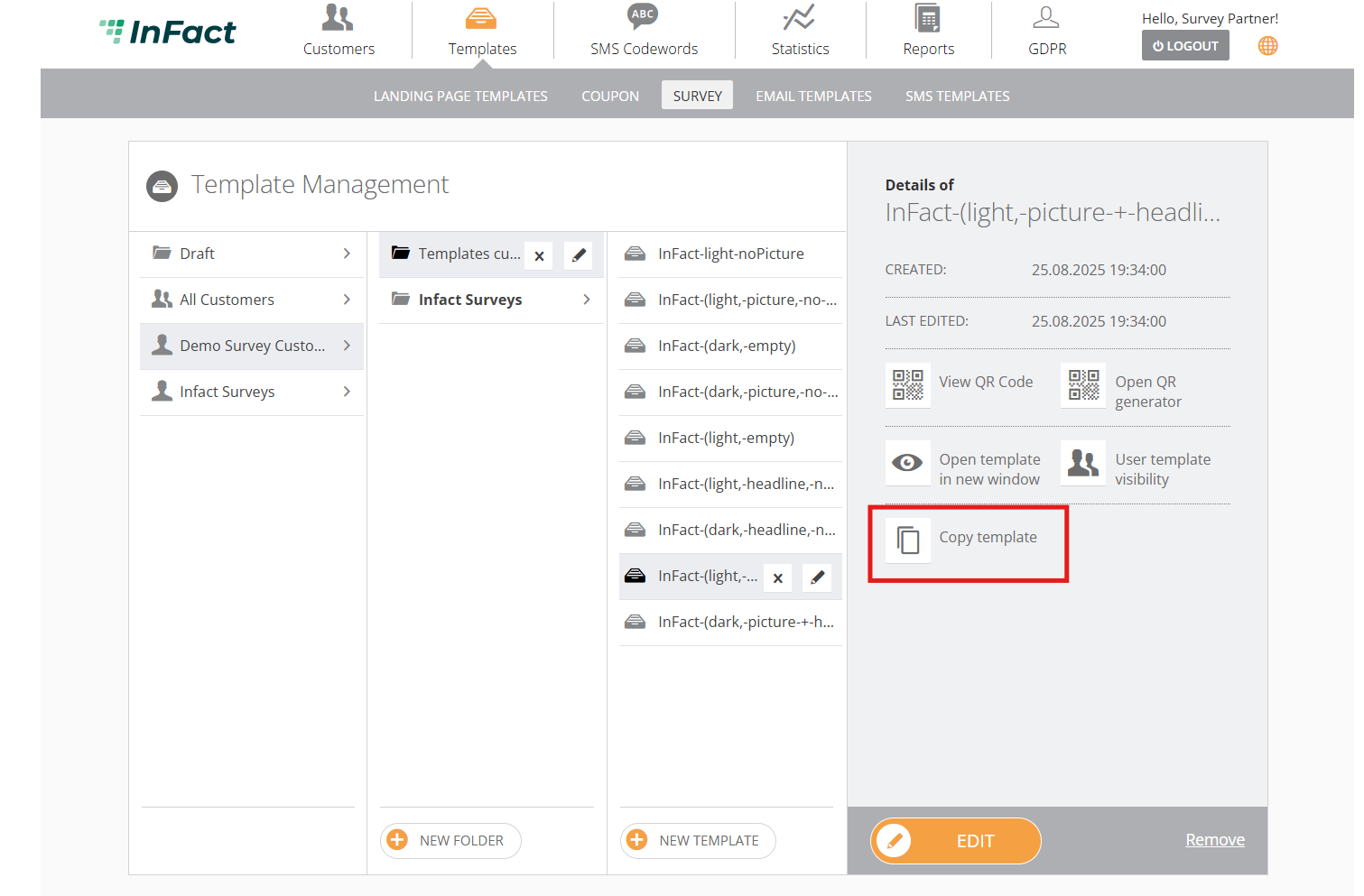
- How can I edit or create a template? — log in under Partner (if you are a Partner) and add a survey template. You can copy an existing one and modify it by adding a new logo or picture.
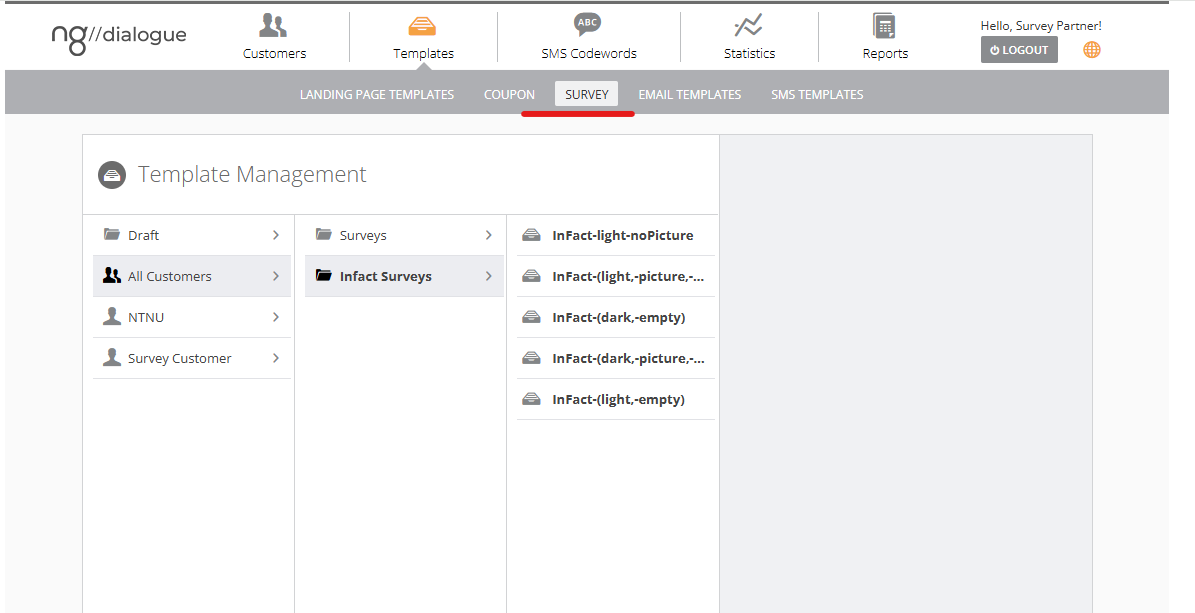
You can create a template from scratch or by copying an existing one and modifying it:
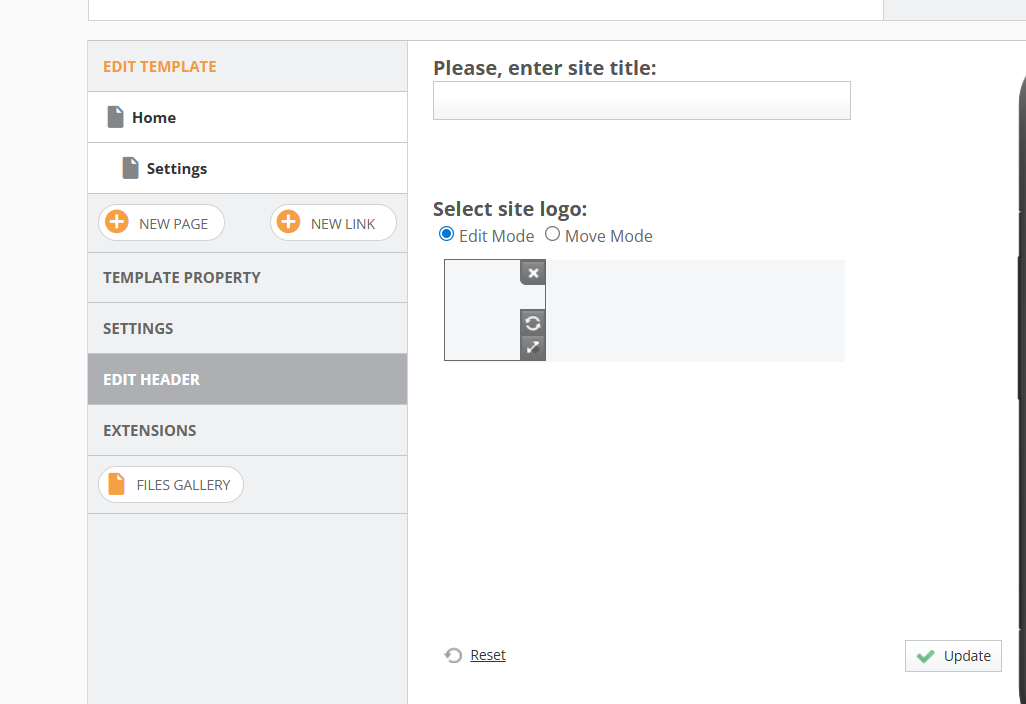
Logo can be changed here:
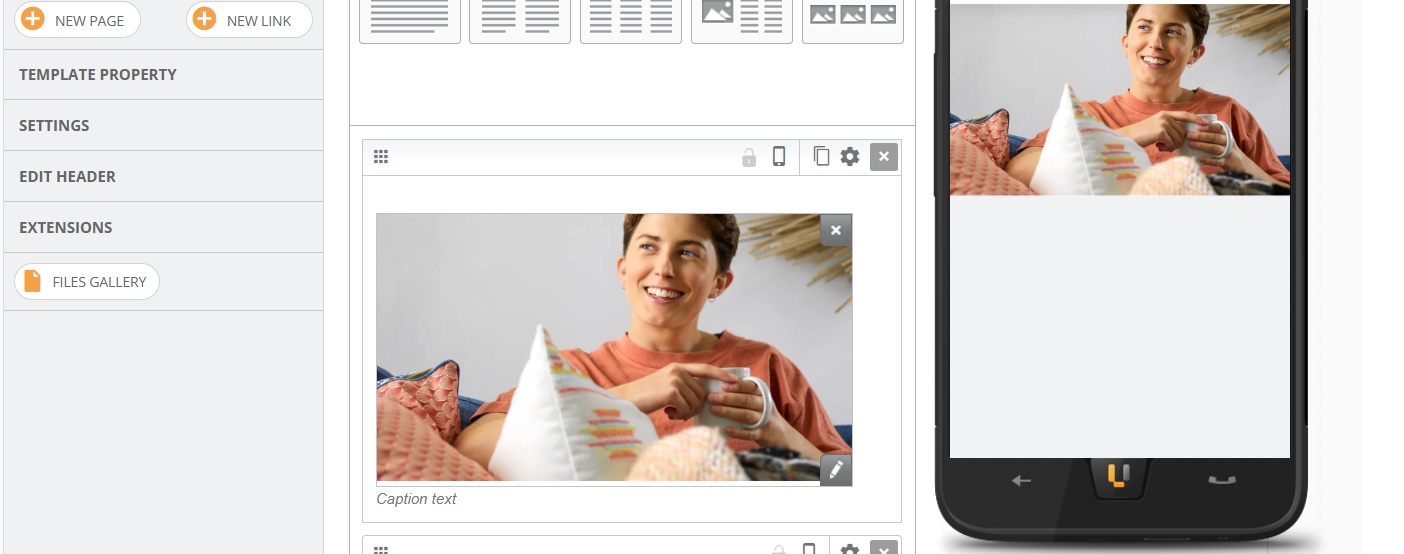
Add a new picture:
Why do template previews not look identical to the live preview? — template previews are just images .jpg .jpeg or .png format uploaded to template preview section. The template previews are created as an approximation of how a survey might look, since the questions that can be added vary in each case. You can always select a template and view a live preview on the right.
If I just wanted to send out a survey but now I need it to have my branding (logo, colors, font), where can get it? — Ask digital advisor regarding this.
There is a text (header, buttons, labels) I cannot change, I need other text or to translate it into another language — pages like Next, Previous, Submit can be customized including changing text via Global Form section after the Survey is saved. Click this button to go to main platform:
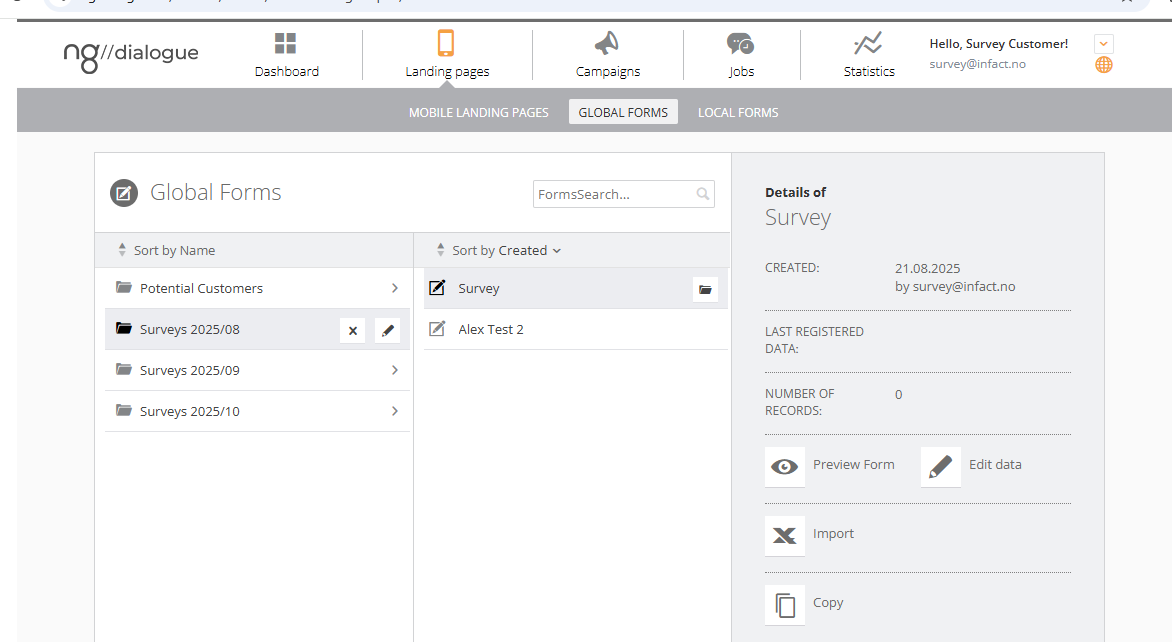
And nagivate to Global Form/Surveys date folder/Survey Name form:
To edit landing page's elements (header, footer, pictures, sections, animation), go to landing pages: