¶ Why to use multi-choice questions?
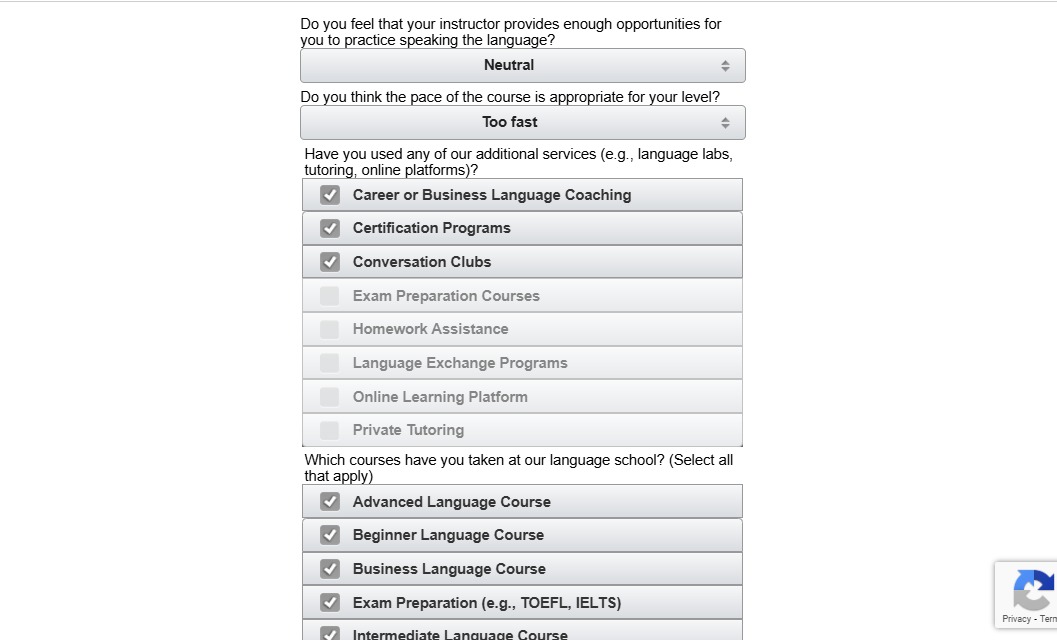
For example, your survey includes a question “Which courses have you taken?” and there should be an option to select more than one.
¶ How to set up questions
¶ Proceeding to Multiple select
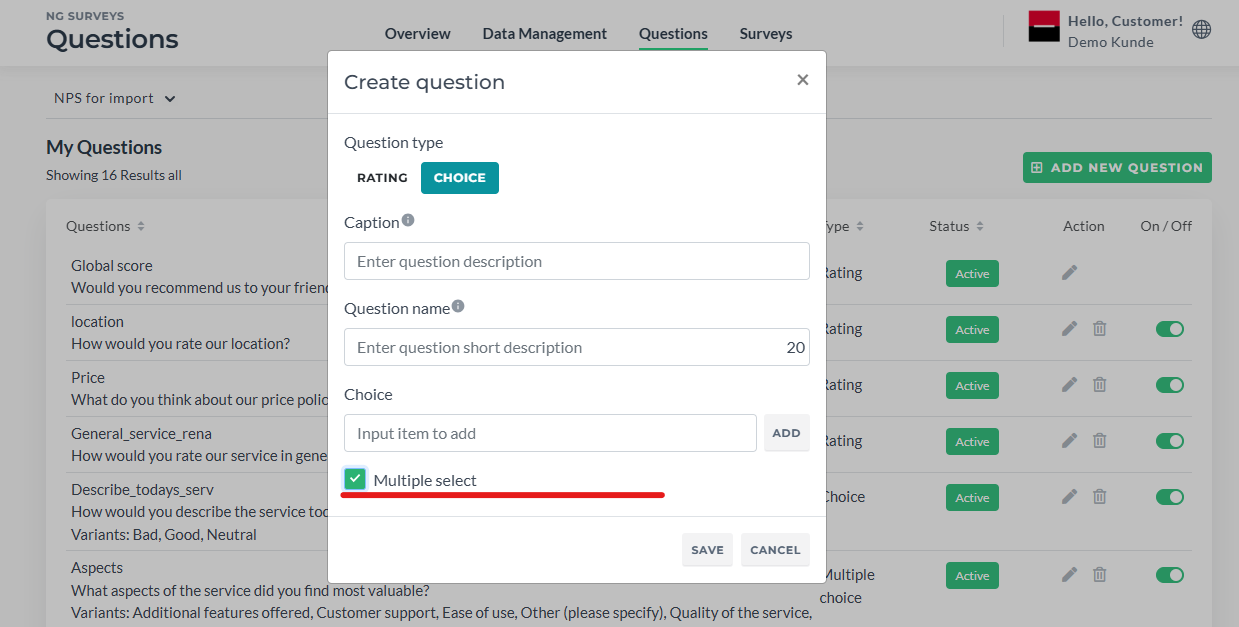
- Go to Questions in the Dashboard
- Click Add Question
- Click “Choice”
- Tick the Multiple select checkbox
¶ Form usage
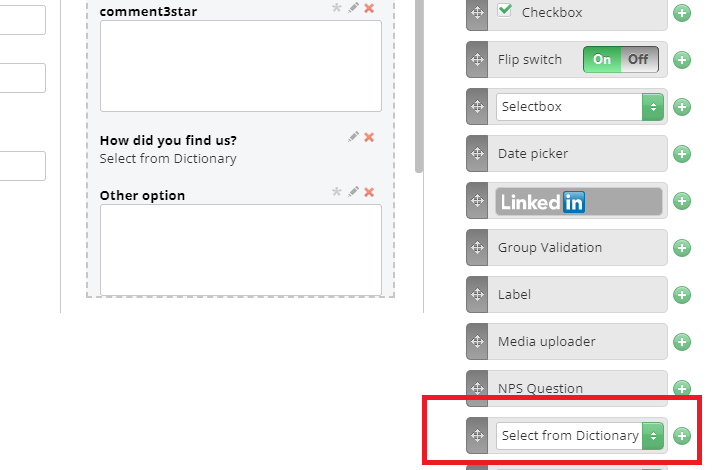
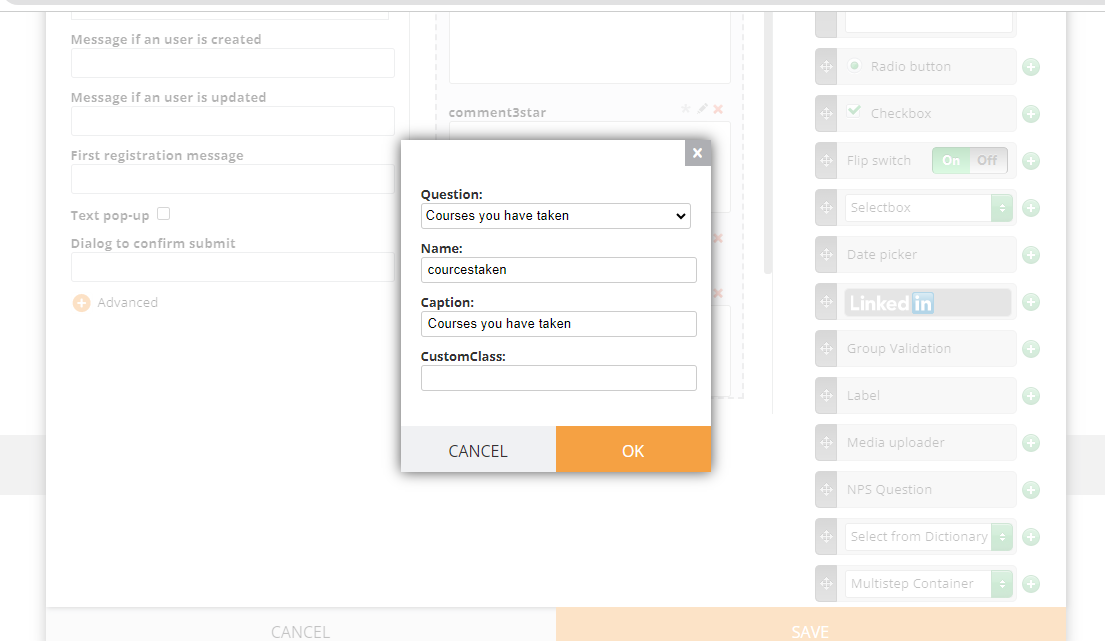
As this is a modified version of choice (dictionary) question, to add it in a form, simply click “Dictionary Question” and select it from the list:
¶ How to Use
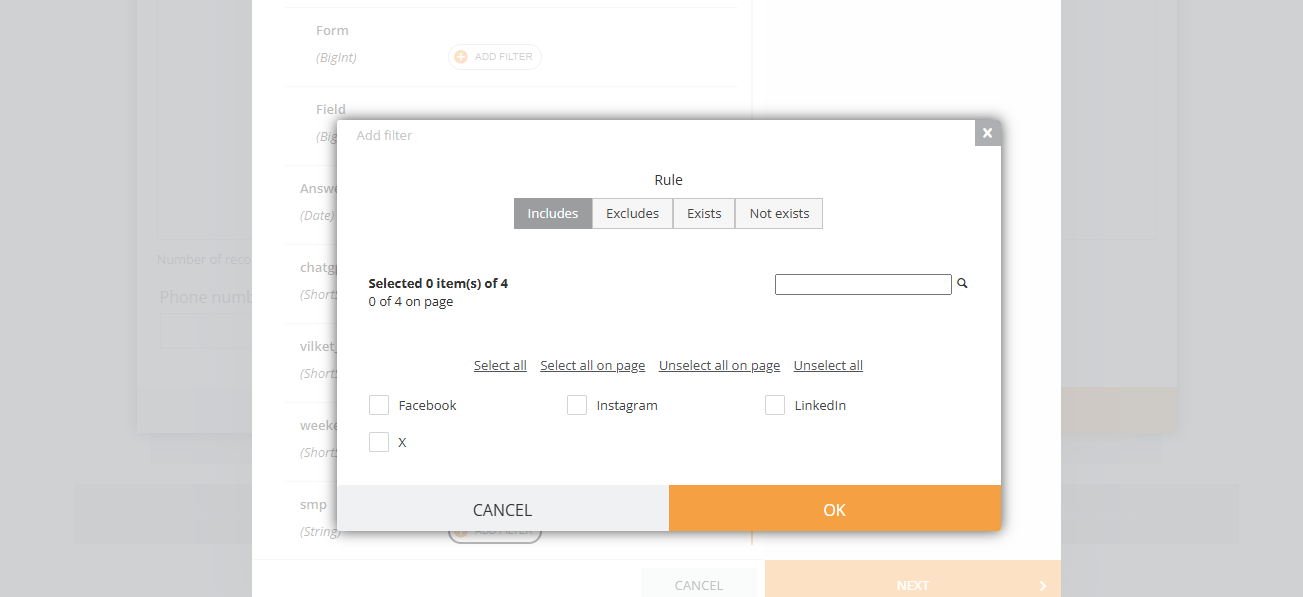
After the question is added and the page is reloaded, the filter appears in the Filter Panel and can be used in the Datasource Management Page
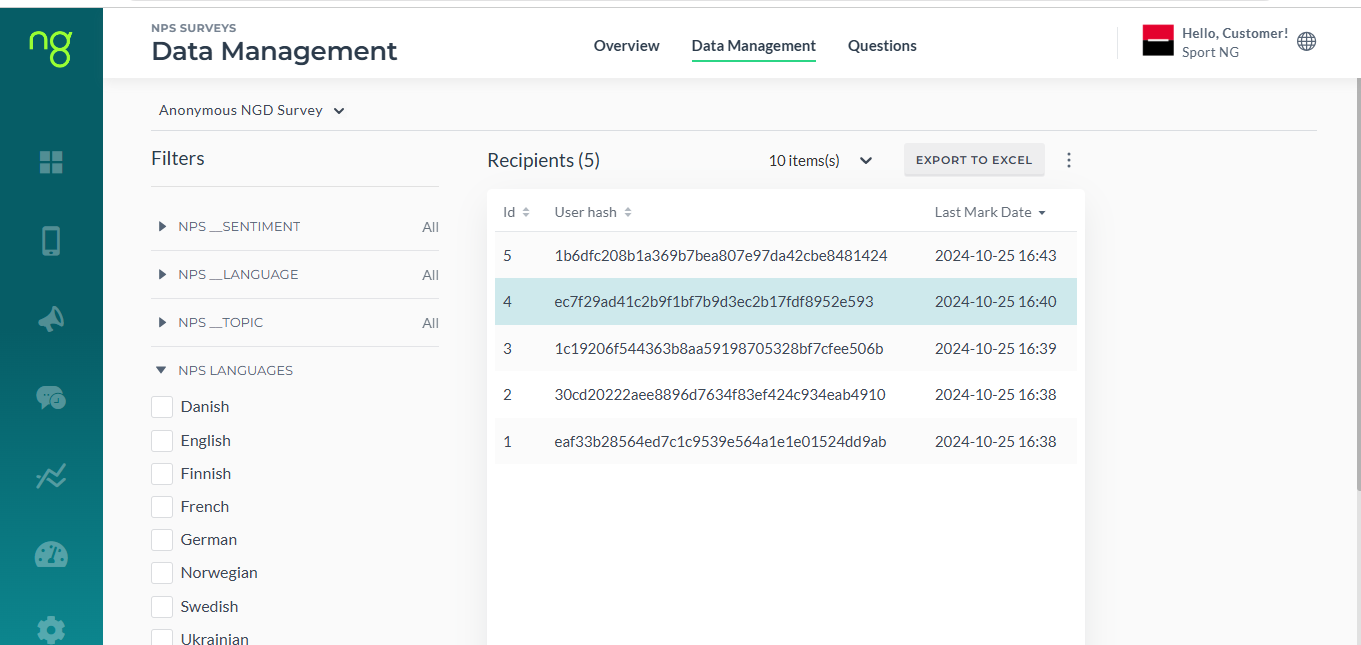
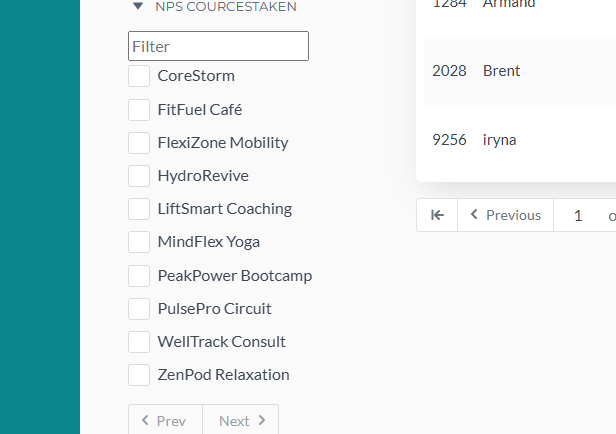
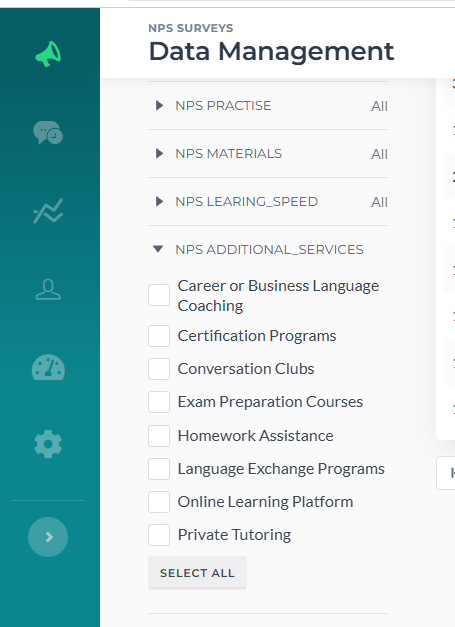
When you click on a recipient, you can see their answers. To add your choice (dictionary) question, click the menu button:
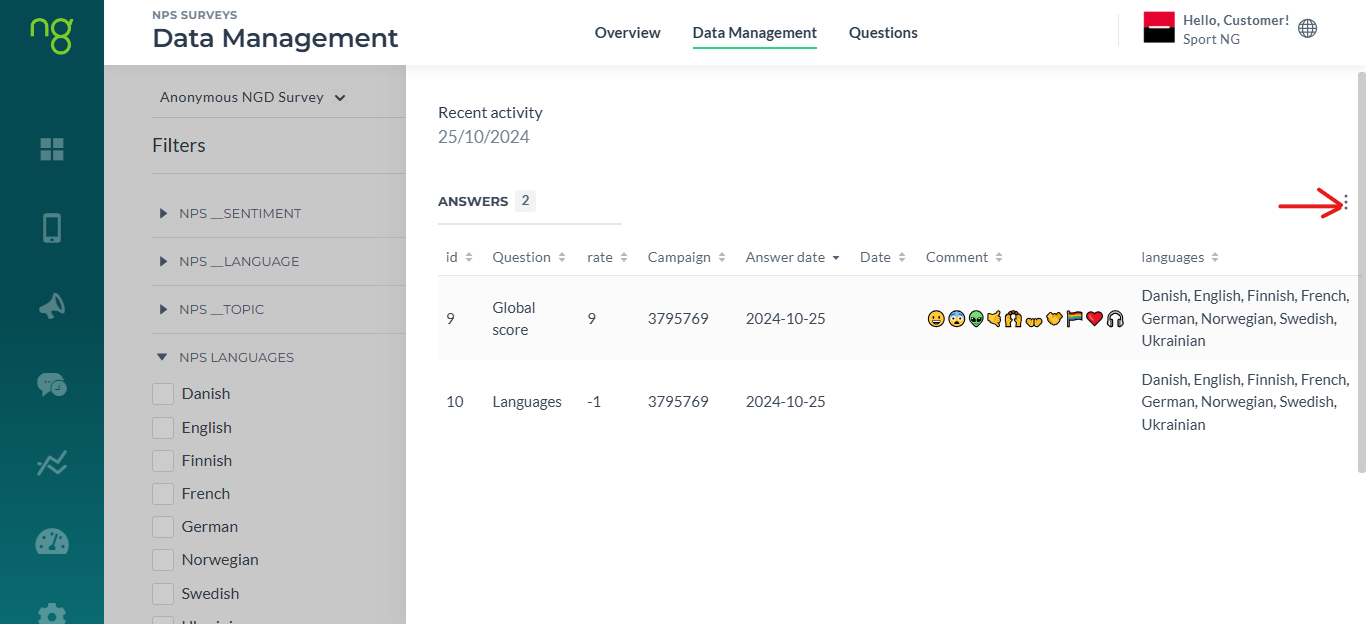
Different cards now also support this question
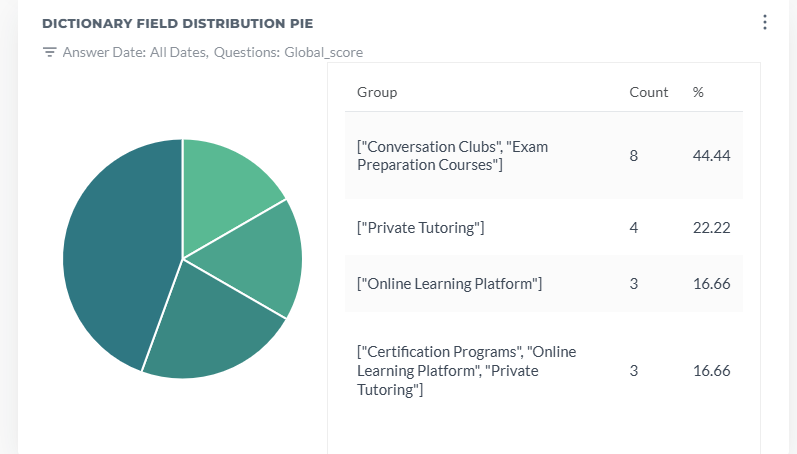
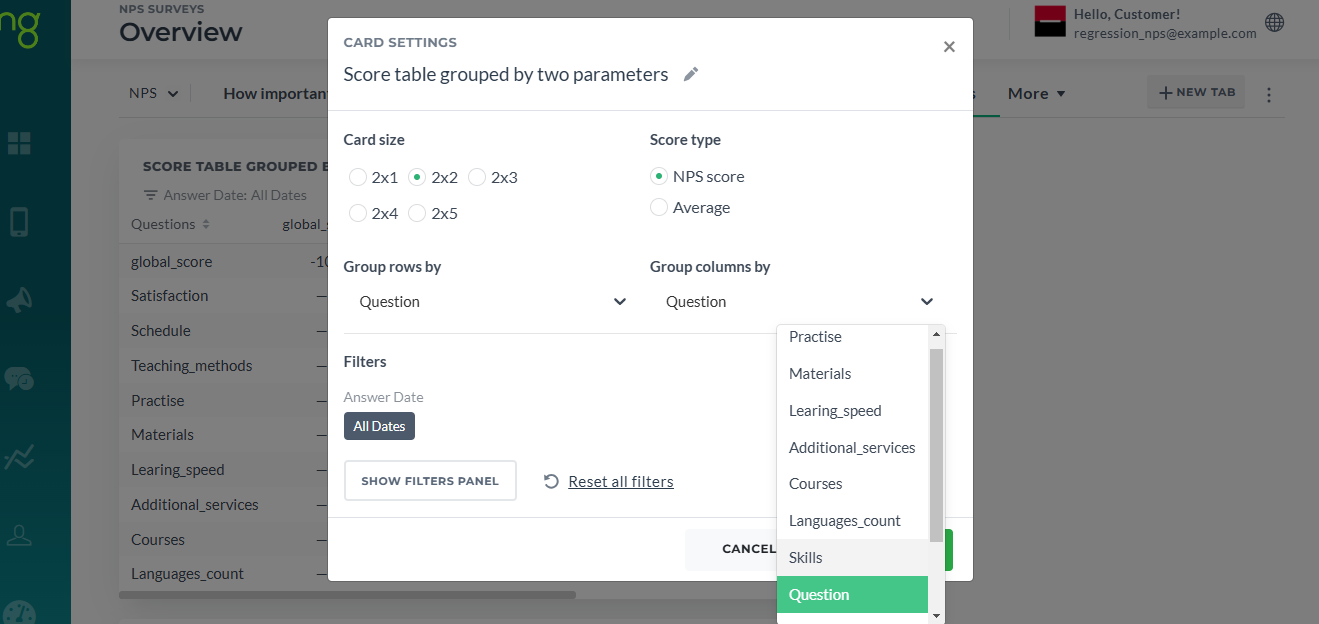
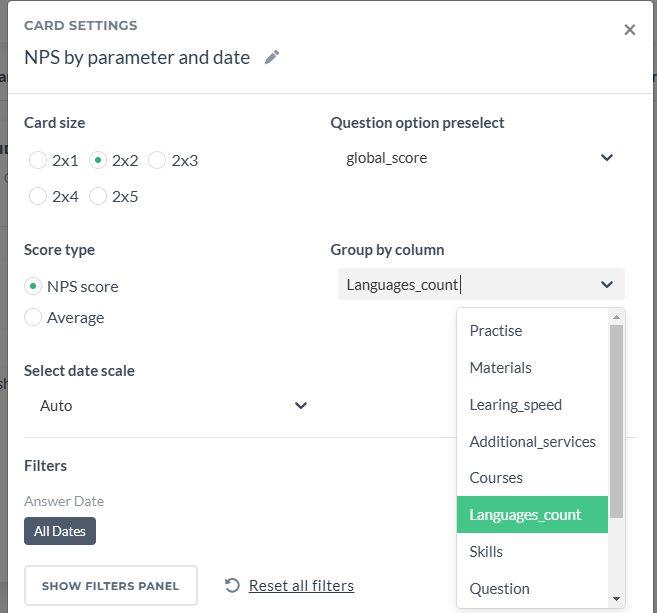
Also, after there is some data and you would like to send out a campaign to recipients who provided some specific answers, you can use these filters in Query Builder
¶ Limits
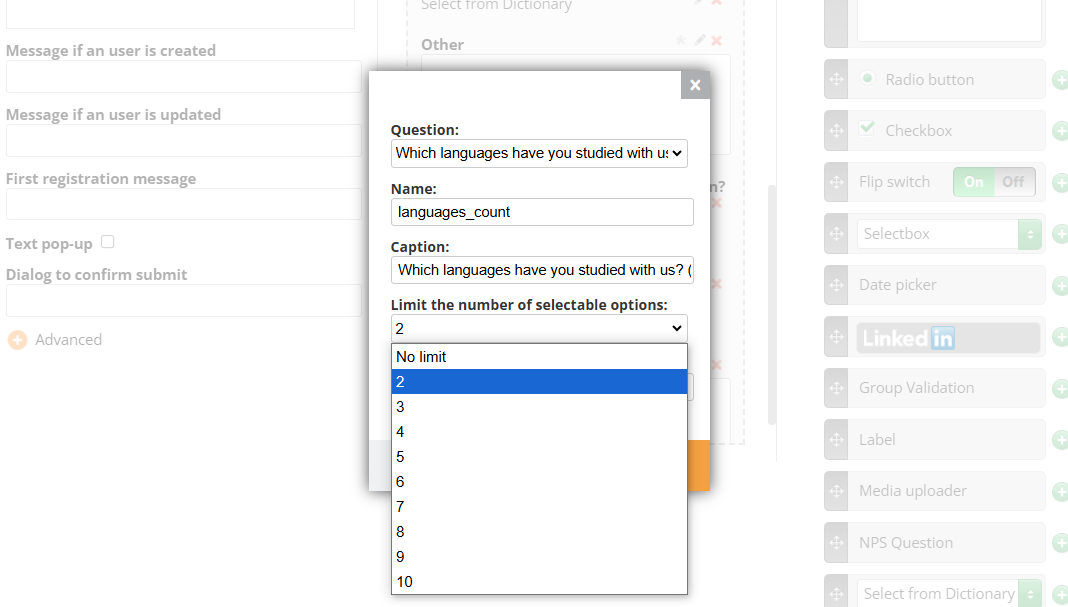
The Multi-Choice Select feature allows users to limit the number of selectable options.
Example: Allow customers to set a maximum of 3 selections out of 10 available options.
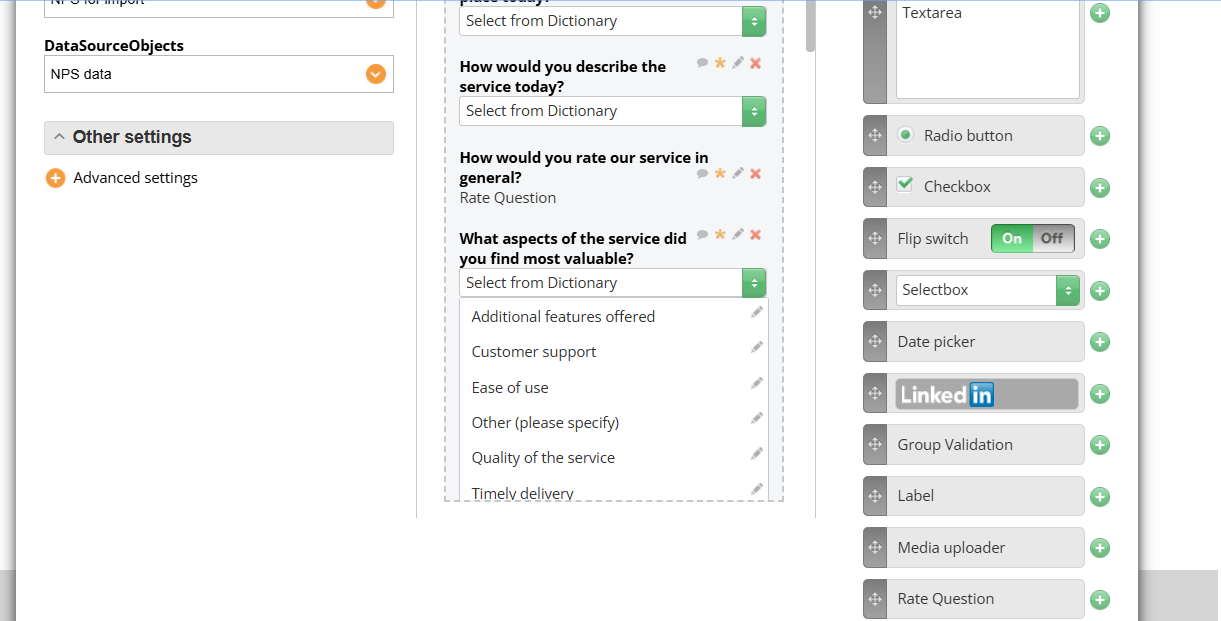
If you need to change the order of options, click on the select area of the question:
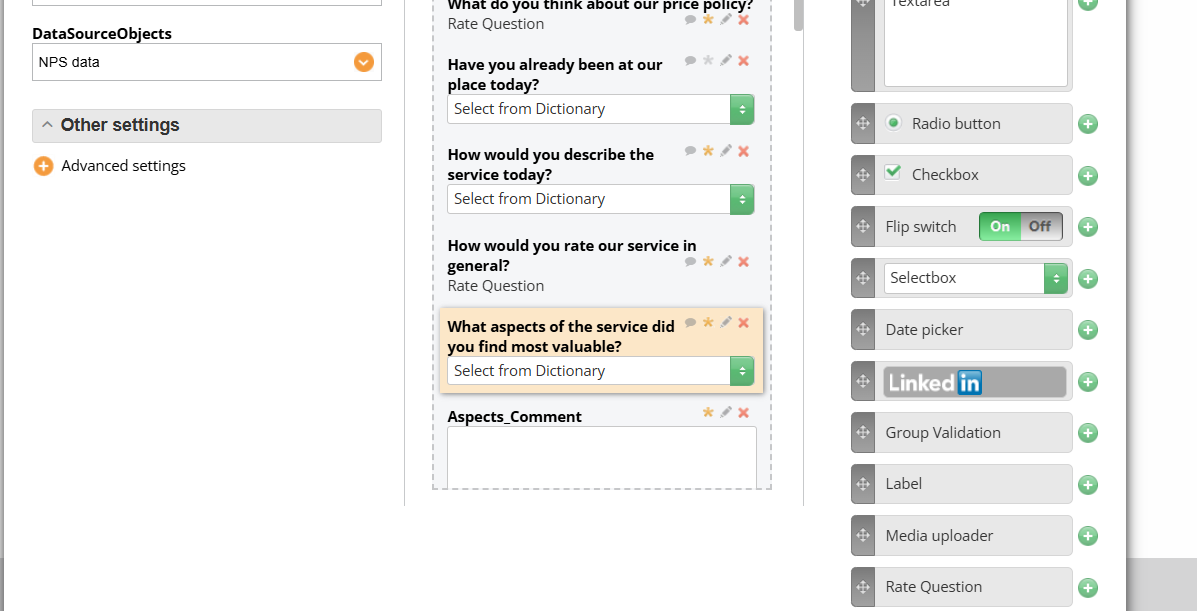
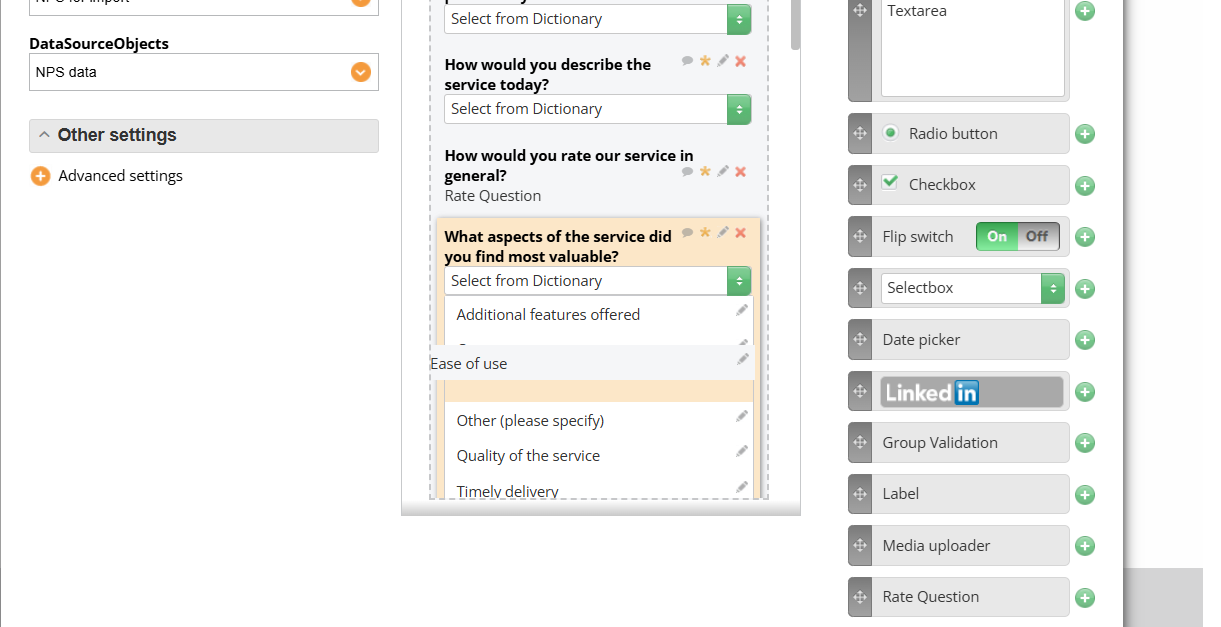
And change the order by dragging. For changes to be applied, save the form and reload the landing page containing this form.