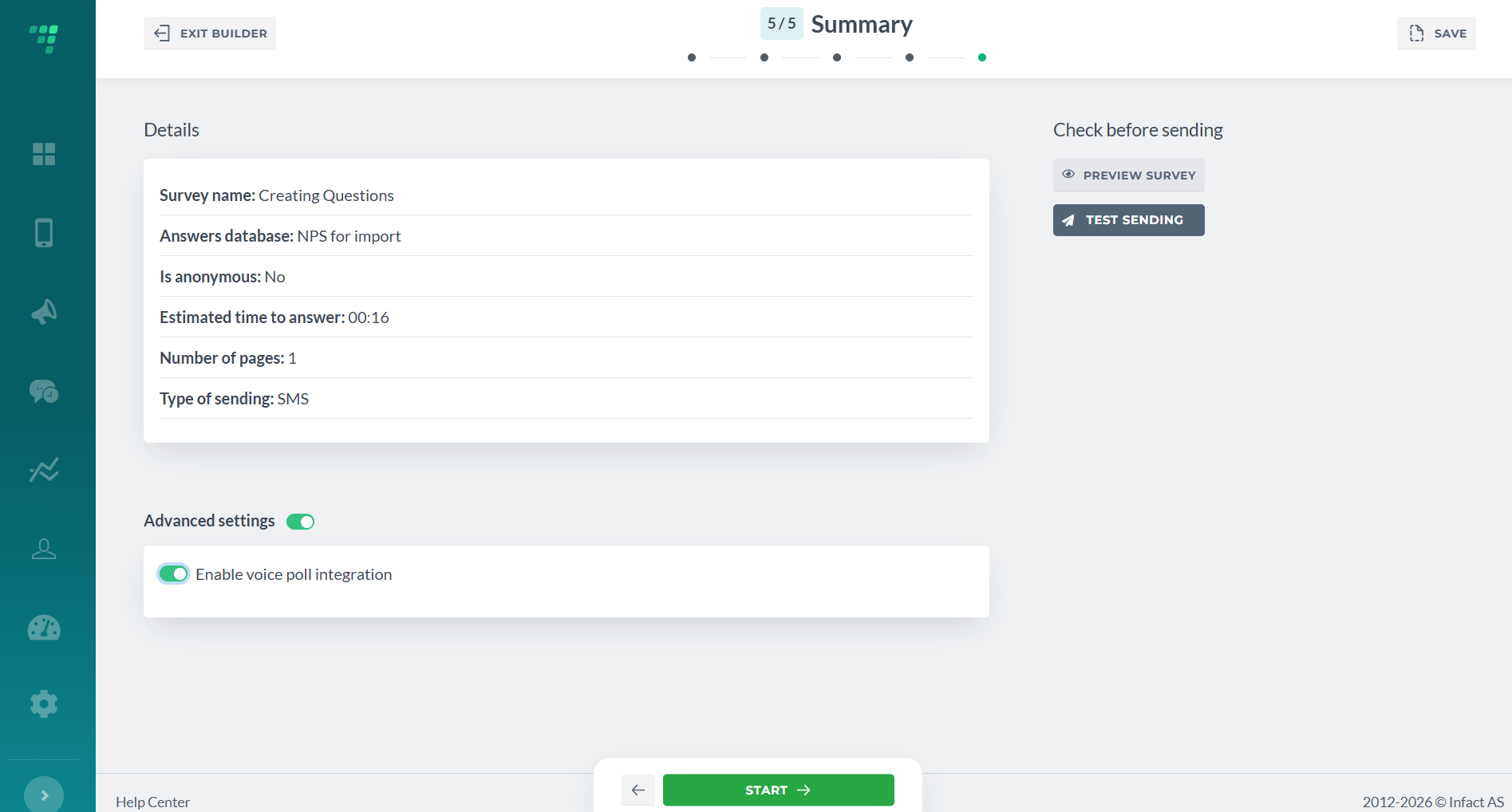
¶ Details
It has all the info about the survey:
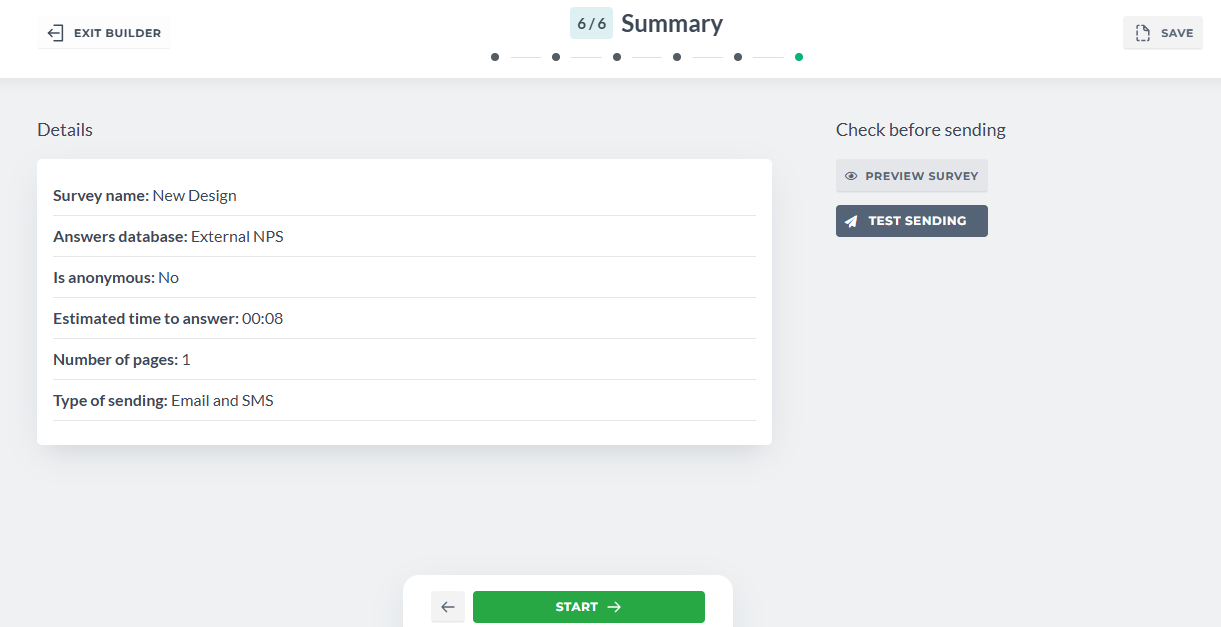
¶ Preview Survey
Click on Preview Survey to see it how the recipient will:
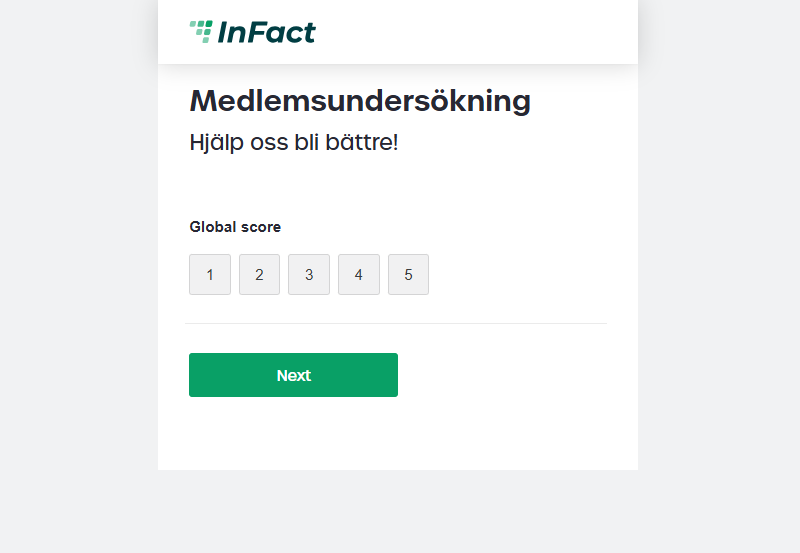
Do not use the test /preview ink to send out the survey, it will not be stored correctly!
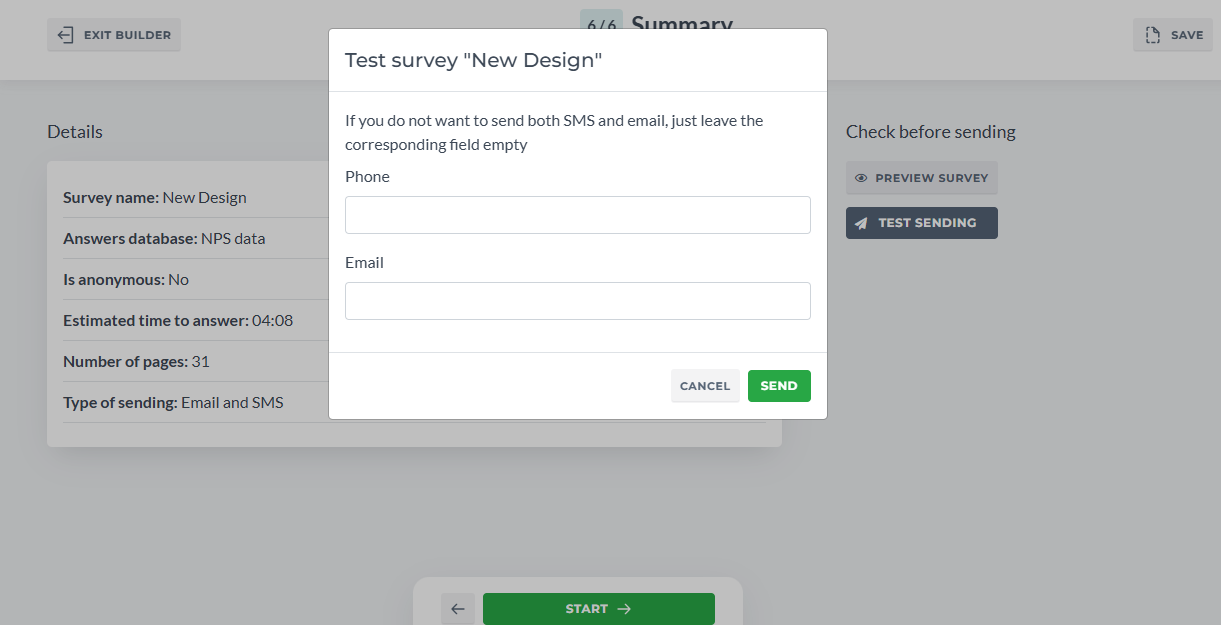
¶ Test Sending
If you want to receive SMS or Email as a recipient, use Test Sending. You do not need to add your contacts to the database before this. Just enter your records here. If you want to test just SMS or just Email, leave out the other textbox empty.
¶ Integration
For the integration to work, make sure 1) you enable it on the last step of the Survey Builder 2) Start the survey