¶ Intro
After the integration is enabled by digital advisors, you can set up a Survey that will be sent to respondents who agreed via a phone call to participate.
¶ Survey Builder
Use this guide to understand how to create a survey.
What is different when you set up a voice poll follow-up?
- Make sure you are selecting the correct database (if you have more than 1). Identified is a database that already has members' records (name, phone, email). Those are the records you have imported yourself or via an integration, for example, BRP. If you use this database for a Voice Poll follow-up (perhaps you wanted a more efficient CSAT and you phoned your customers). If you call respondents who are not in your database and they agree to continue with a web survey, they will not receive a survey link. Do not use one database in Survey Builder and a different (updated) database, Excel to phone people.
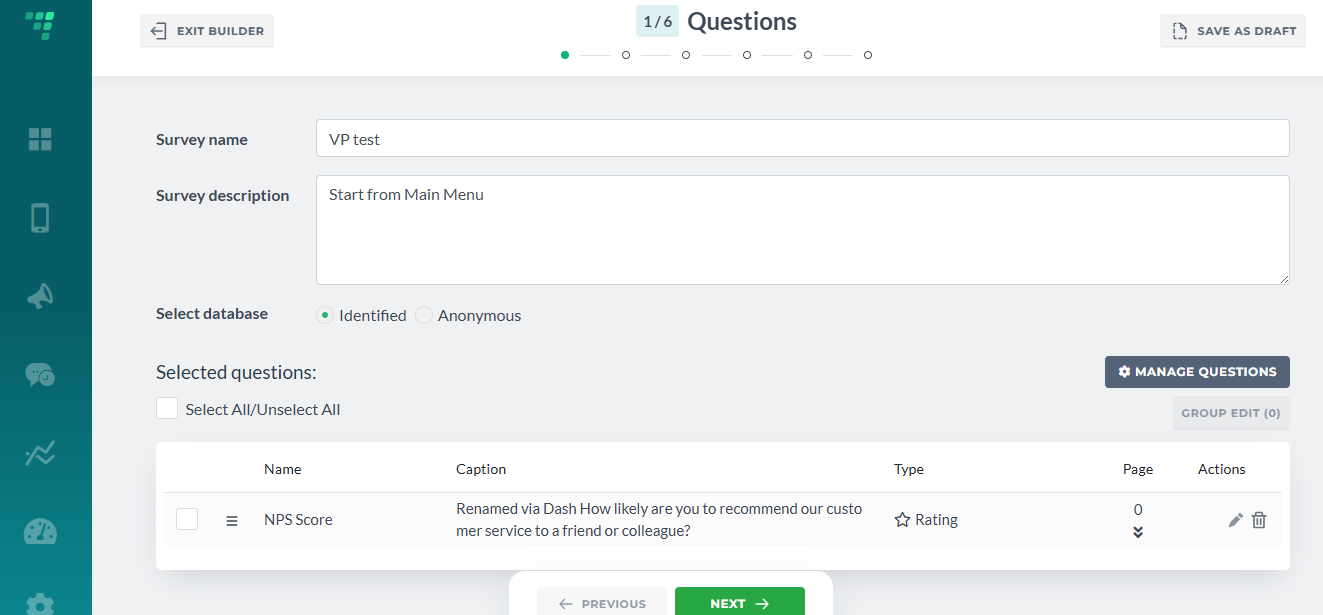
2. An anonymous database will not store your respondents' phone, email, name or any other info. We will use their phone or email to send out a link to a web survey; this is the only way we will use it. But all respondents who agreed will receive a link. There is no check on whether or not we have their contacts somewhere in the database(s).
3. This feature is in development. There is also a database called External. This one is sort of a combination. We will send a survey link to any respondent who agreed to participate via a phone call, but we will store their phone/email info. This needs to be outlined when conducting a Voice Poll.
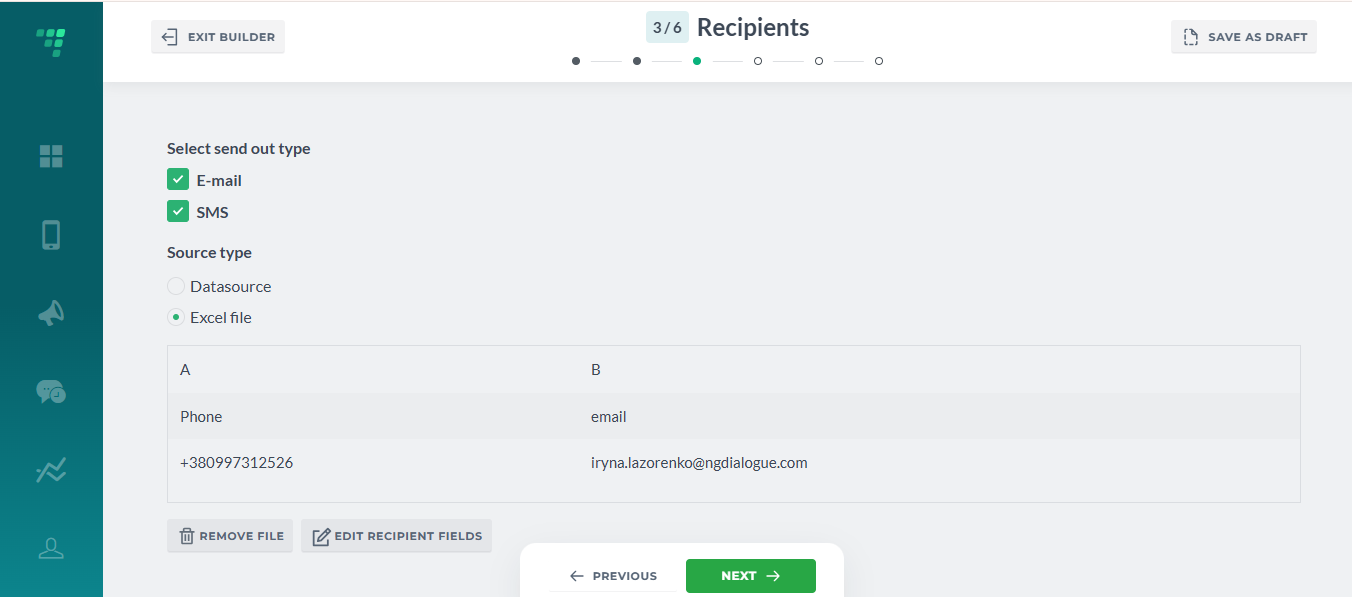
4. For now, you must add some respondents when creating a survey. Later, we will allow creating a survey without respondent,s as they will be added later as we collect their contact info via Voice Poll. If this is an anonymous survey, just attach an Excel with your info. If this is a member's datasource, you can import your records before that and also add them as respondents via a query.
5. As for now, we only support the SMS send-out type.
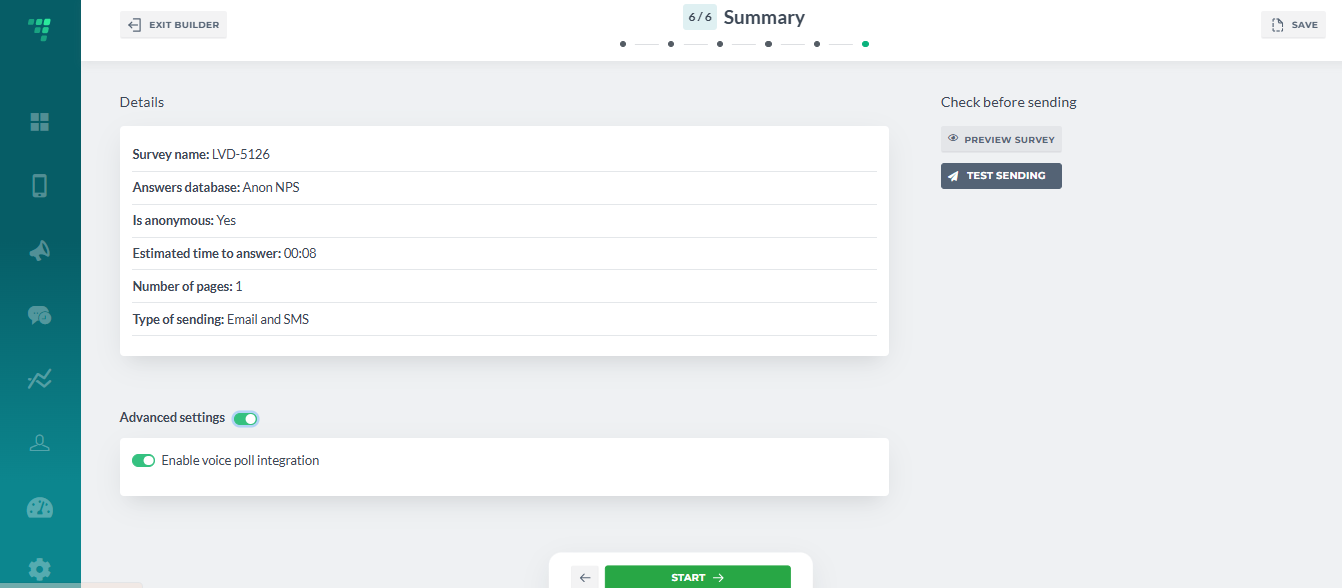
6. On the last step, enable Voice Poll integration.