¶ Intro
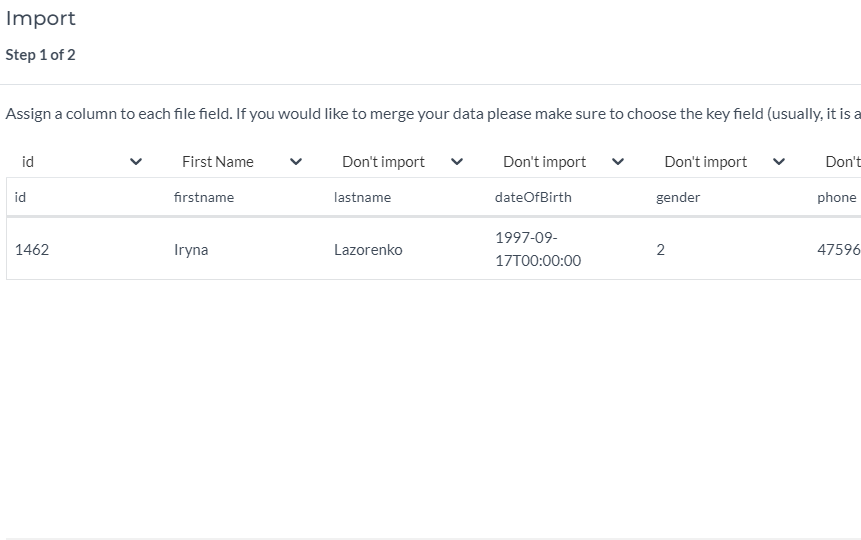
For BRP customers, we do not import files directly via excel files or email, we use the BRP Integration to do that (they provide us with consent data, segments data etc.). And that is why 1) we cannot assign a key field like “merge via phone/email” as there is no such parameter. 2) if you manually import test data via Dashboard, it will be deleted every day at night time while we perform import. 3) also, tags do not exist in this customer's datasource scheme.
¶ Importing test data for BRP customers via Dashboard
To import data via Dash to a BRP datasource to perform tests, you need to do the next:
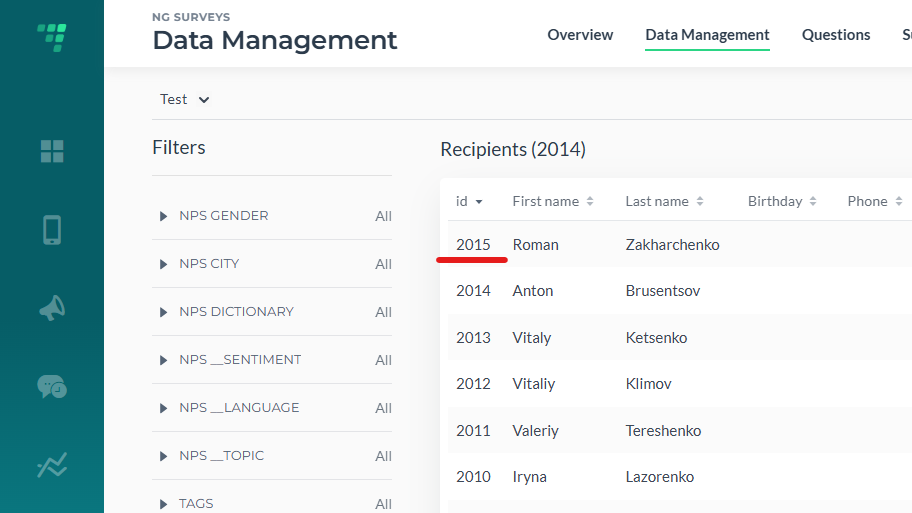
¶ Check the last ID that exists in the datasource for now
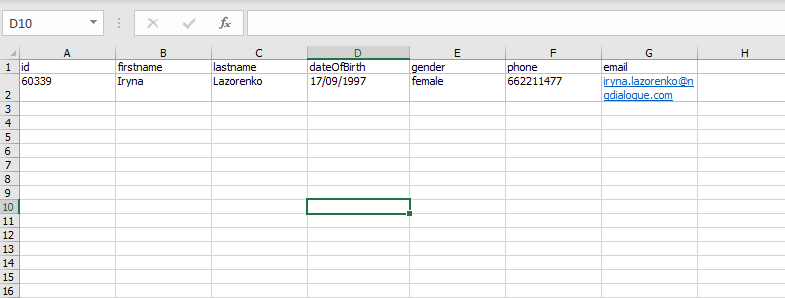
¶ Create a file with test data
¶ Import with the ID field
¶ Import a file using Append strategy
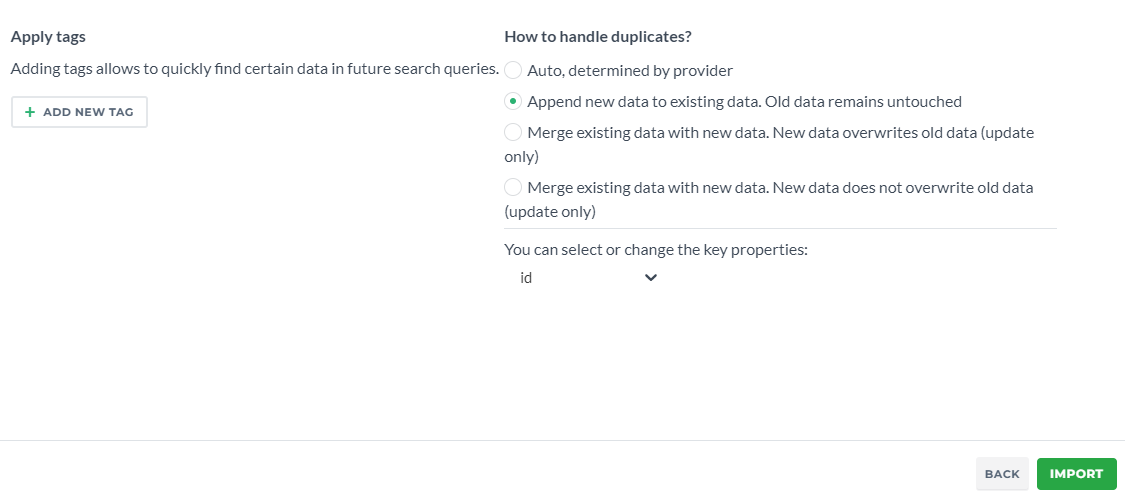
NB! The data will be wiped after each import at night, you need to import your record each day when you are testing
¶ Sending the campaign out
There might be a problem due to consents. If your test file does not contain consents, the system might not let you add recipients:
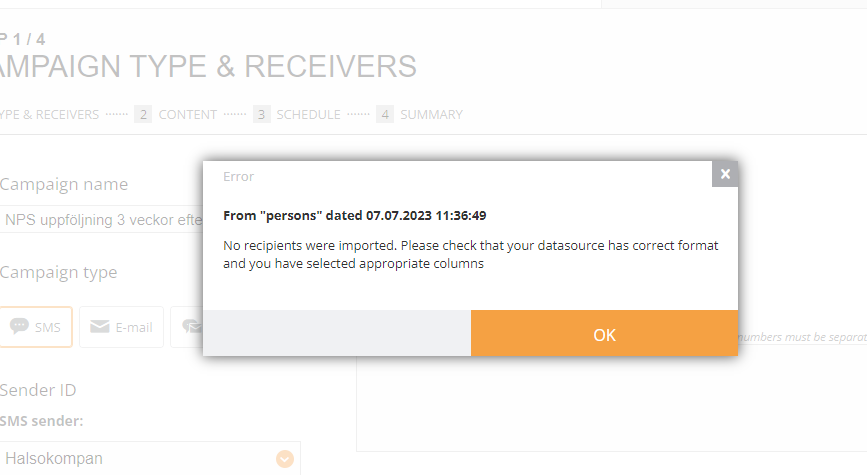
There are two ways to solve it:
¶ First, adding the file with consents
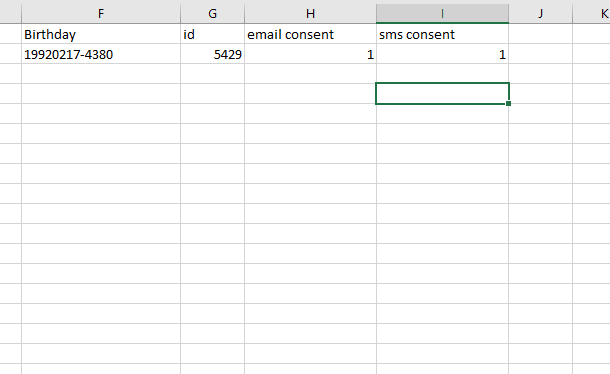
¶ Second, disabling the consents in Advanced Settings
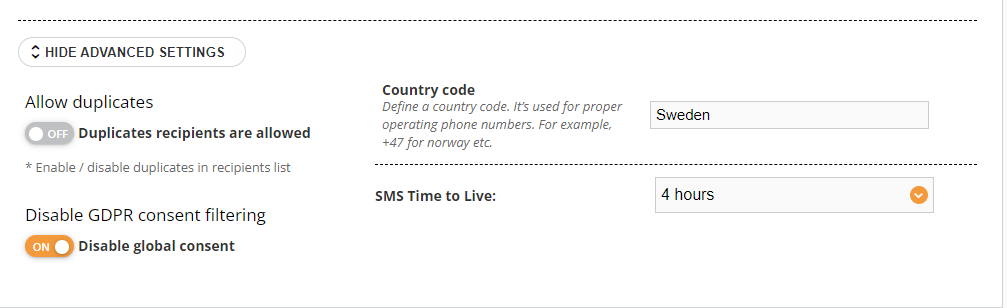
¶ Another way
Contact BRP support team and request that your data be added to the import so it won't be removed each time