¶ Intro
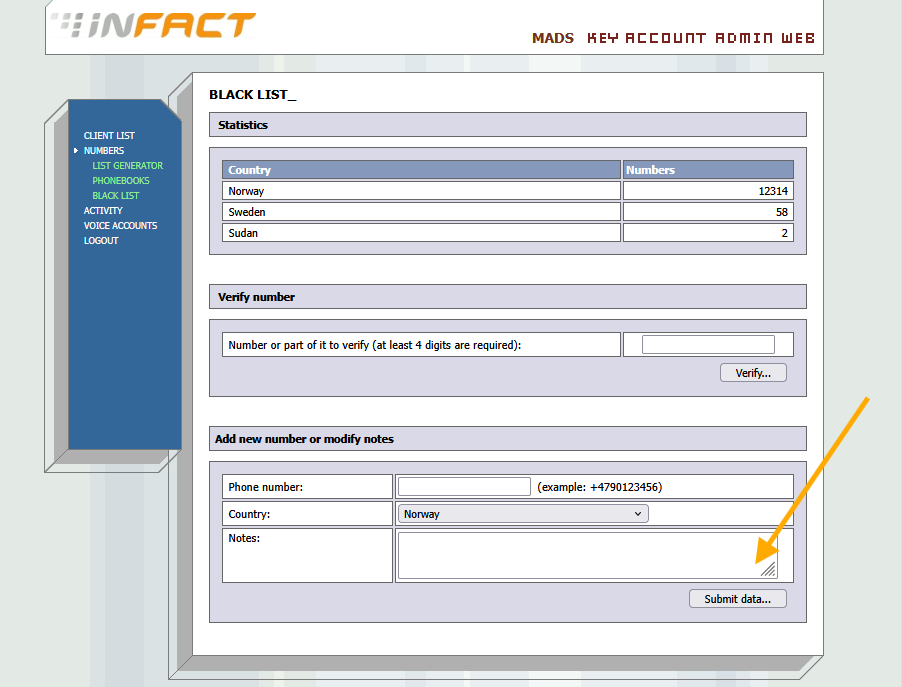
To have an option to edit a blacklist under Admin, the SuperAdmin needs to enable this option for an Admin account. Contact the tech team regarding this.
¶ How to Edit a Blacklist
1. Log in to the OmniJet web panel under Admin.
2. In the left menu, click NUMBERS:
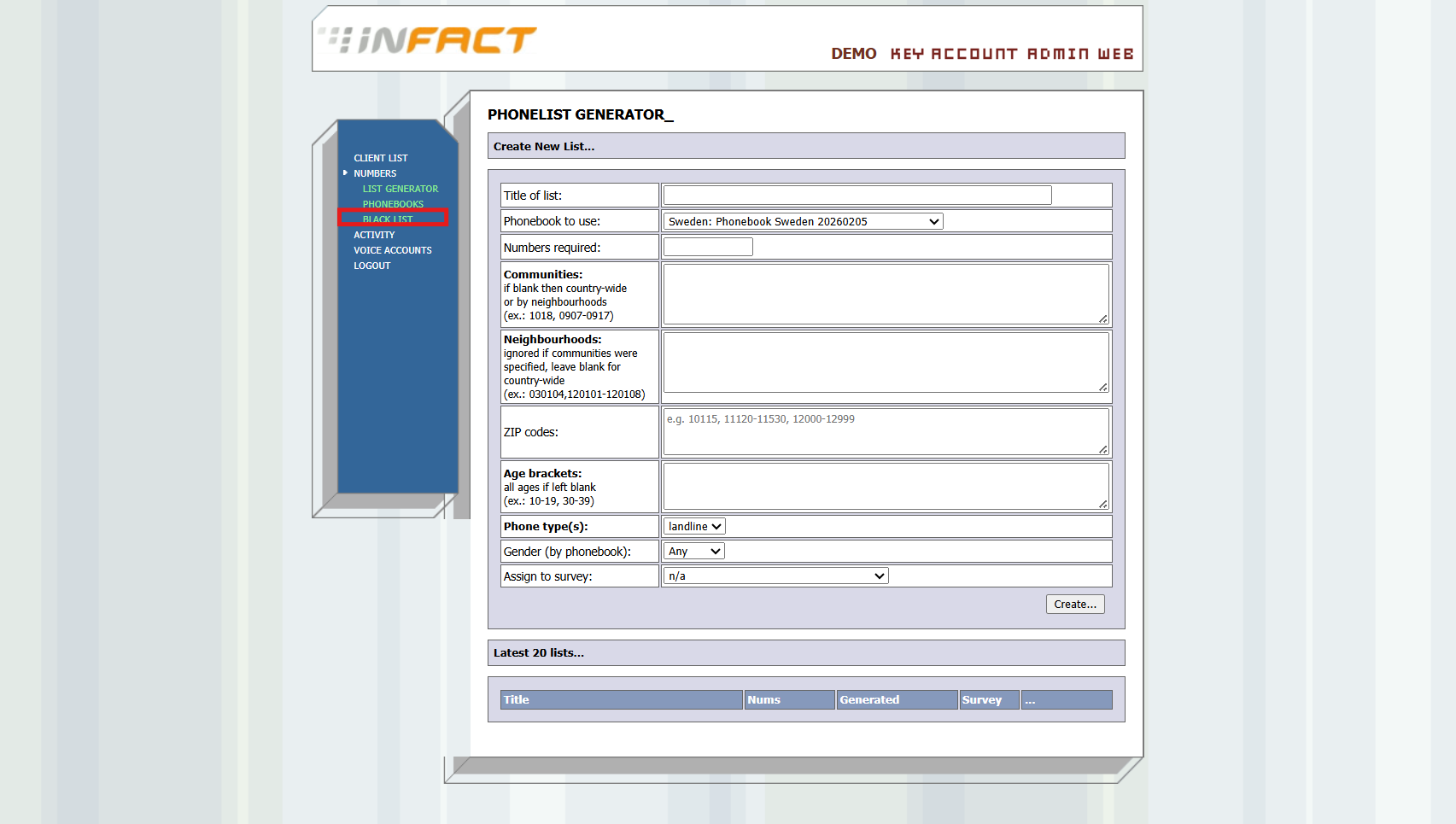
3. The submenu opens. Click BLACKLIST:
4. Verify the phone number.
5. Add new number or modify notes: