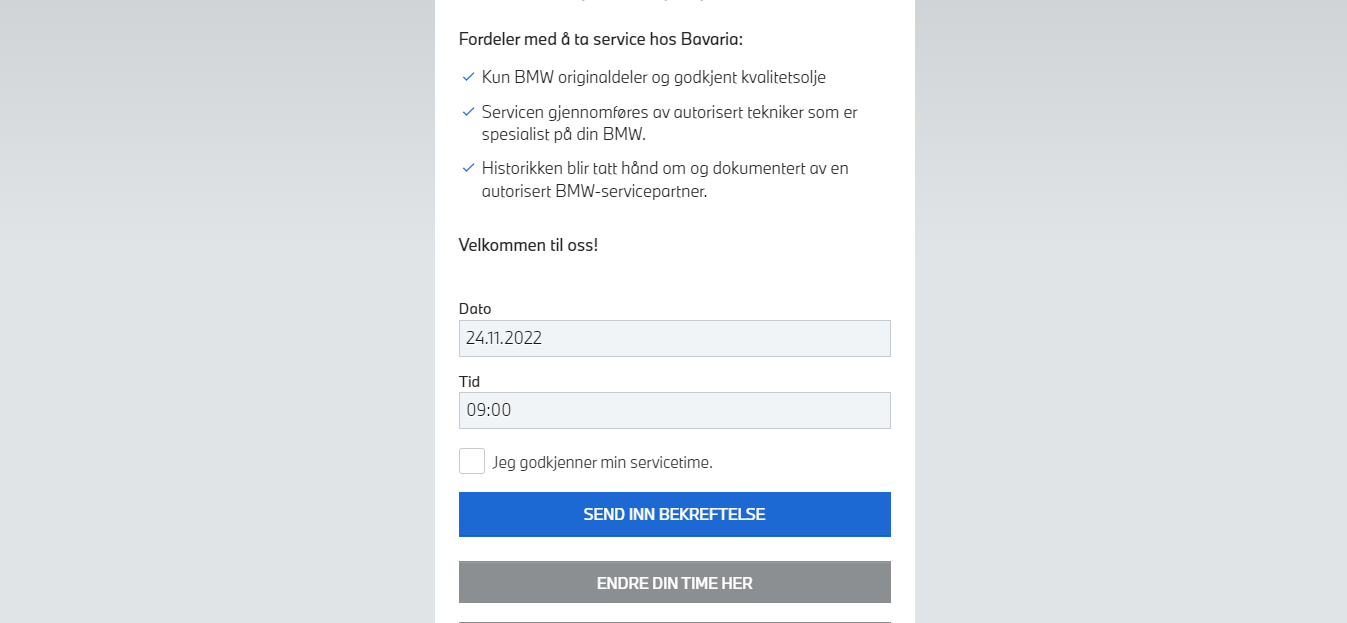
If a recipient has an appointment for a specific time and date and you do not want them to enter the details again, you can include this information in your link so it would look like that:
Or
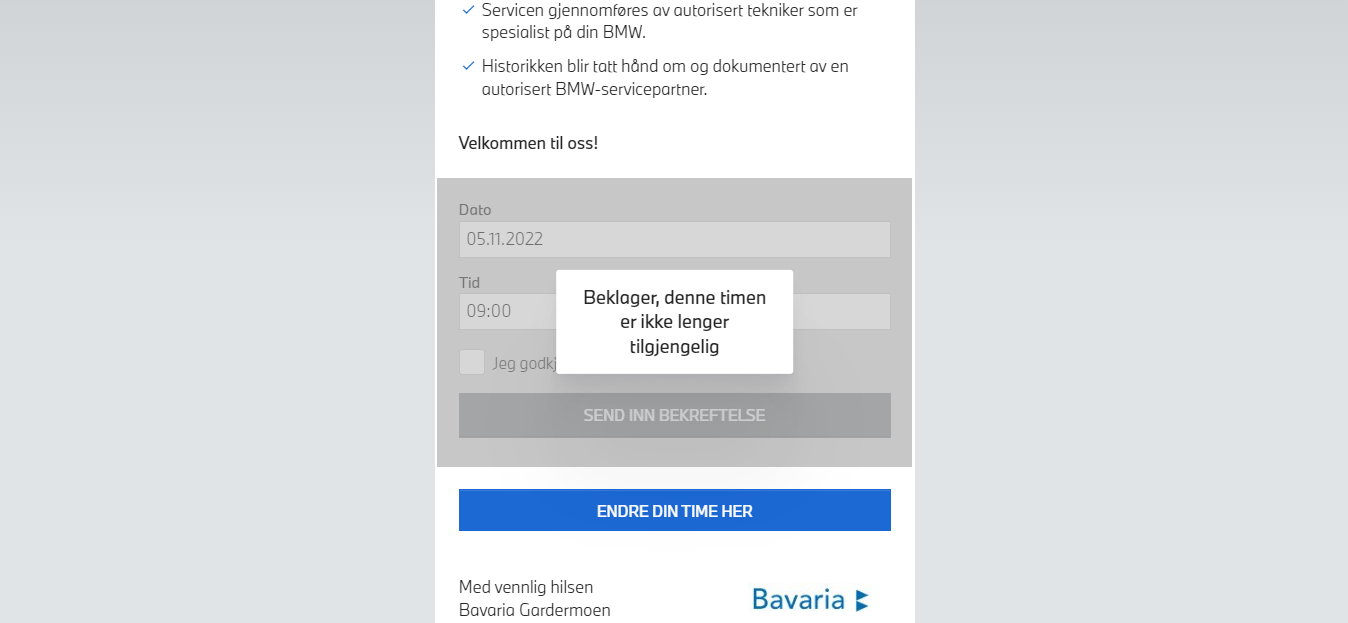
For the recipient the link would look like that: https://www.infact.no/mmww/data/sites/0000923b/index.html?dato=05.11.2022&tid=09%3a00#_HomePage
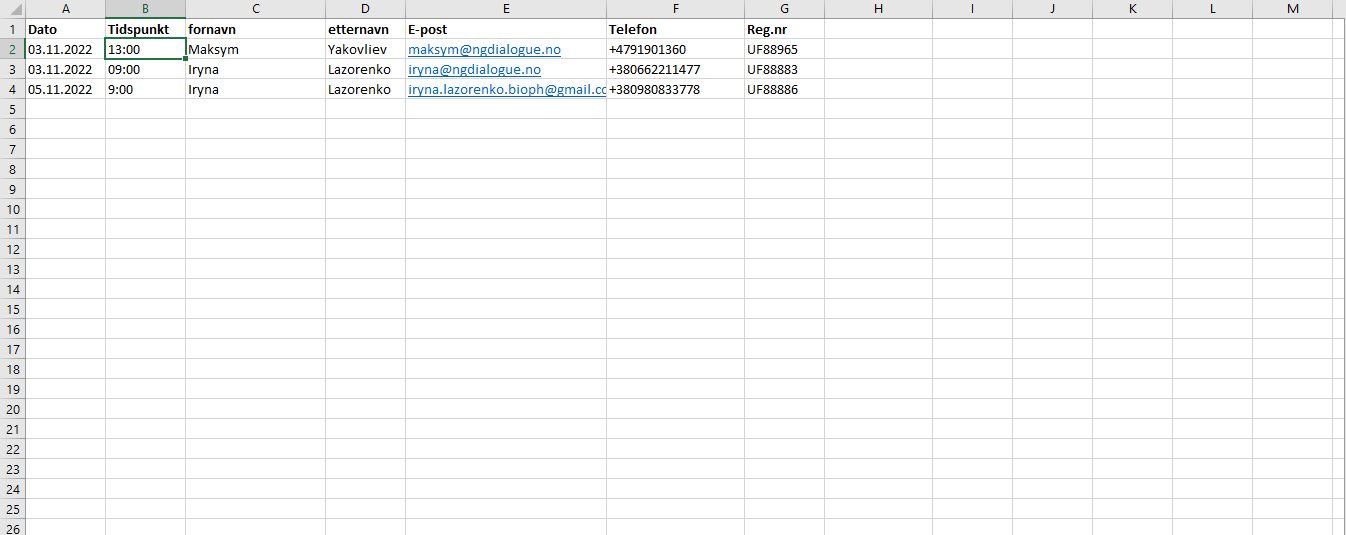
The campaign has to include the date and time
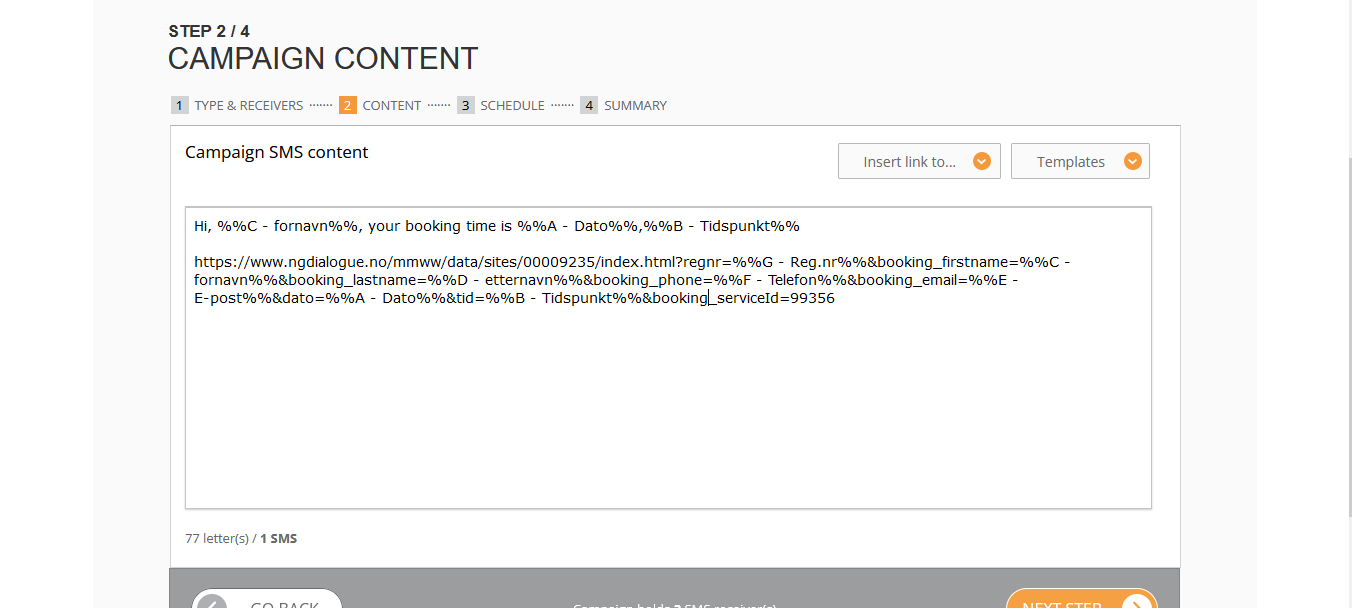
https://www.infact.no/mmww/data/sites/00009235/index.html?regnr=%%G - Reg.nr%%&booking_firstname=%%C - fornavn%%&booking_lastname=%%D - etternavn%%&booking_phone=%%F - Telefon%%&booking_email=%%E - E-post%%&dato=%%A - Dato%%&tid=%%B - Tidspunkt%%&booking_serviceId=99356
or simple for date and time only: https://www.infact.no/mmww/data/sites/00009235/index.html?&dato=%%A - Dato%%&tid=%%B - Tidspunkt
dato and tid (low register) are meant to be form's fields;
A - Dato and B - Tidspunkt - the names of the columns from the Excel file you use to send a campaign
%%_%% - means a variable, for example, each recipient will receive not a link with one date and time, but a specific one for them only.
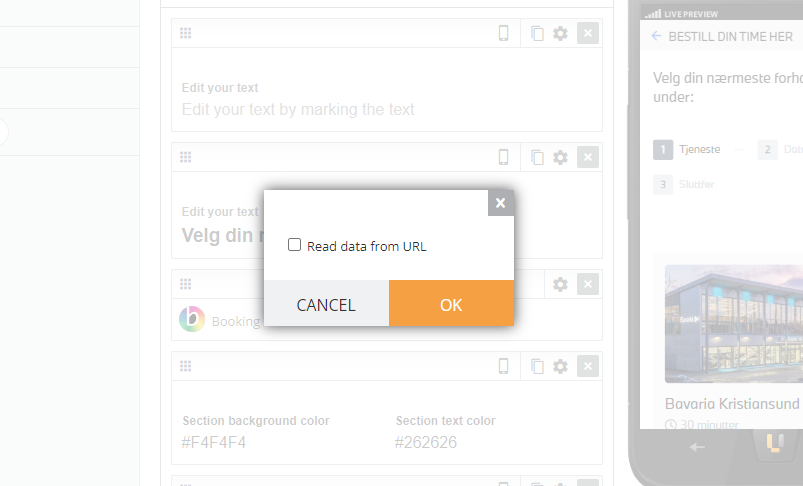
If you click two times on the Booking Widget, you'll see this pop-up. It has to be enabled. It lets the landing page read data from the link and fill it in the form.