¶ Mobile landing pages copying
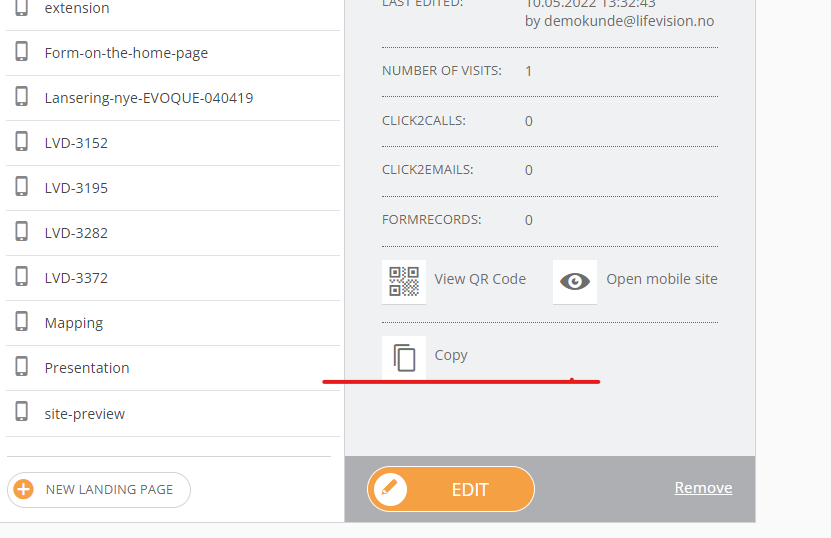
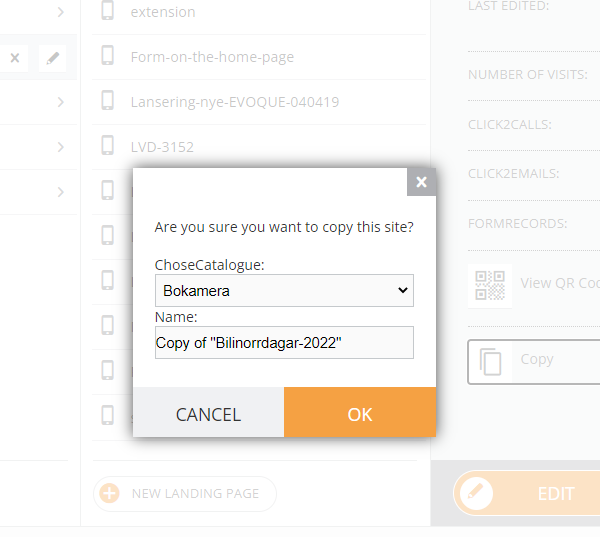
To copy a site:
- Choose a site
- Click copy on the Details tab
- Choose a new site folder
- Change the name of the site if needed
¶ Global forms copying
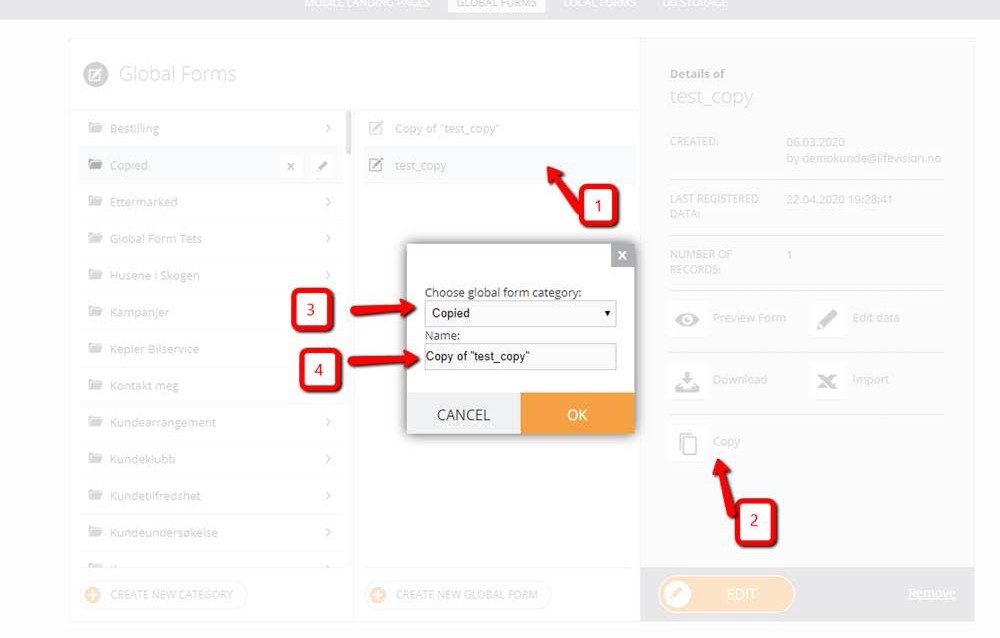
It is possible to copy global forms under the customer using the same way as you use for copying Landing Pages.
- Choose a form
- Click copy on the Details tab
- Choose a new form folder
- Change the name of the form if needed