¶ Intro
After you have established the integration between Customer (Web Survey Platform) and Client (Voice Poll, IVR, omnijet) and set up a survey vis Survey Builder, time to set up a Voice Poll.
¶ Log in
You can either log in under client or admin and then manage the client:
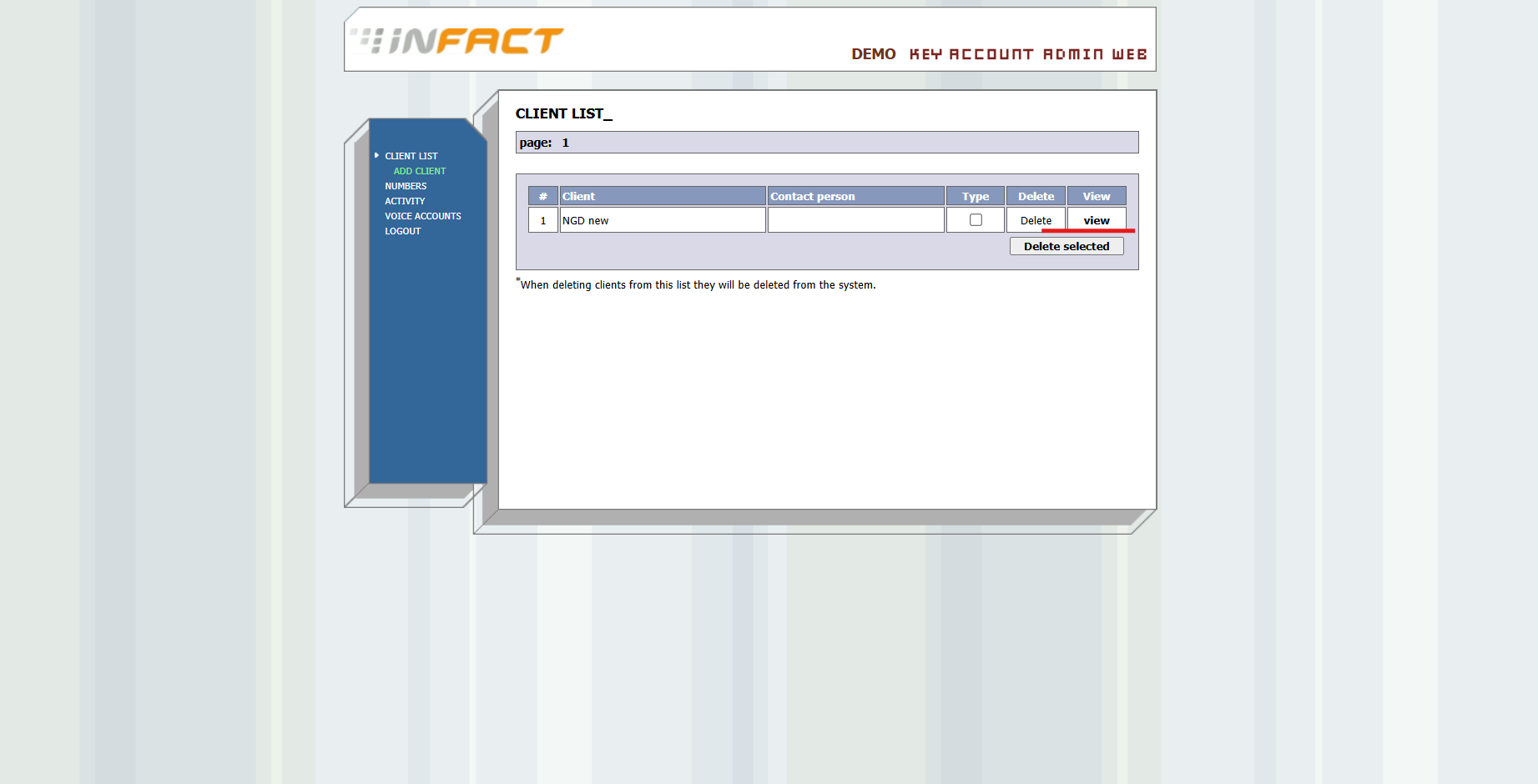
If you log in under admin, click View:
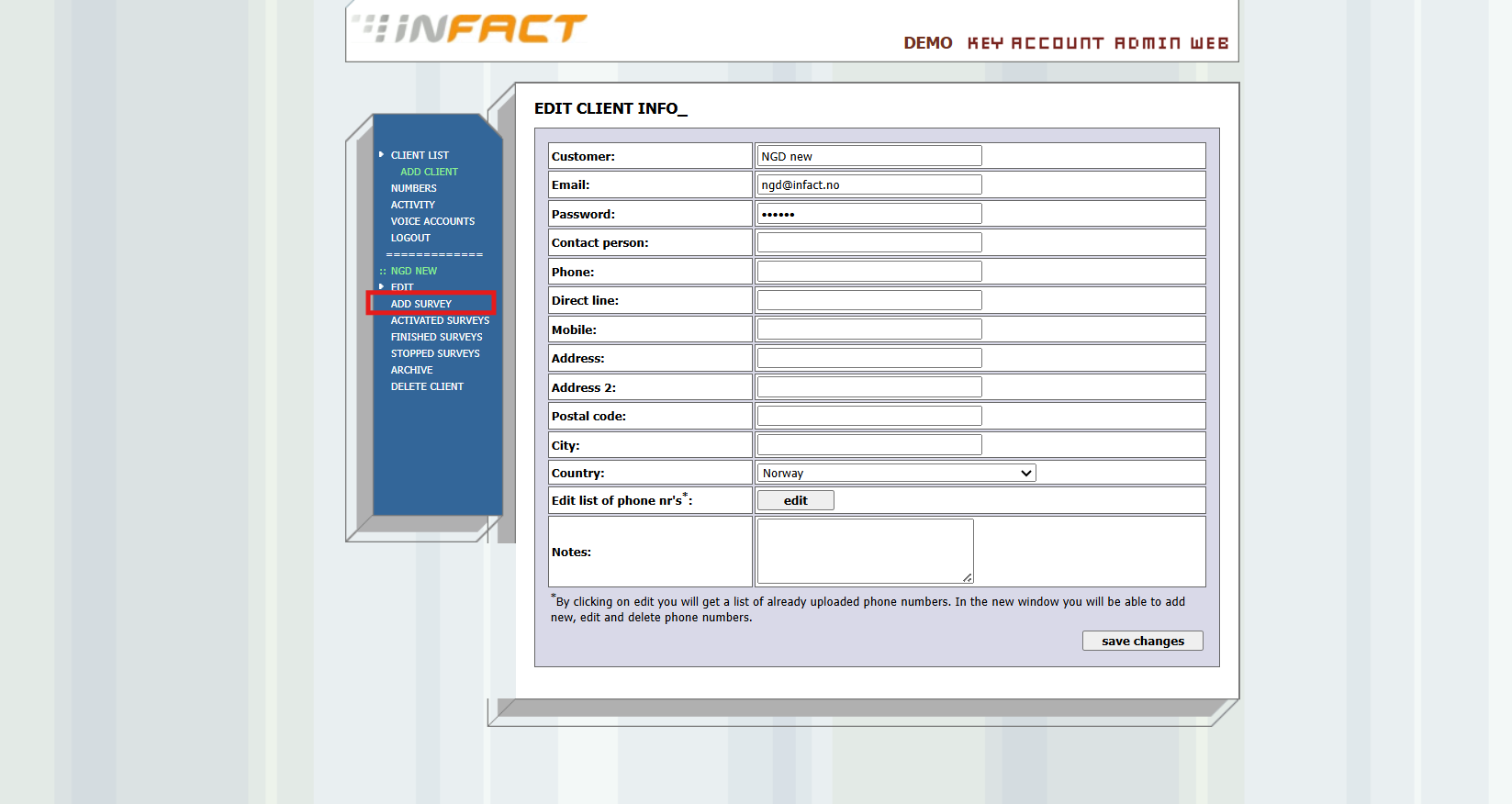
¶ Click Add Survey:
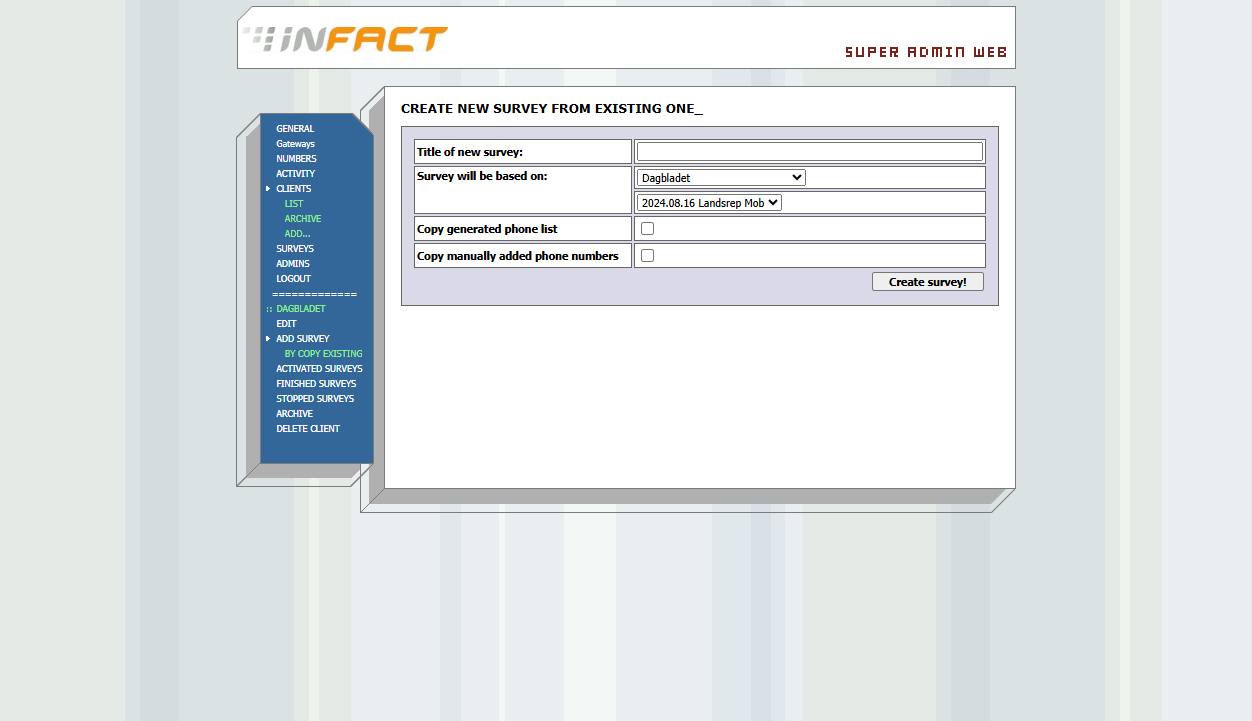
Create it from scratch or Copy Existing:
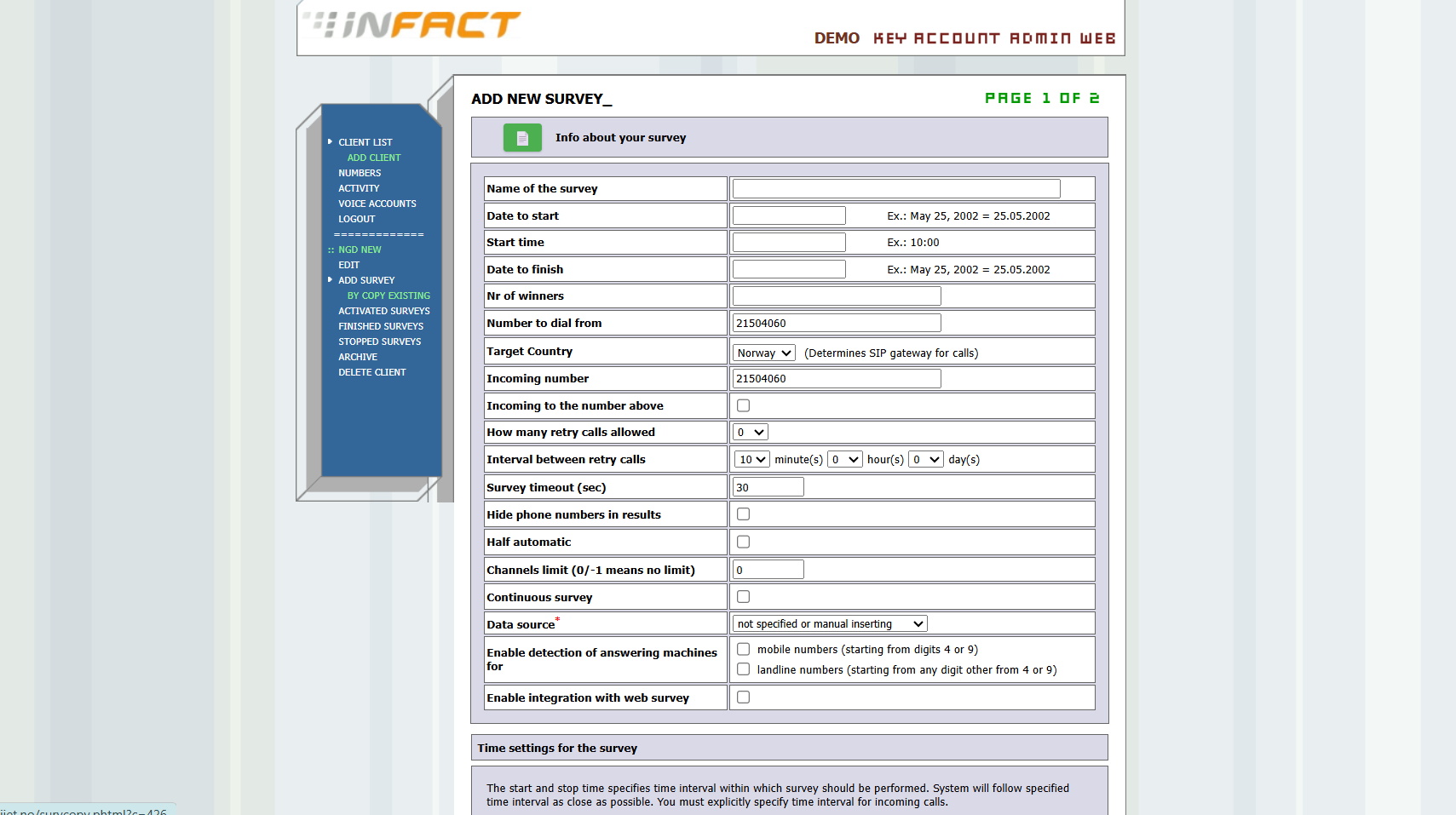
When copying, you can also copy the manually entered phone numbers and the generated phone list numbers:
¶ Enter data manually or click on the green icon to upload your Excel voice poll template:
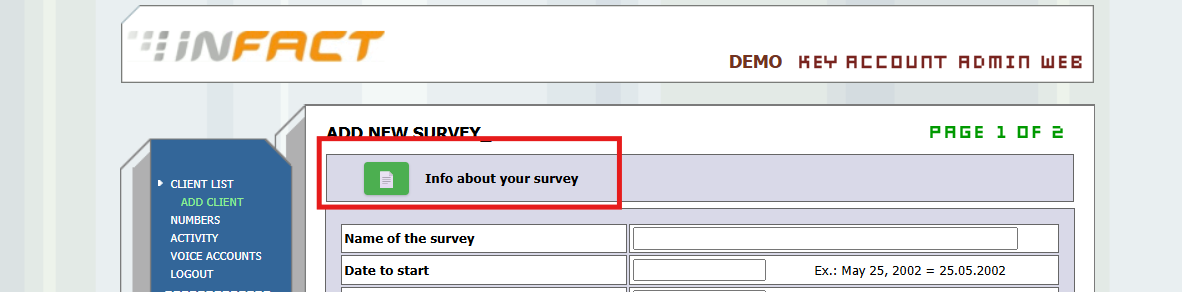
Template /voice_poll/formtemplate_-_correct.xlsx
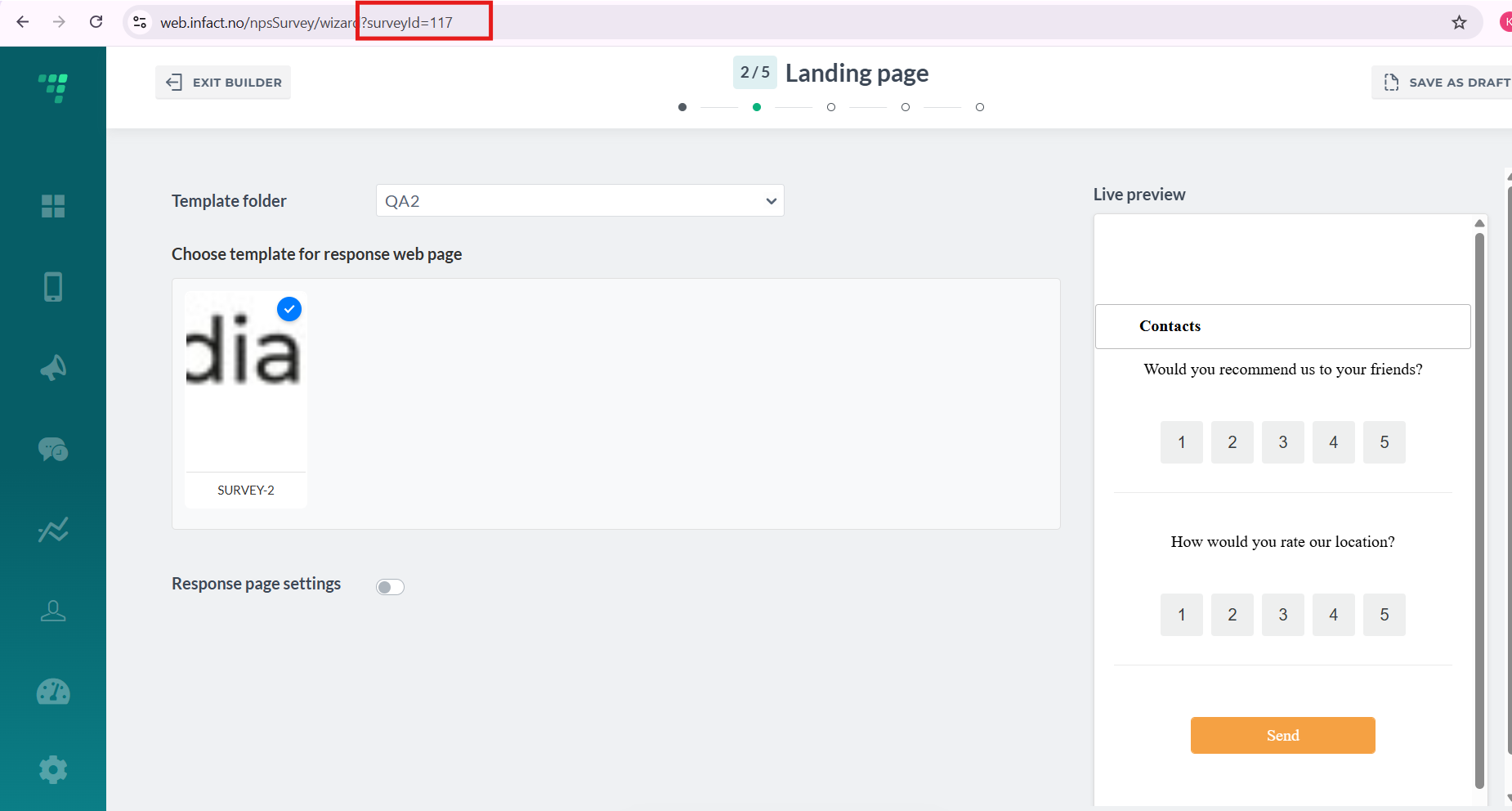
¶ Make sure the integration is enabled and the code is entered:

The code is located in the URL when creating a web survey in Survey Builder:
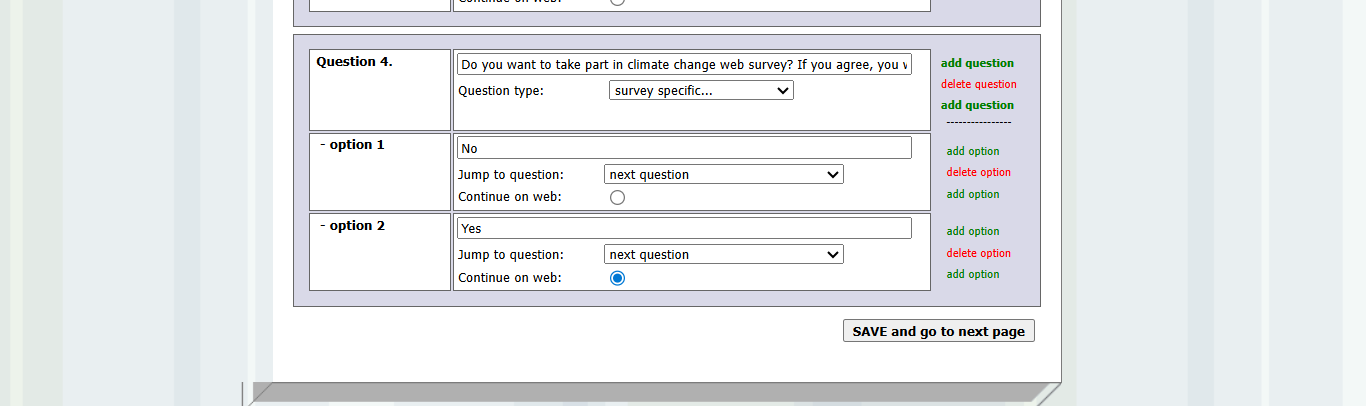
¶ Add Continue on Web question
¶ Click Save Survey on each page
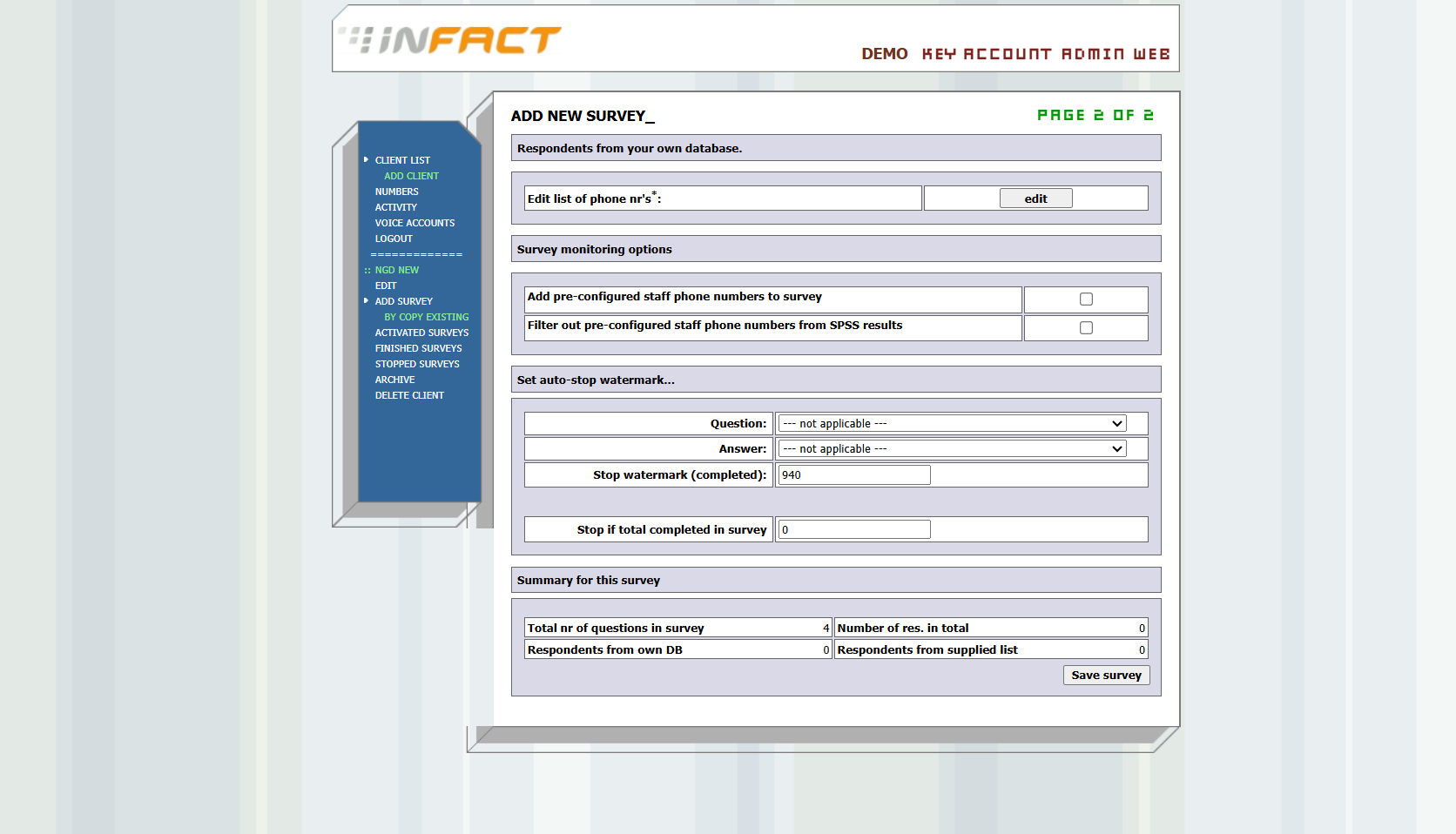
¶ Upload questions recordings
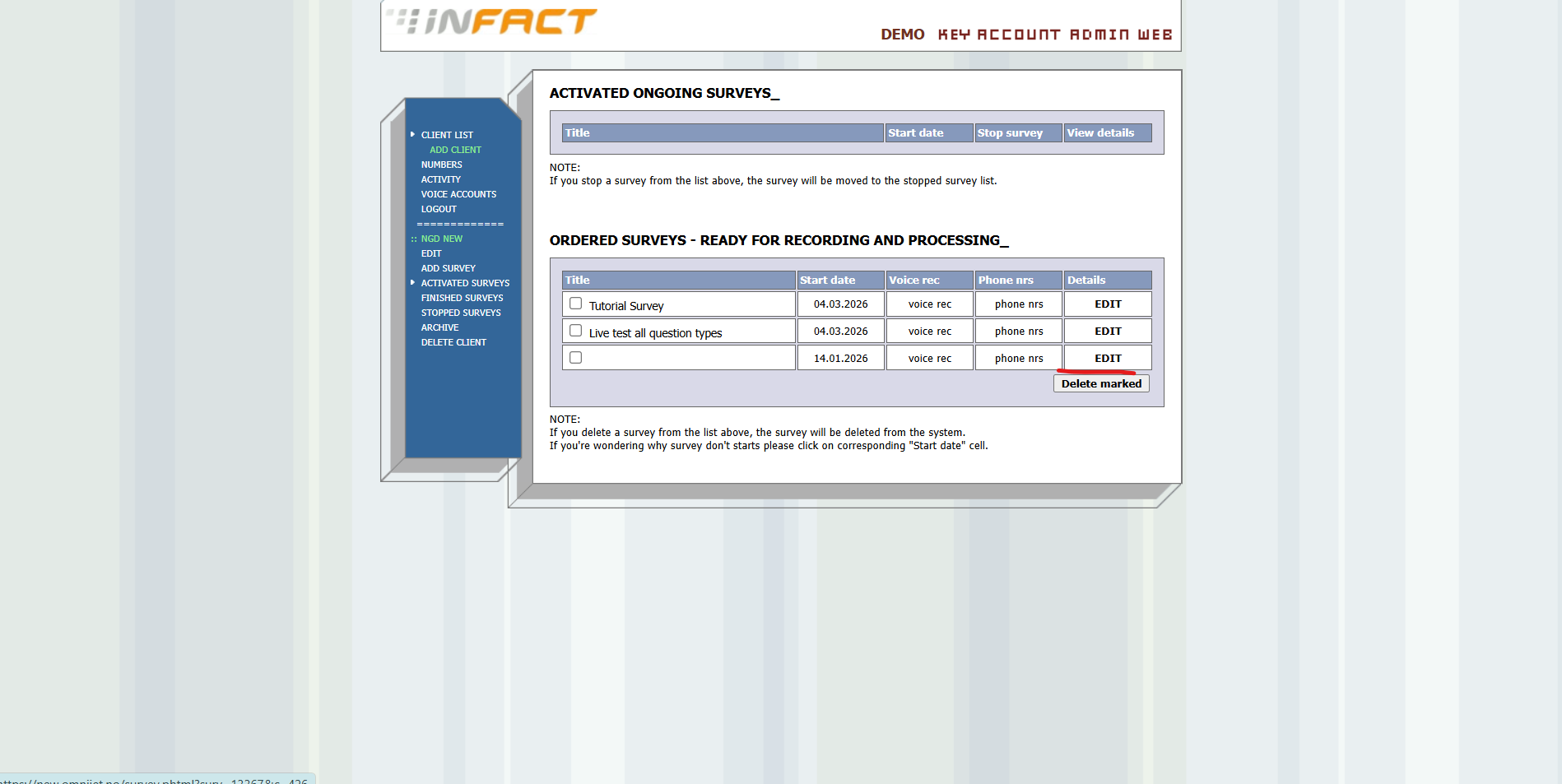
You will be redirected to the main page. Click Edit:
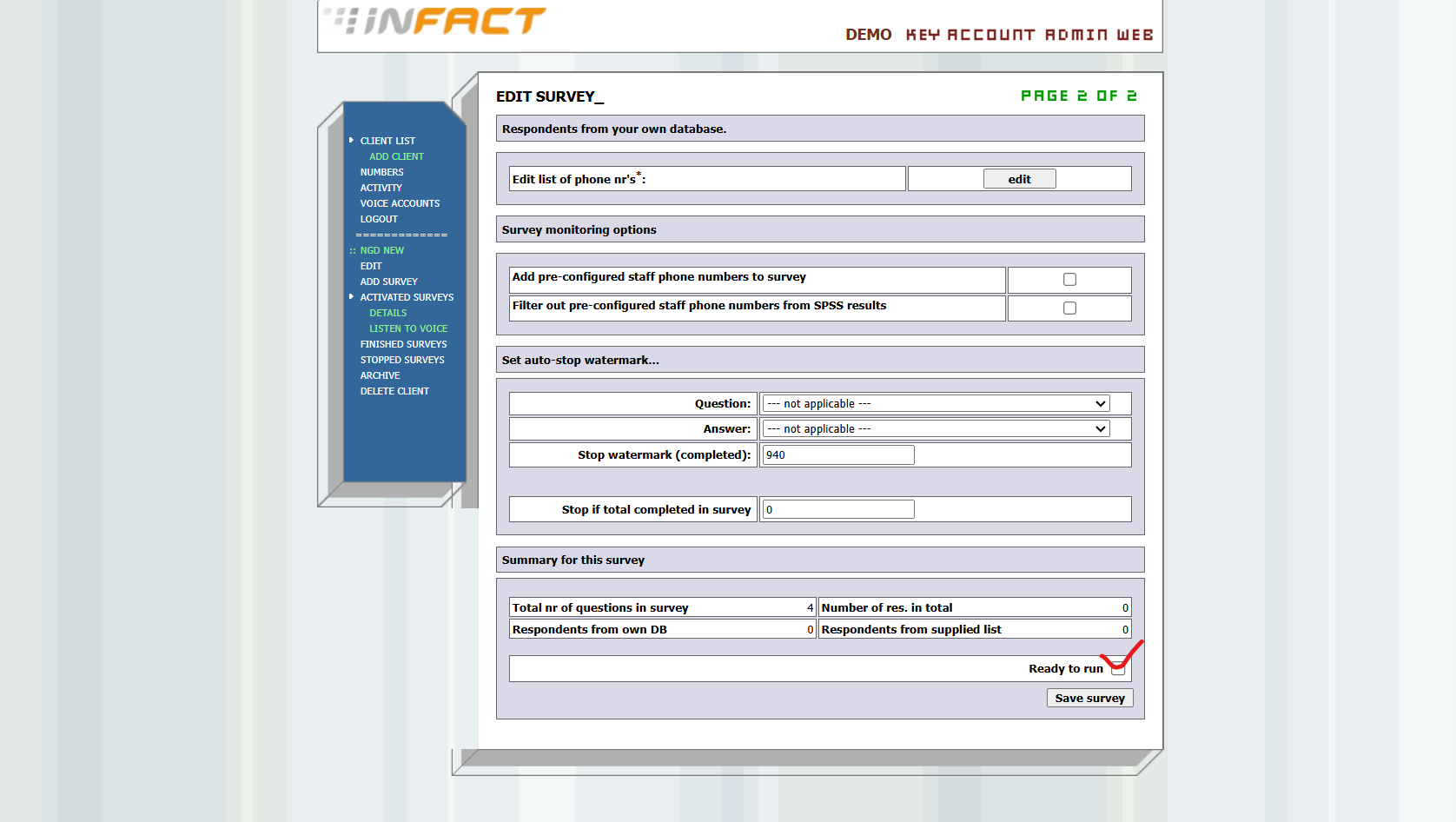
Then tick the box Ready to Run on the second page:
Here you can upload voice recordings. Only Admin can do it.
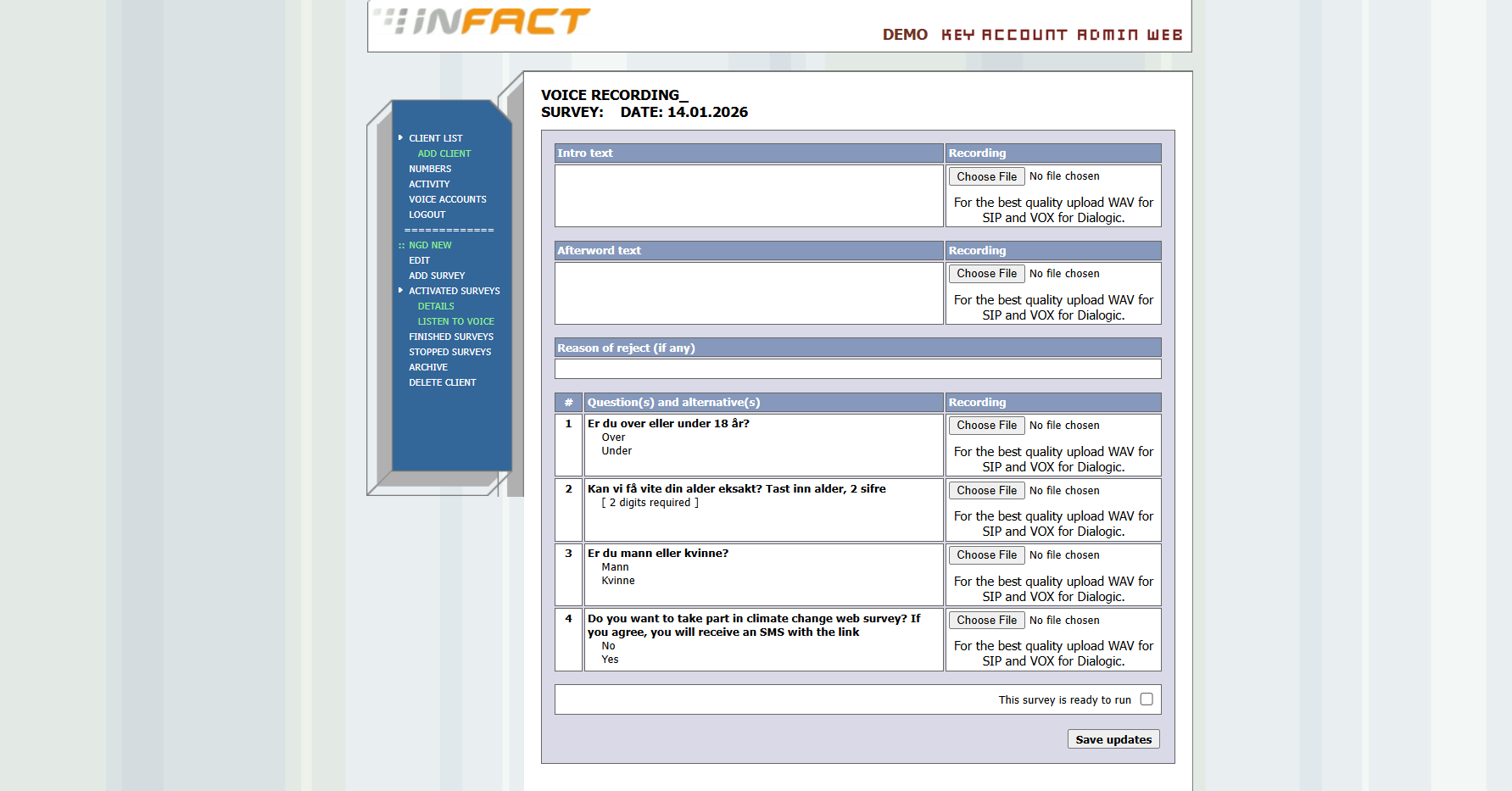
Click Ready to Run. The survey starts running when scheduled.