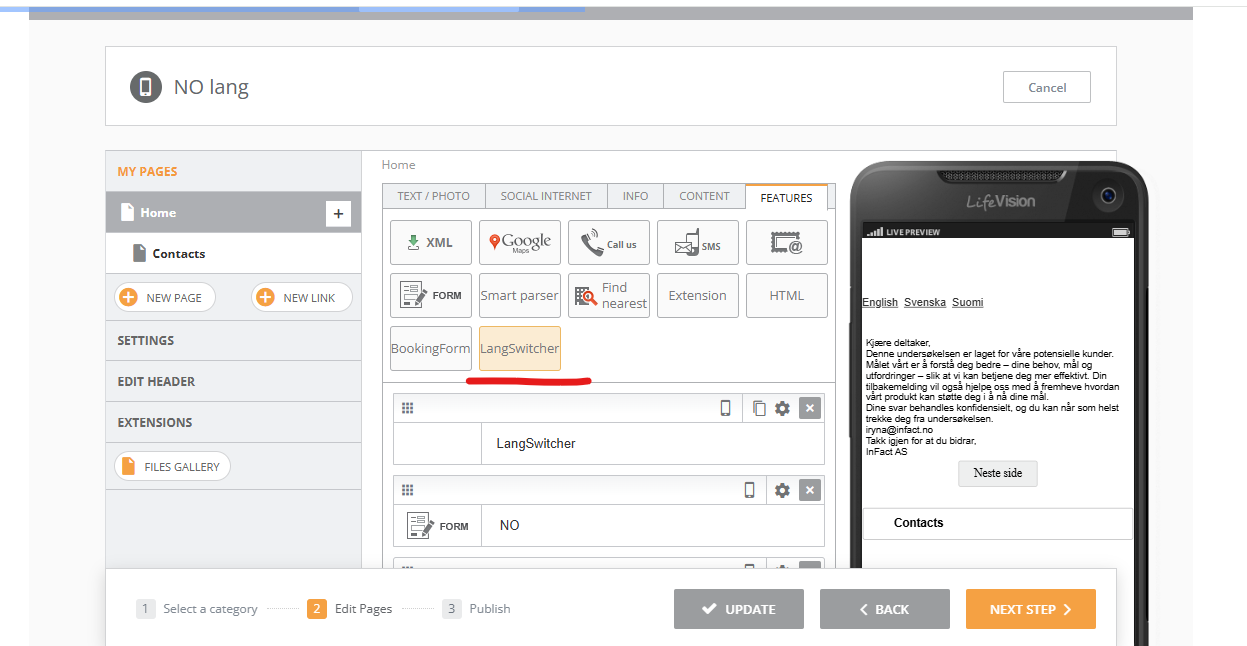
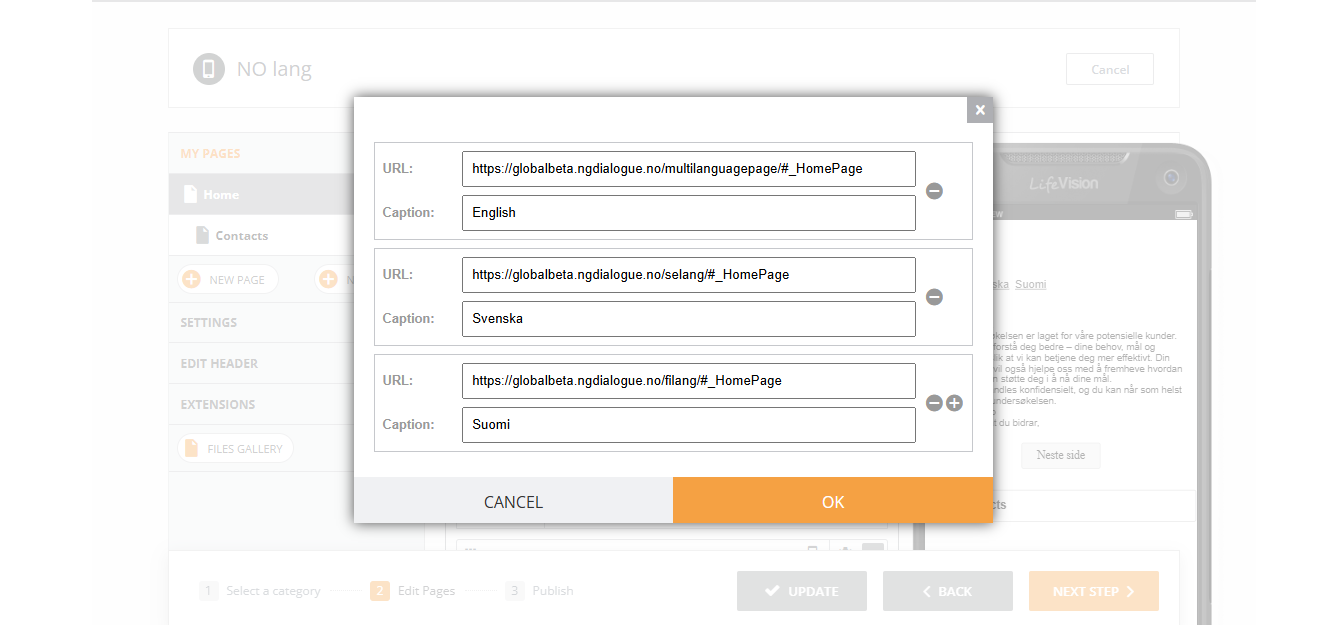
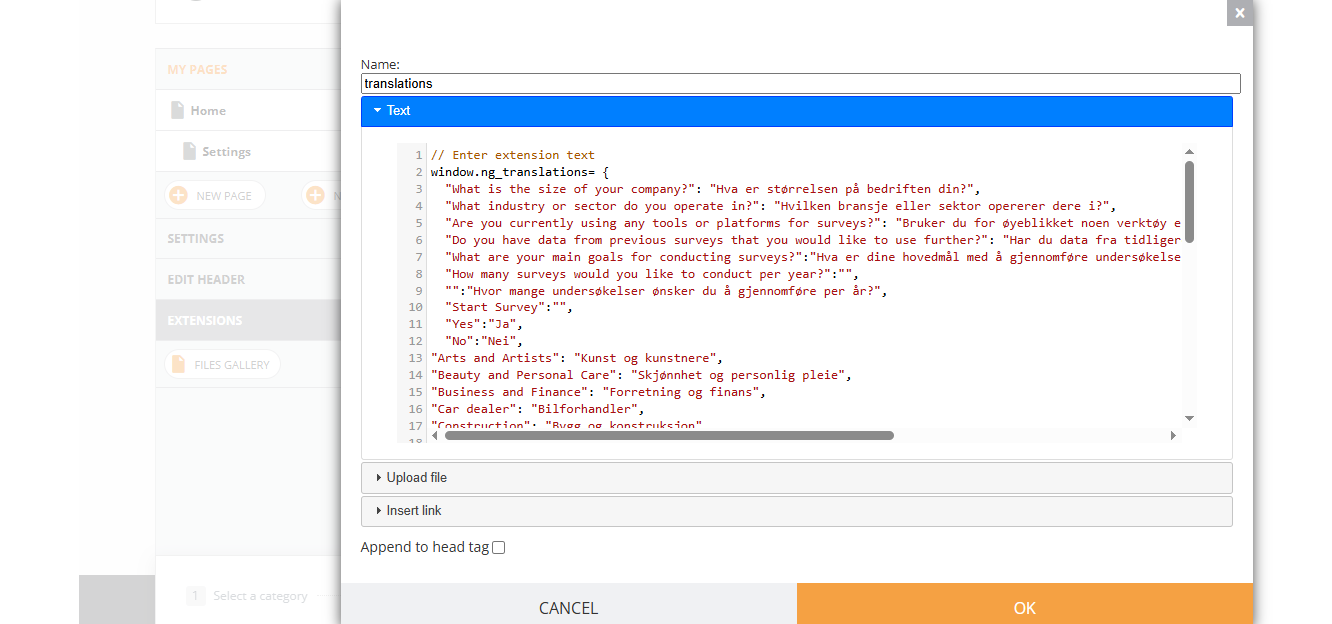
To be able to support more than 1 language, ensure correct translation and data collection without not authorized data posting, we have developed a few features that will allow you to create a multilingual survey.
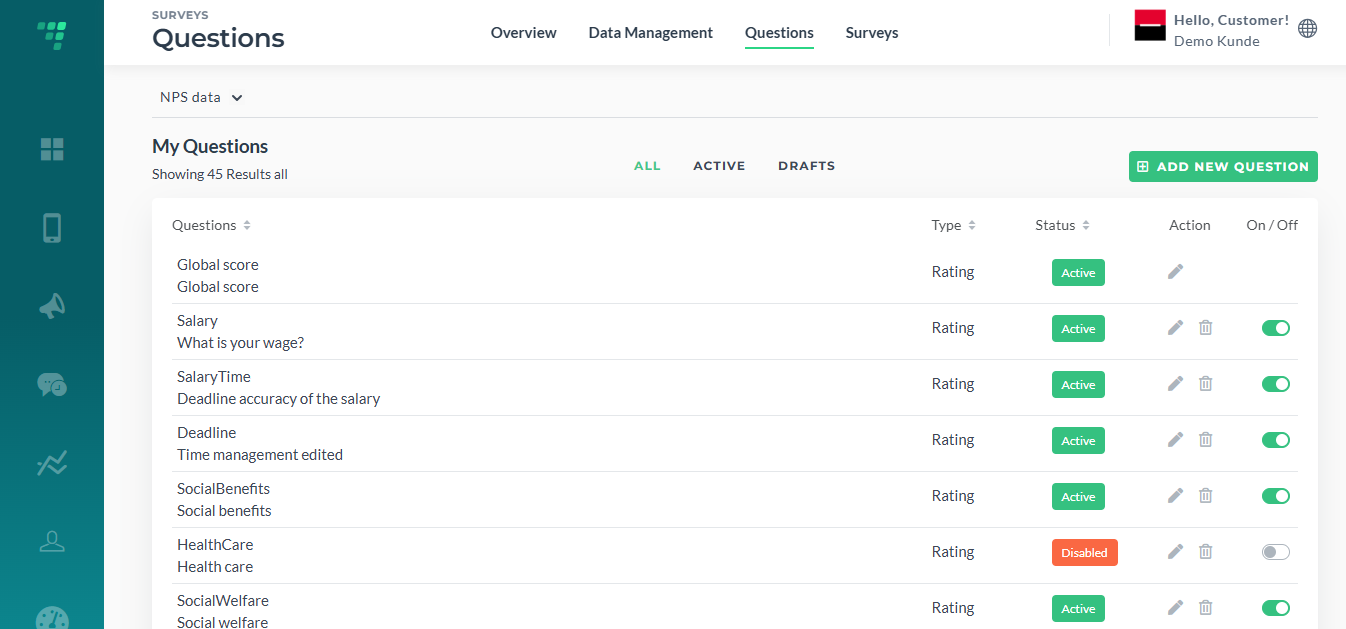
After the questions are created via Dashboard (a full guide), place them onto the form for your main language, the same language your questions have in the Dashboard.
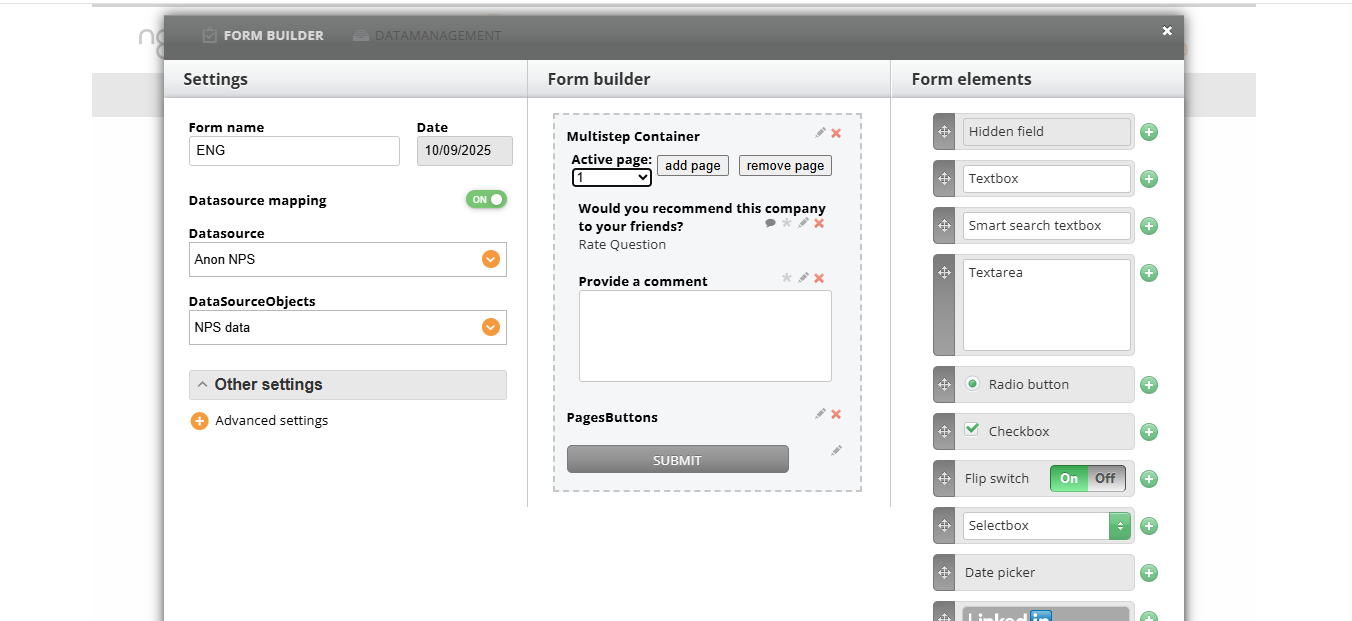
You add all the questions and elements you need and save the form.
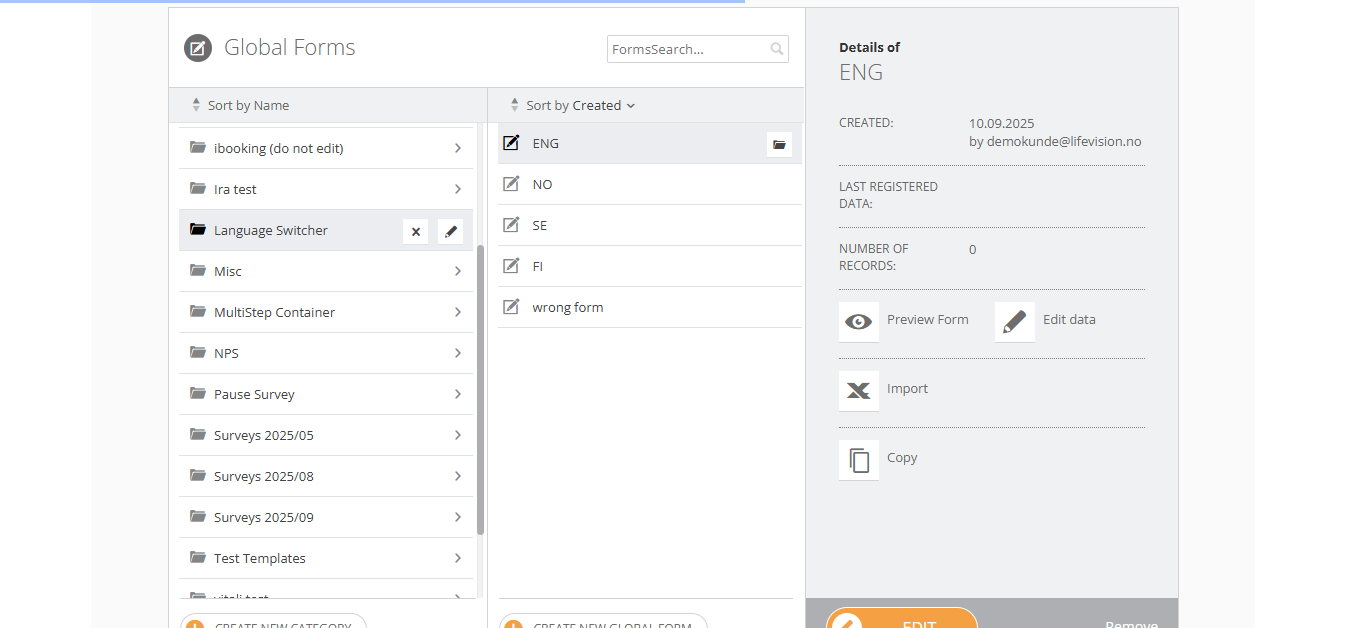
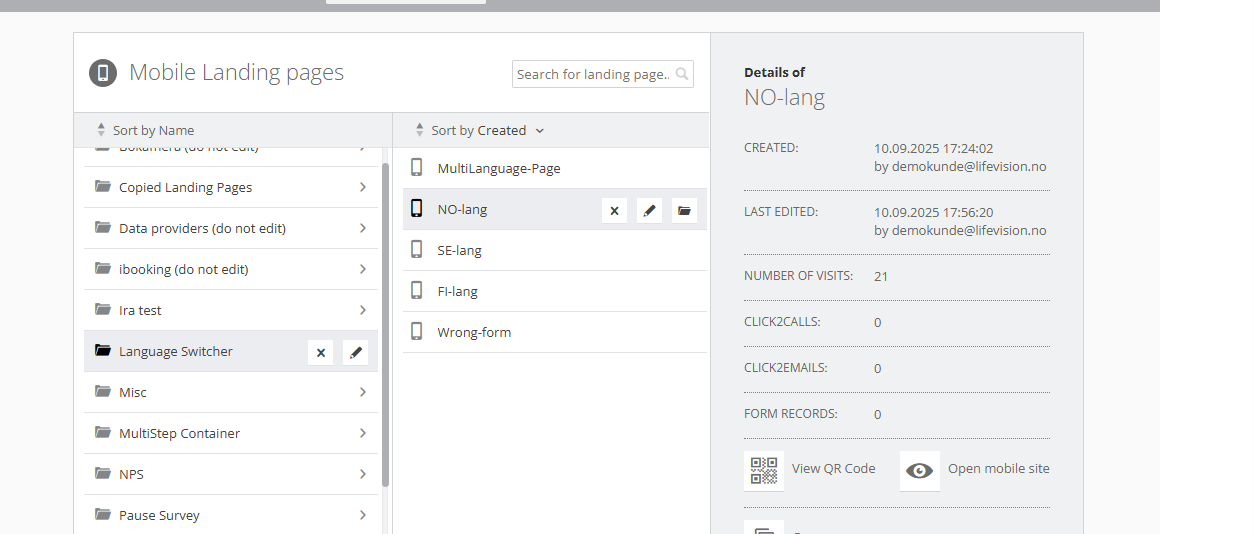
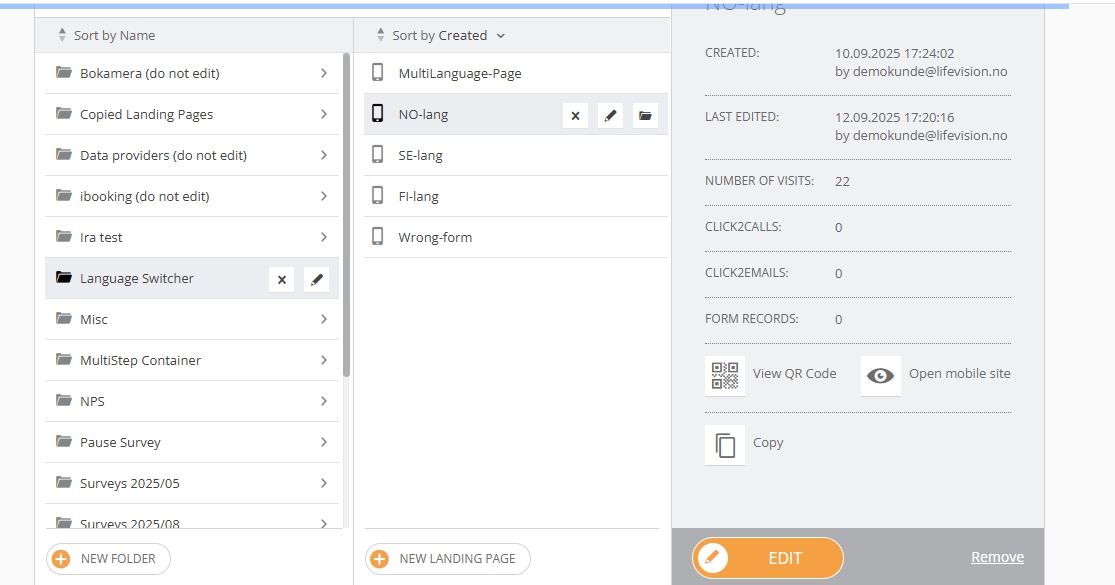
Copy the form as many times as many languages you have
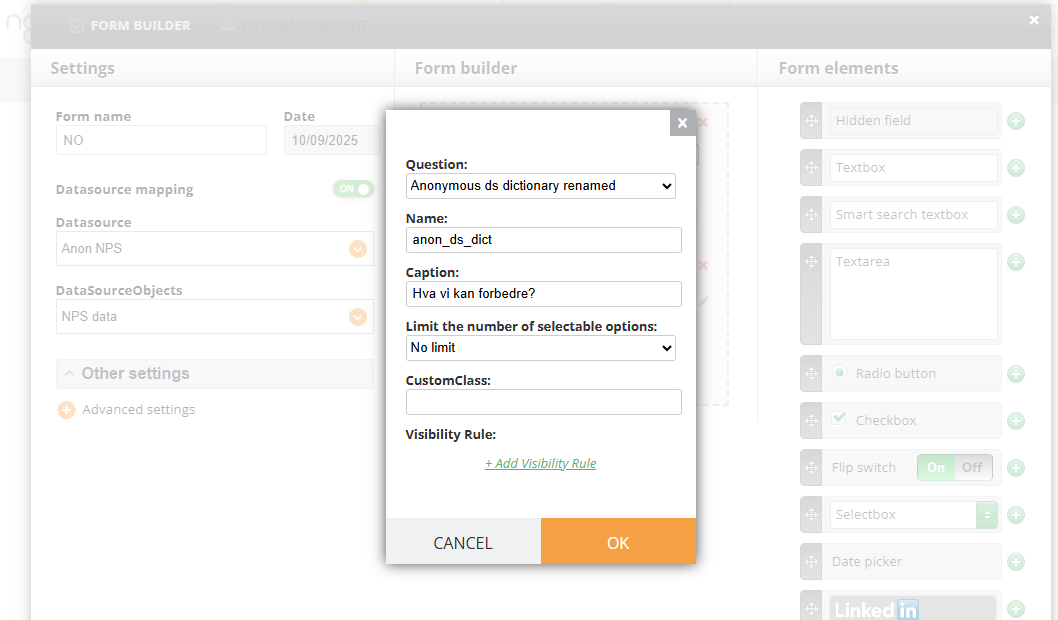
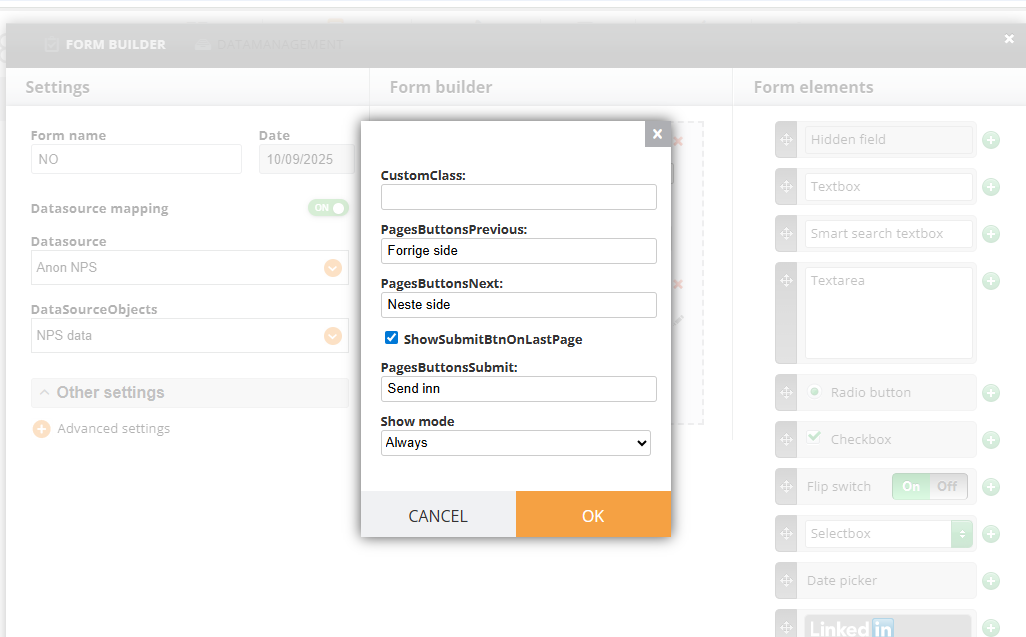
Add a translated caption to the forms that require it. Almost every element in the form can have an alternative caption, meaning that a user will see it translated but in the Dashboard and in your survey result,s you will see it as if there was only one language.
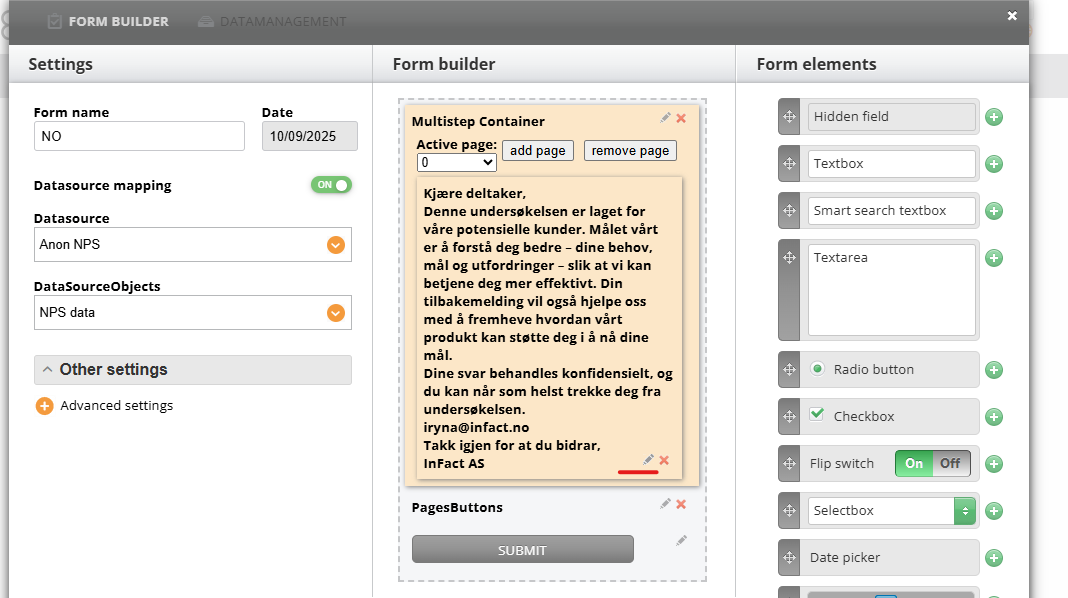
Open the form and click Edit on the element:
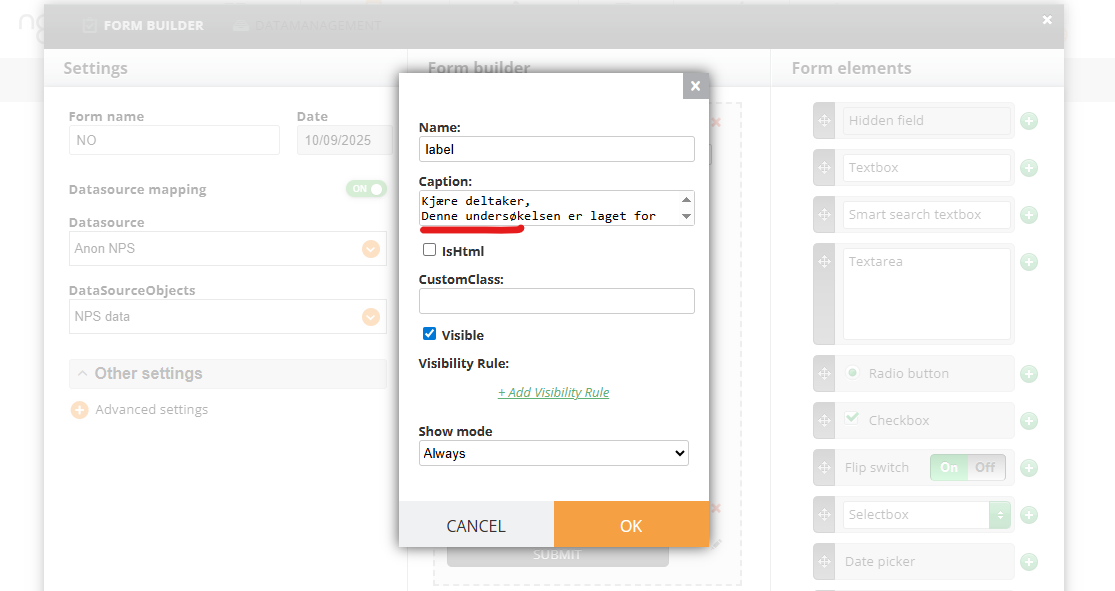
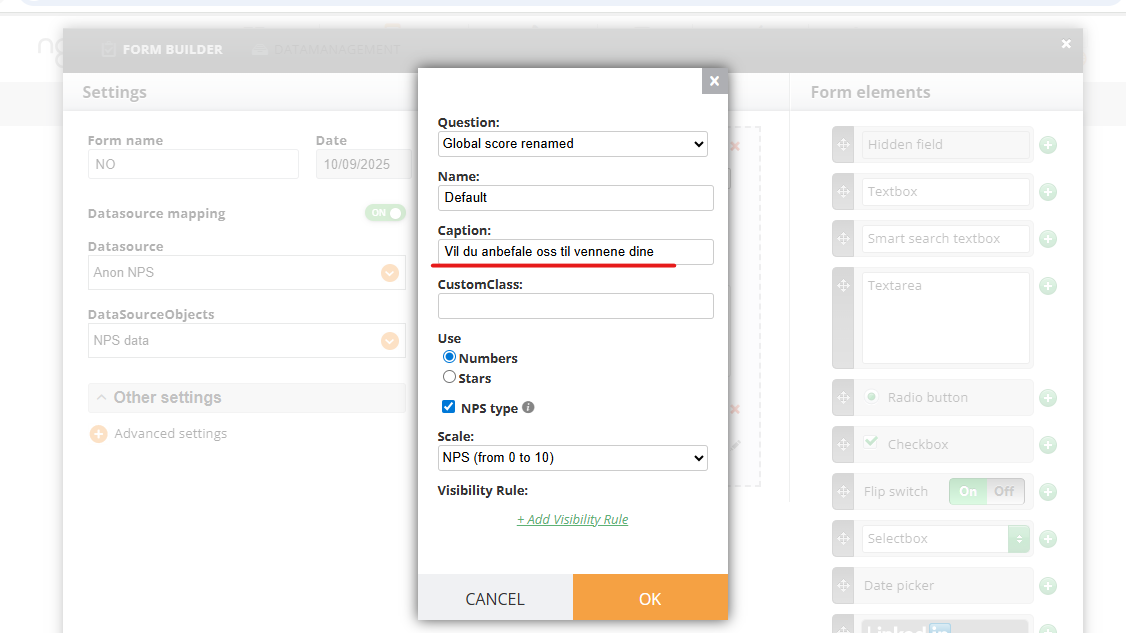
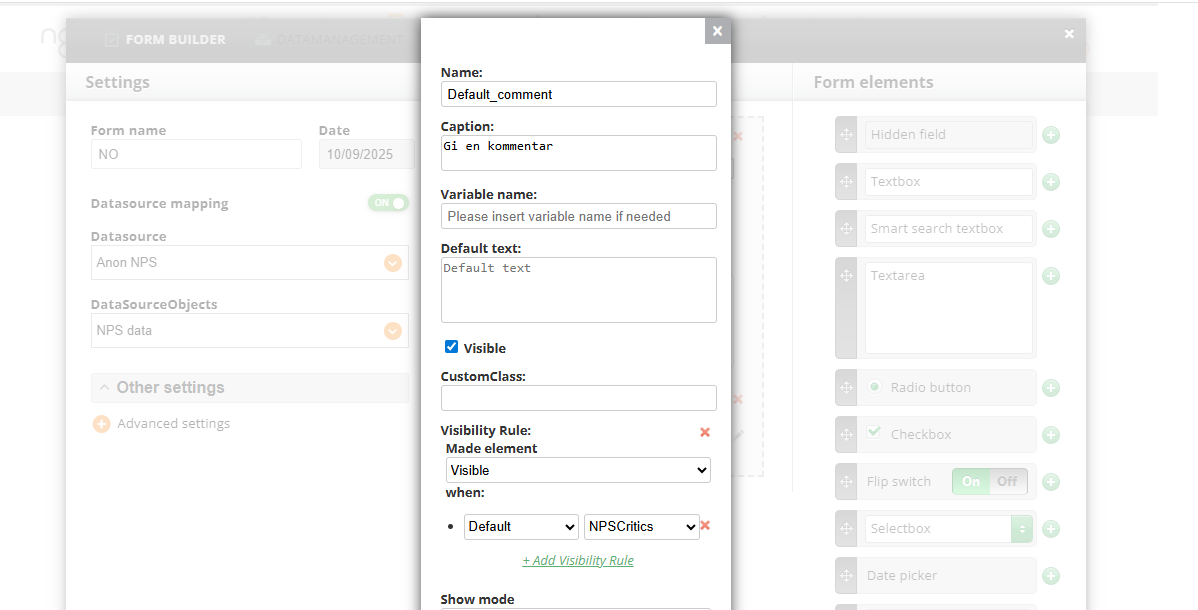
Change the Caption:
label
Rate
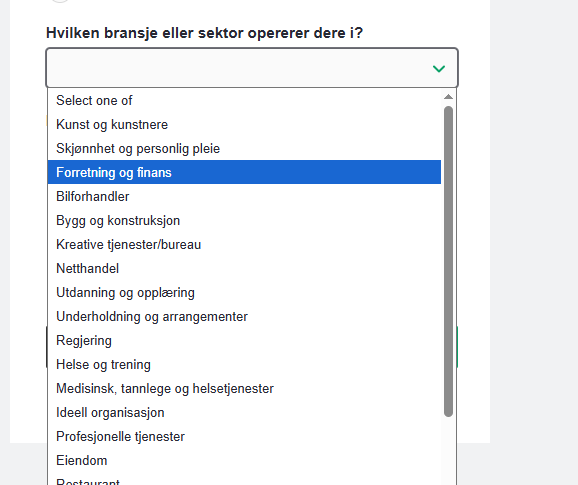
CommentSelect From DictionaryButtons for MultiPage Container
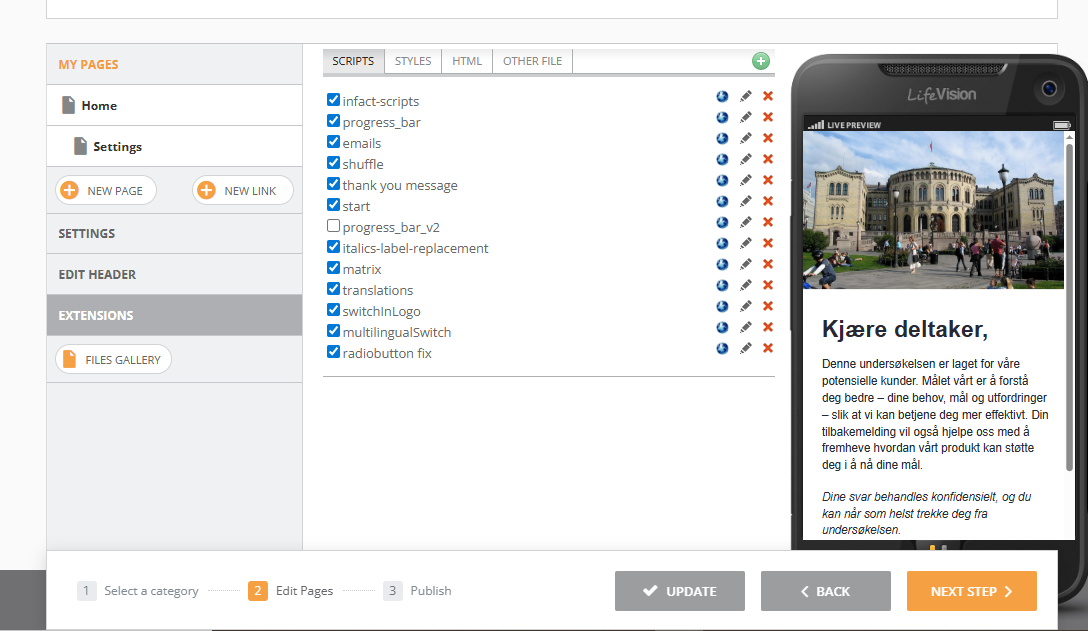
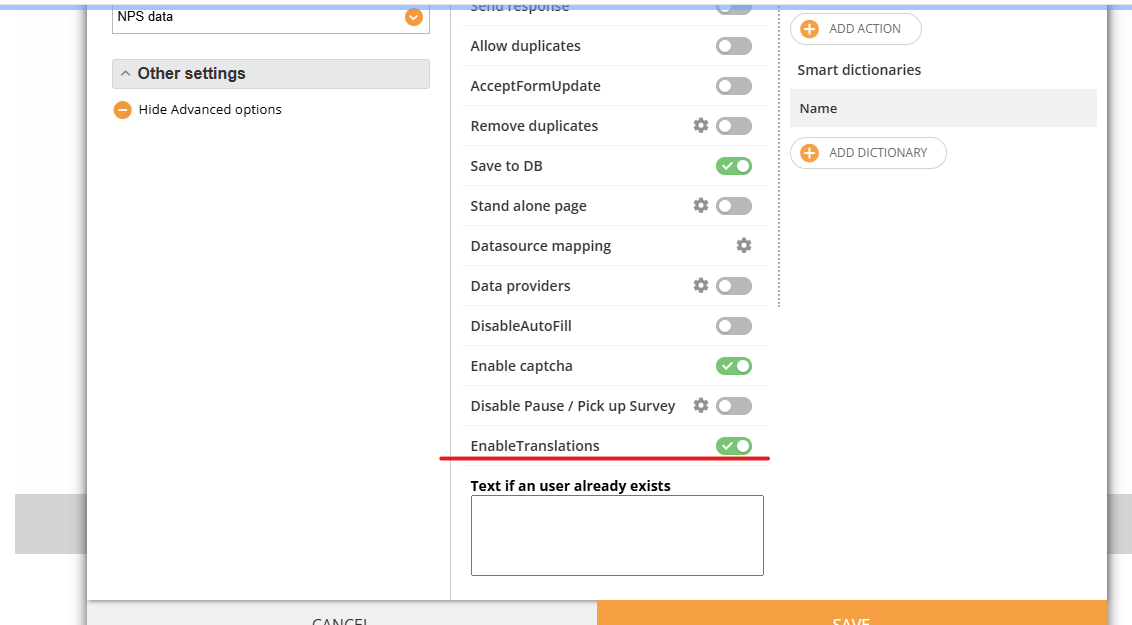
Note! The translations added via the script, work unless this toggle is turned off (Form's Advanced settings). By default, all forms have this toggle on so you do not need to enable it