¶ This is a temporary solution only and is used in rare cases. Please consider not using it and change the question structure as once we implement a fully automated feature, data collected using this solution might be invalid!
We might have a case when, for instance, we have a list of services that is provided by a company. And when we send out the campaign, we would like the user to select more than one service they have been using and rate each selected service.
It would not be a challenge if this was simply a form (we would just create a question with checkboxes) but if we need these answers to be visualized in NPS Dashboard, there is a special way to do it.
¶ Set up the form with a label
Label will be a mark that explains the user what they should do
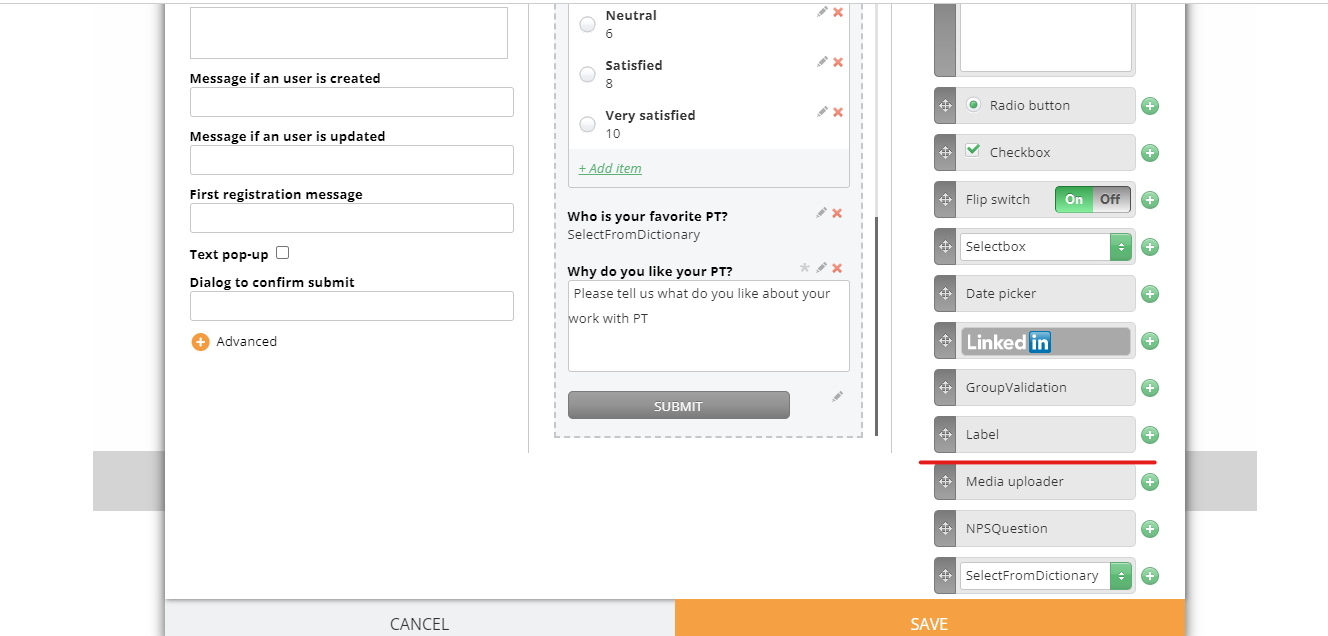
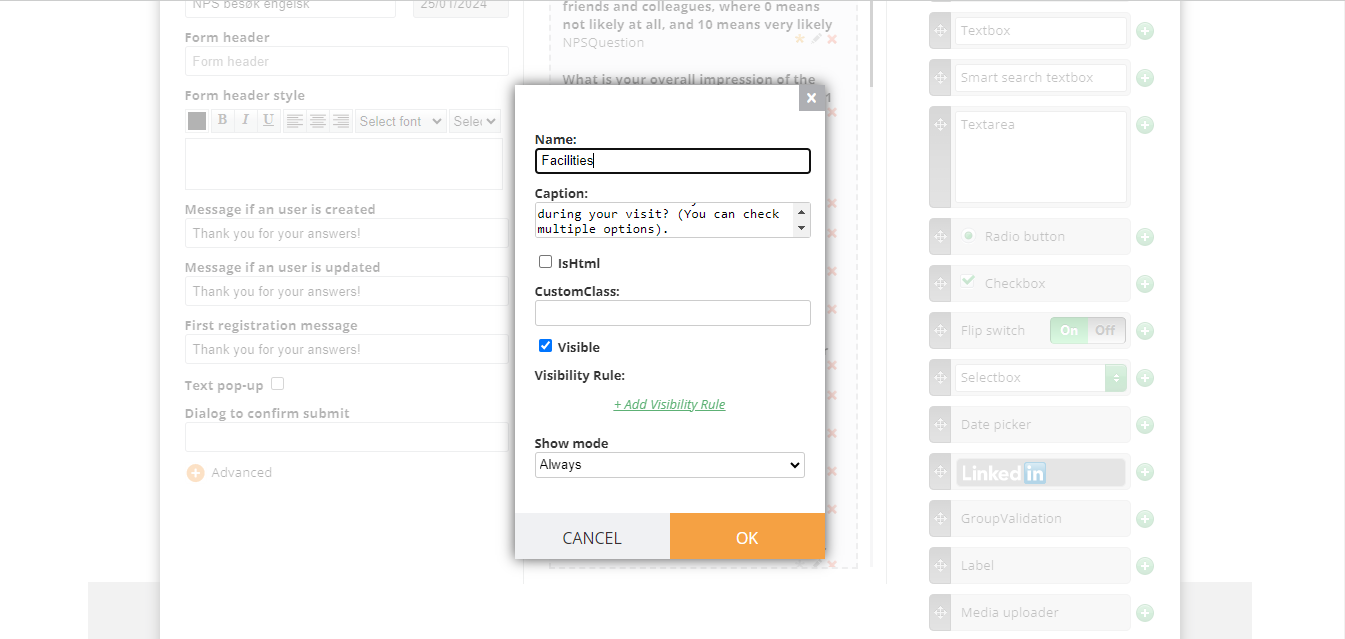
¶ Add checkboxes inside this label
Using drag&drop, add a checkbox (as many as you need)
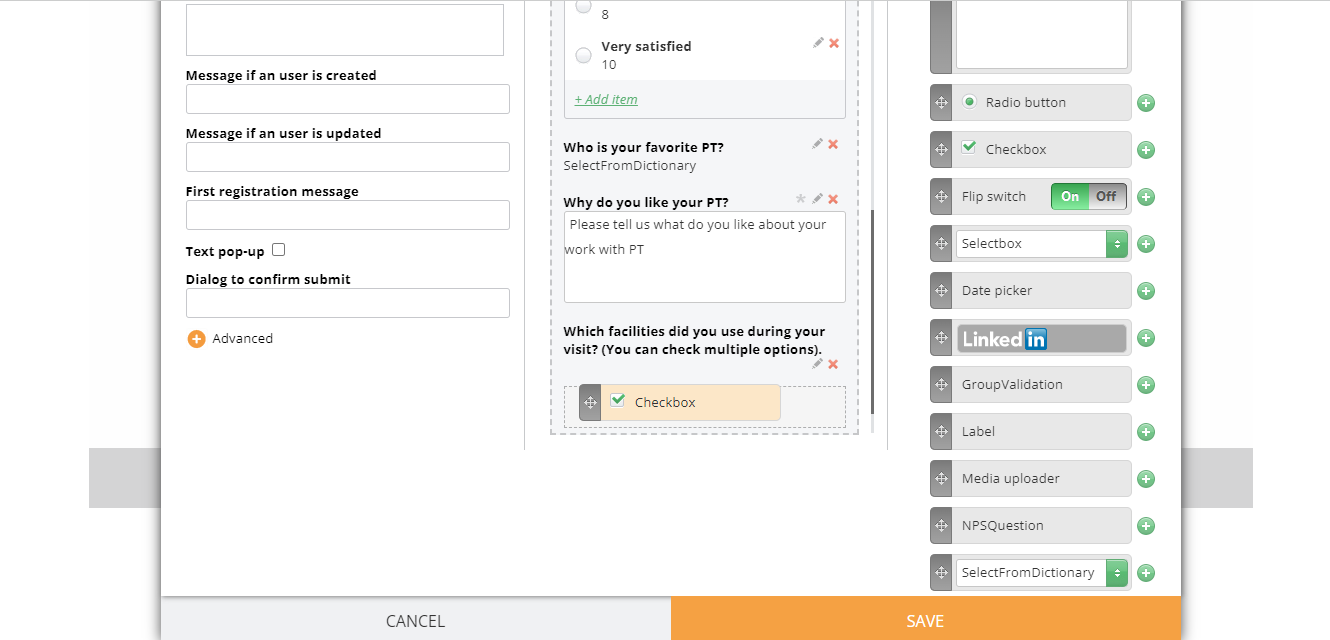
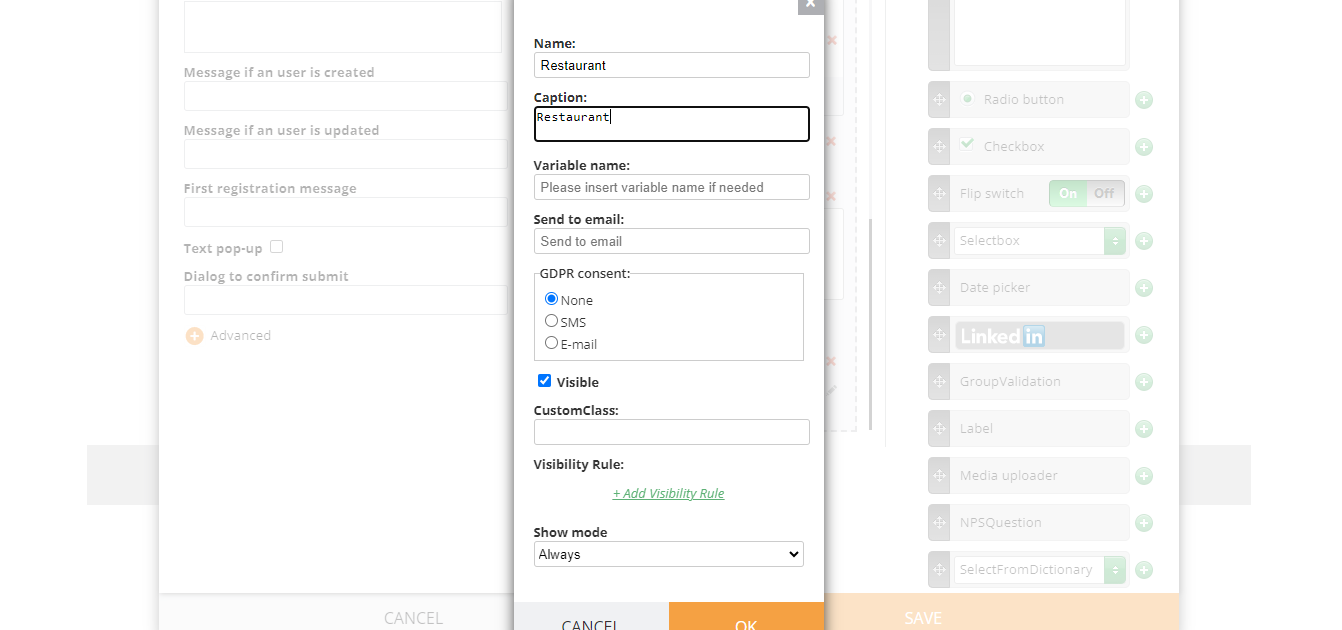
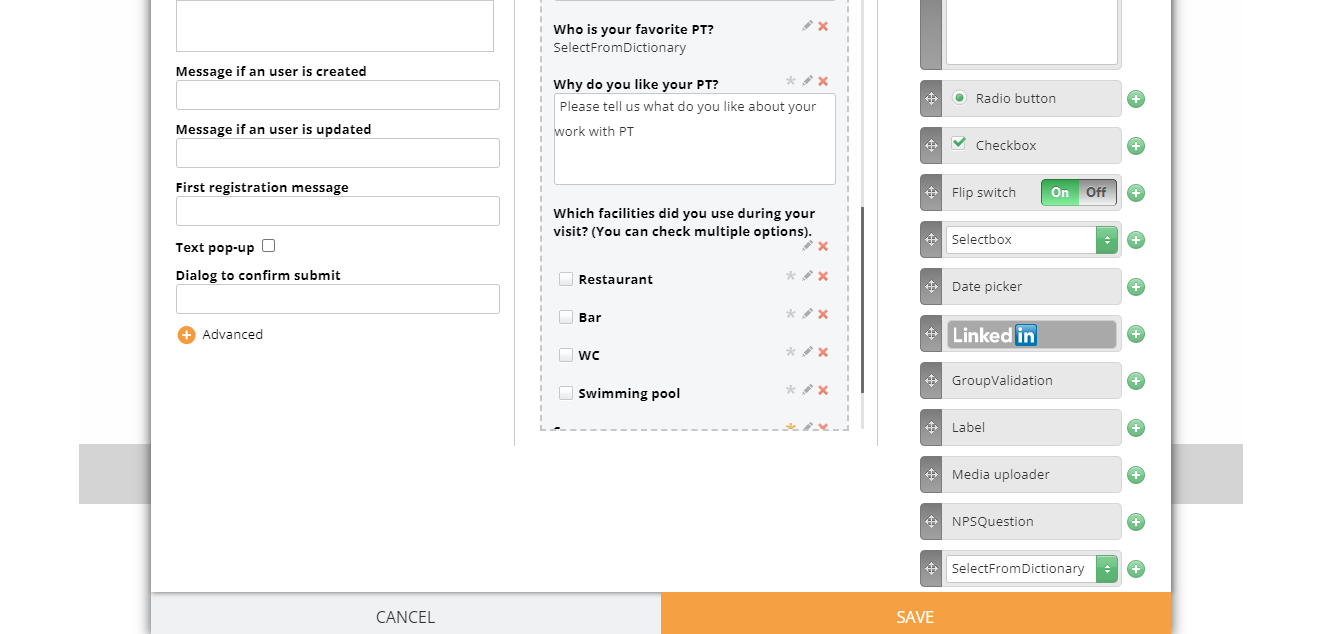
Save the form, we will get back to it later
¶ Add questions via Dashboard
Add a rate-type question saying “How satisfied were you with the %%facility value%%, 1 (very dissatisfied) to 5 (very satisfied)?”
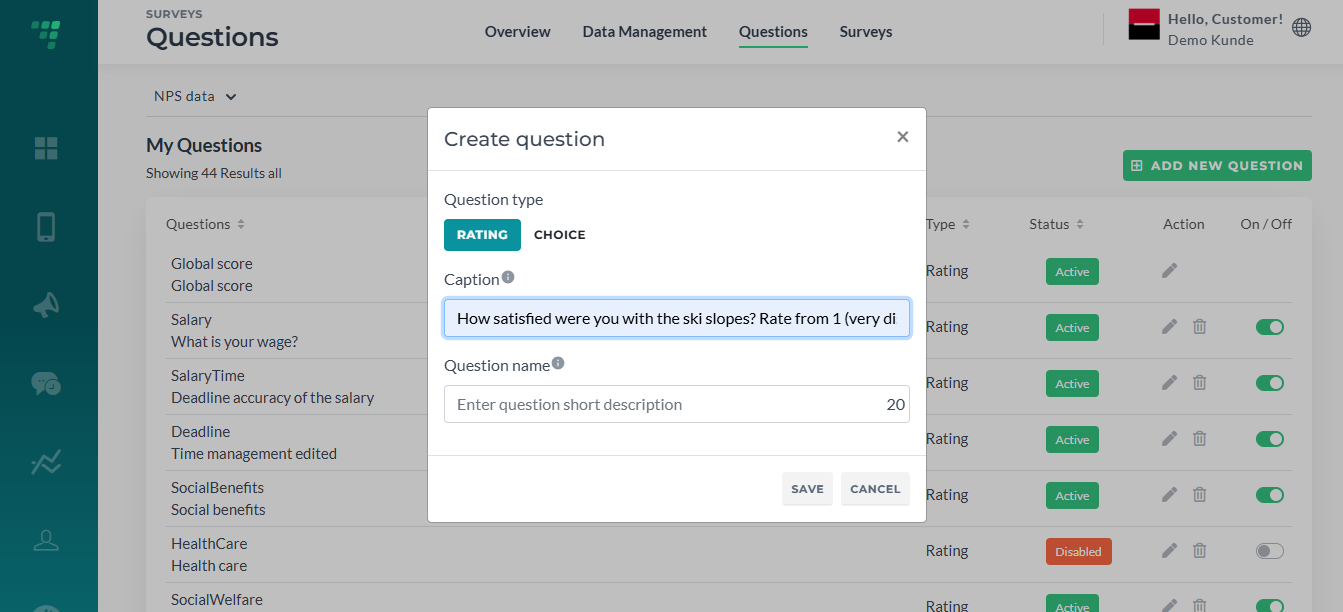
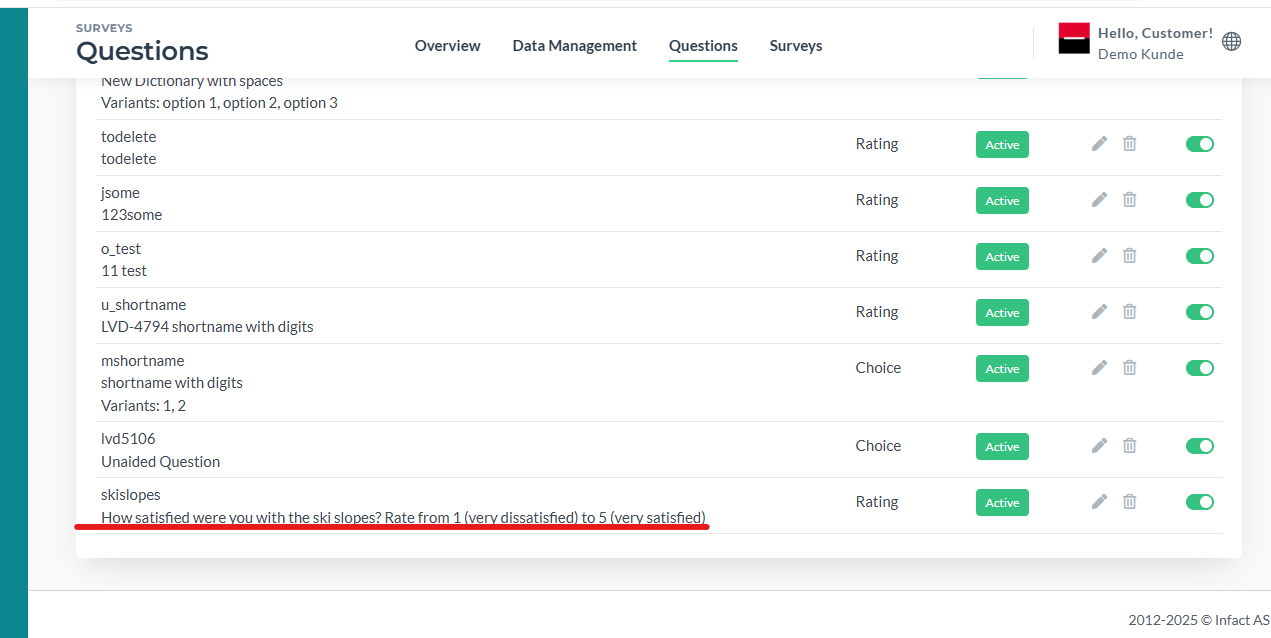
Do this will all the checkbox options.
¶ Add Questions to the form
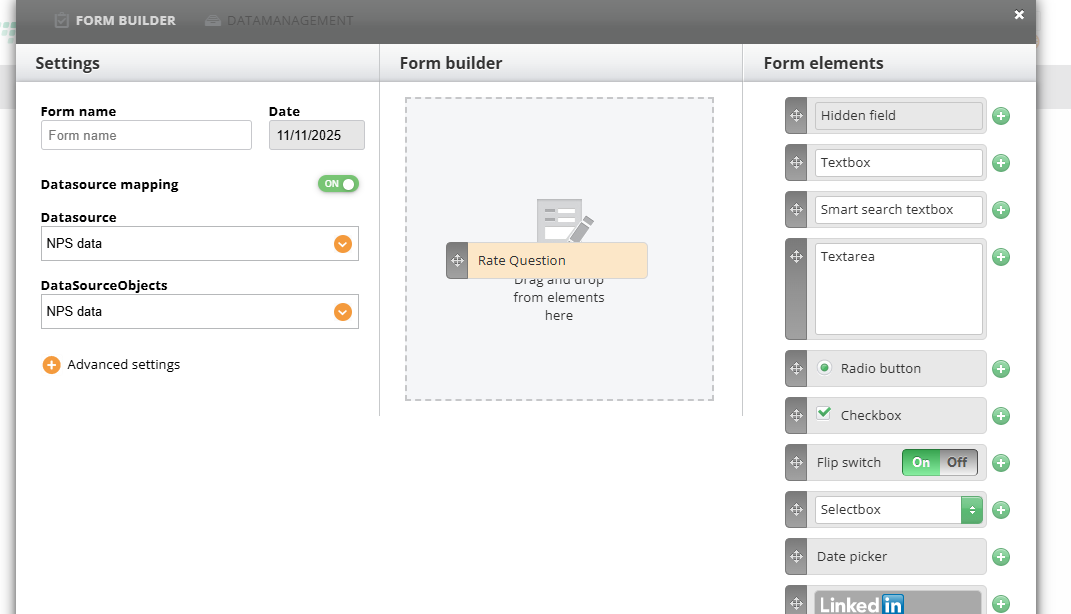
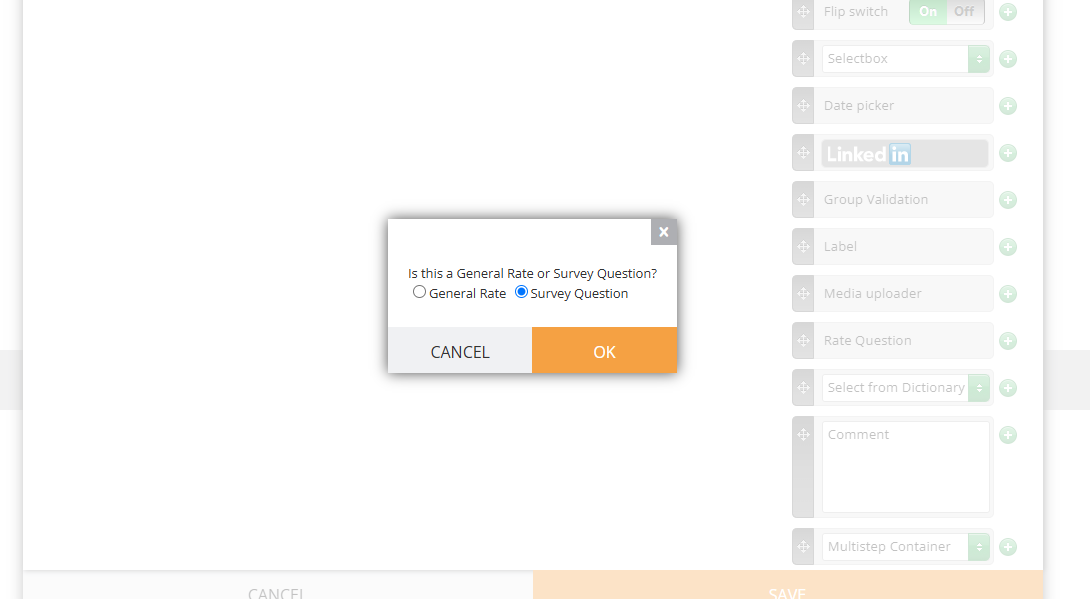
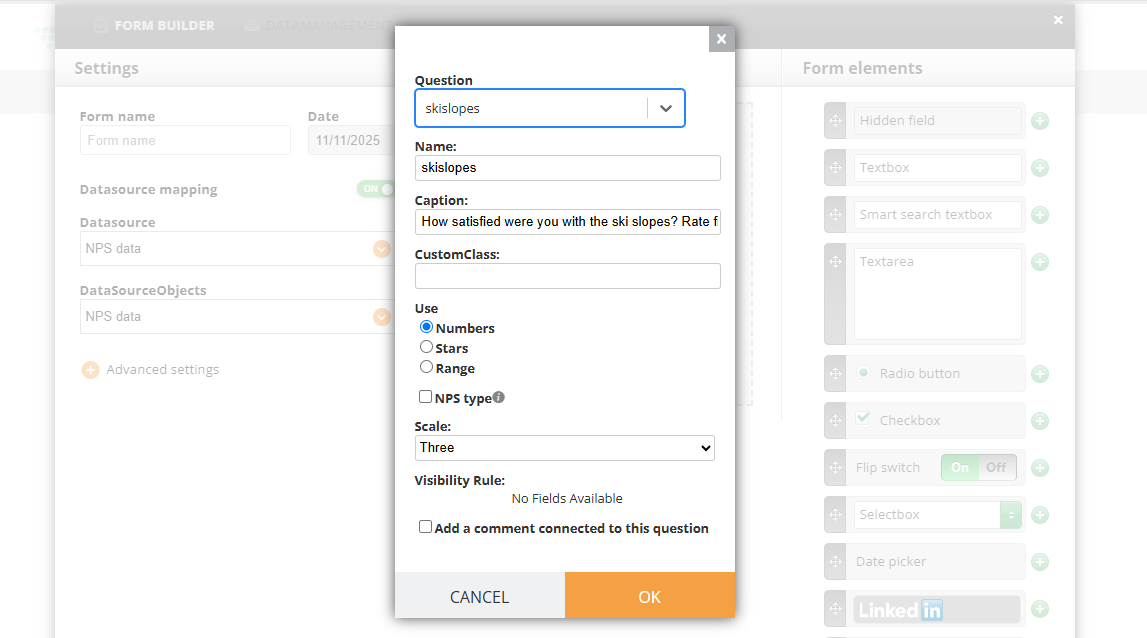
Select Survey Question and choose yours from the list:
¶ Set up visibility rules
On each question, click Add Visibility Rule
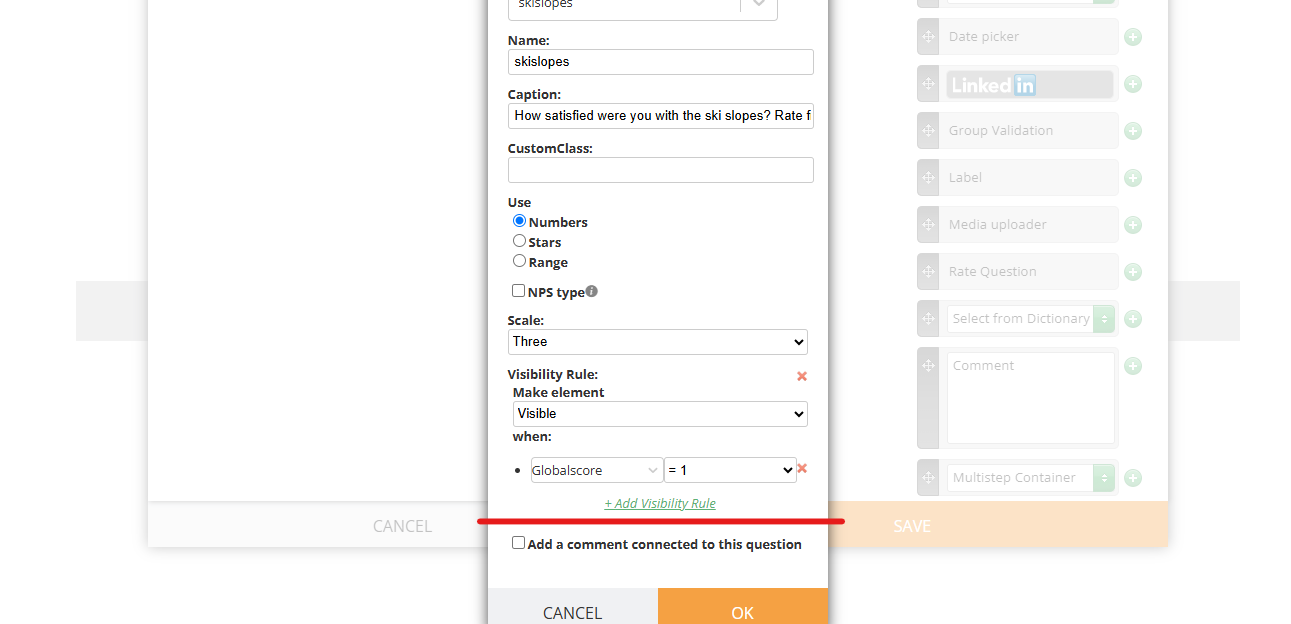
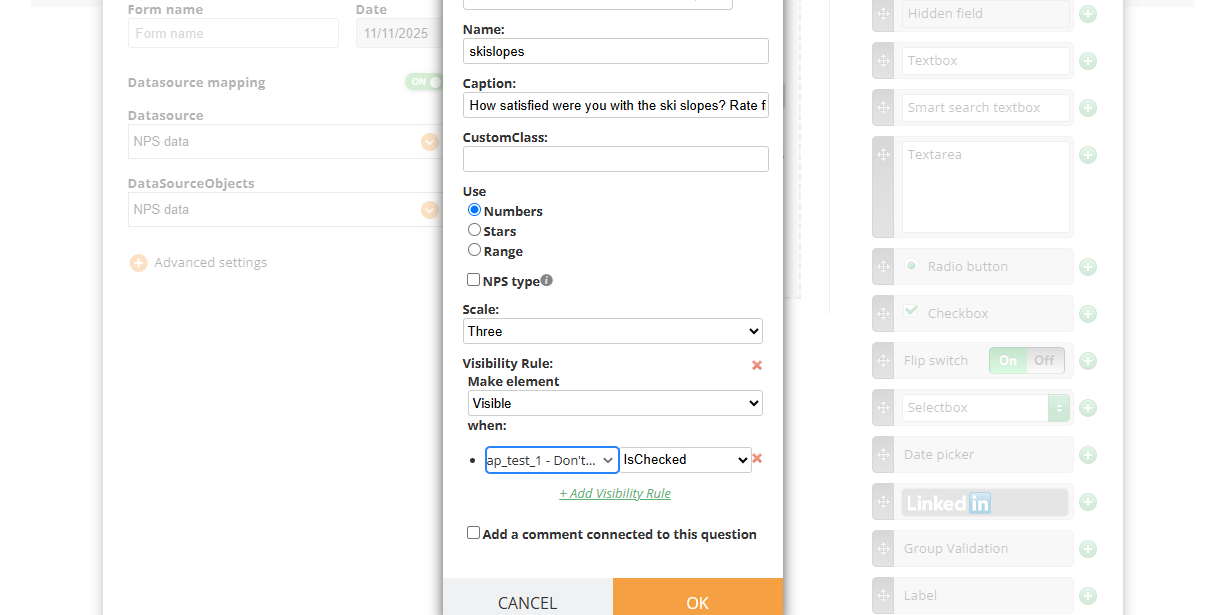
And select Visible when %%Your_service%% is checked
¶ Form mapping
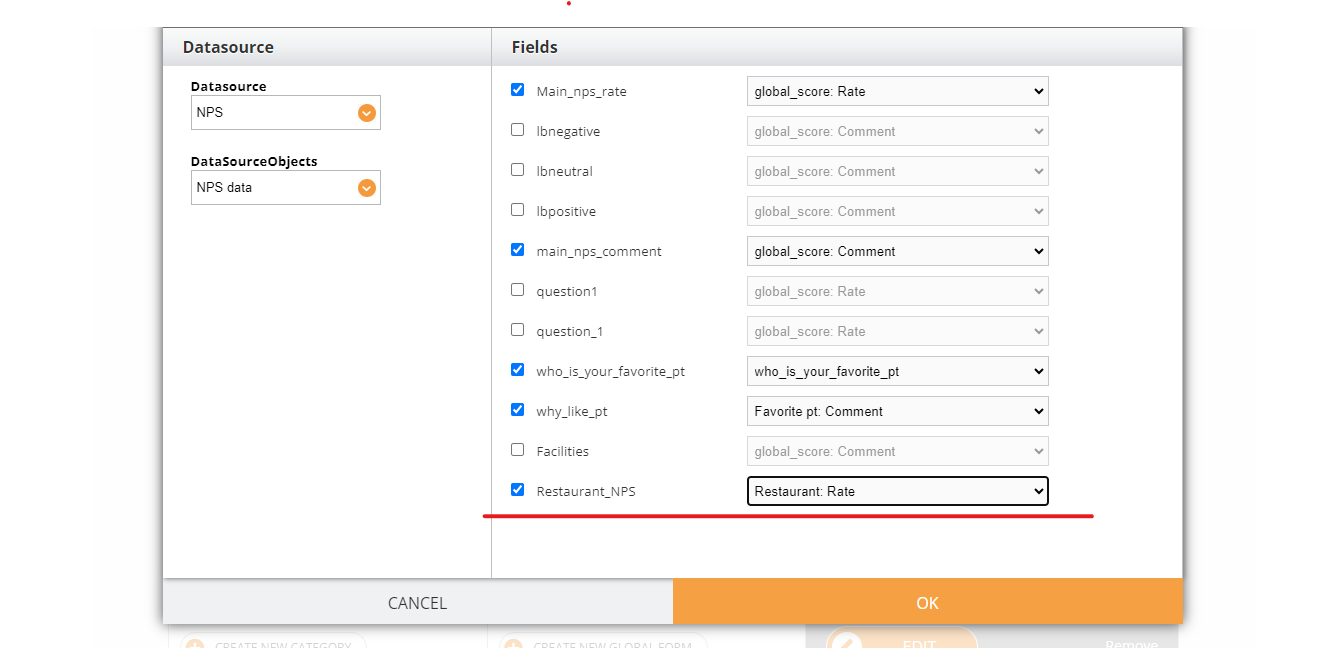
During form mapping, map each Survey question from the form with a Survey question from Dashboard like shown on the screenshot:
UPD: now this is the old way of adding questions. Now mapping is done automatically when you add a question to the form, a user does not need to go to Advanced/Mapping
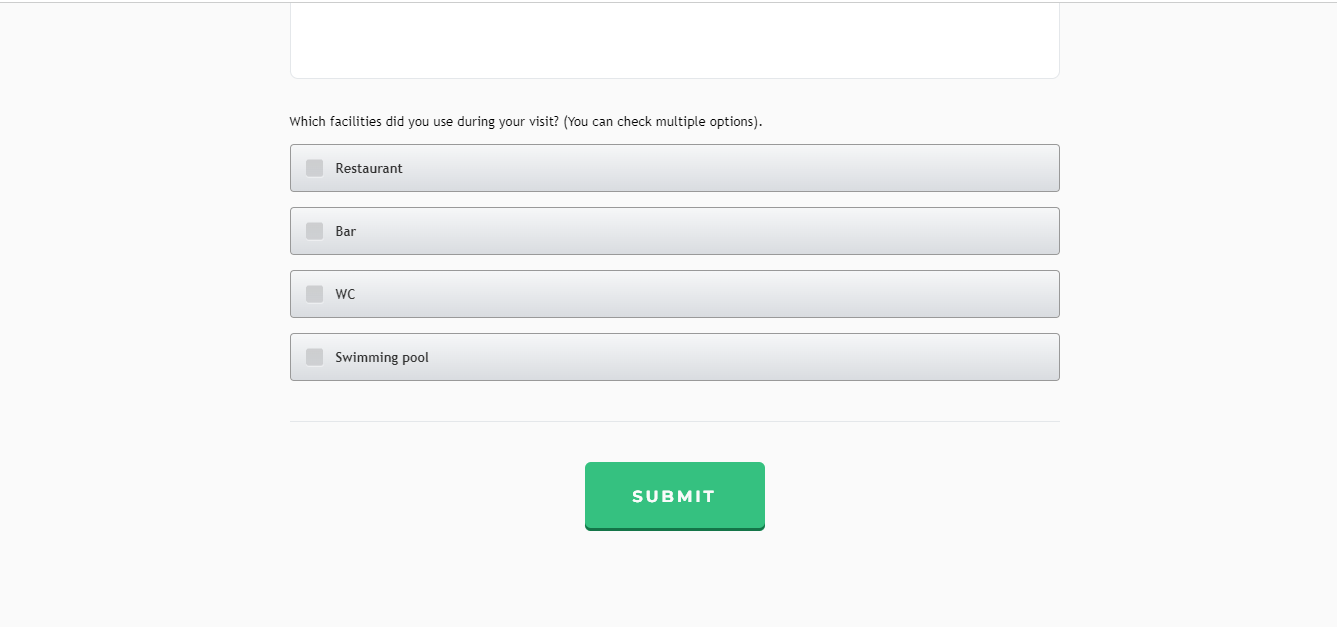
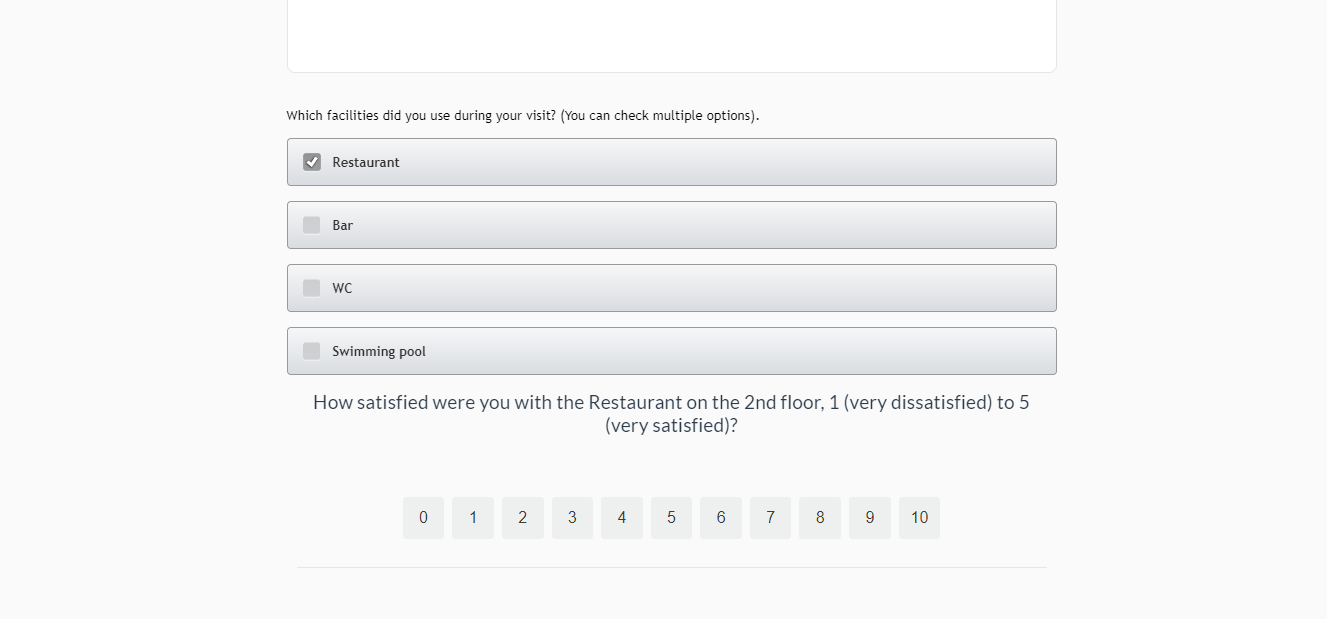
¶ Result
¶ Other ways to implement it
Instead of adding it as different rate questions and providing stars/score for each one, we can add each option as a dictionary question with variants “true/false”.