¶ Set up instruction
When you are setting up a campaign or a job, there is a step to select customers. Apart from selecting them from any file (excel) or datasource, there is an option to use the form's records.
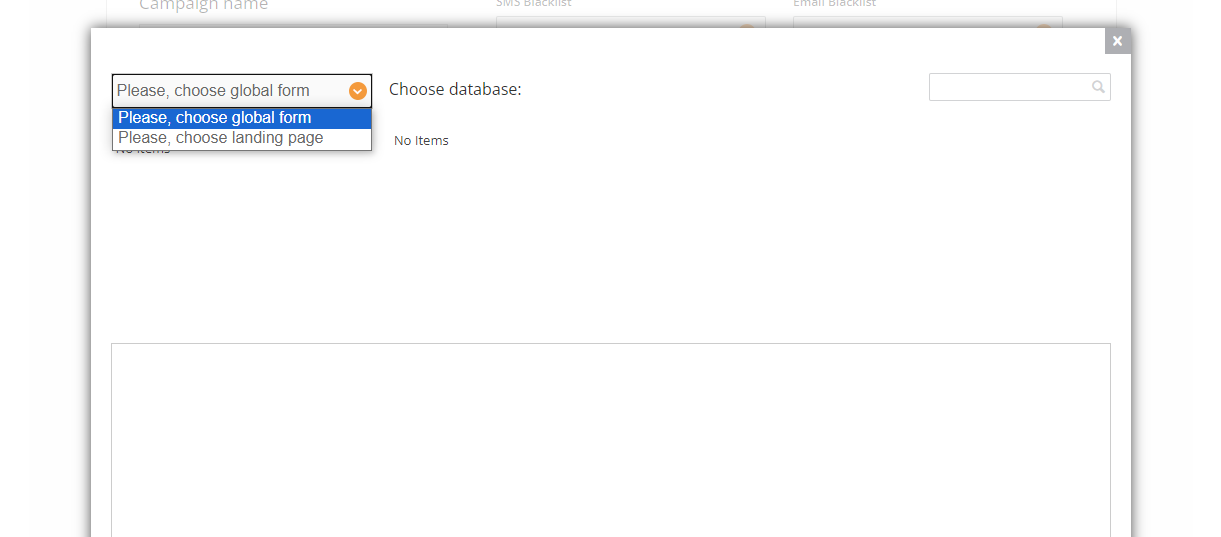
Before doing so, you need to make sure these steps are followed:
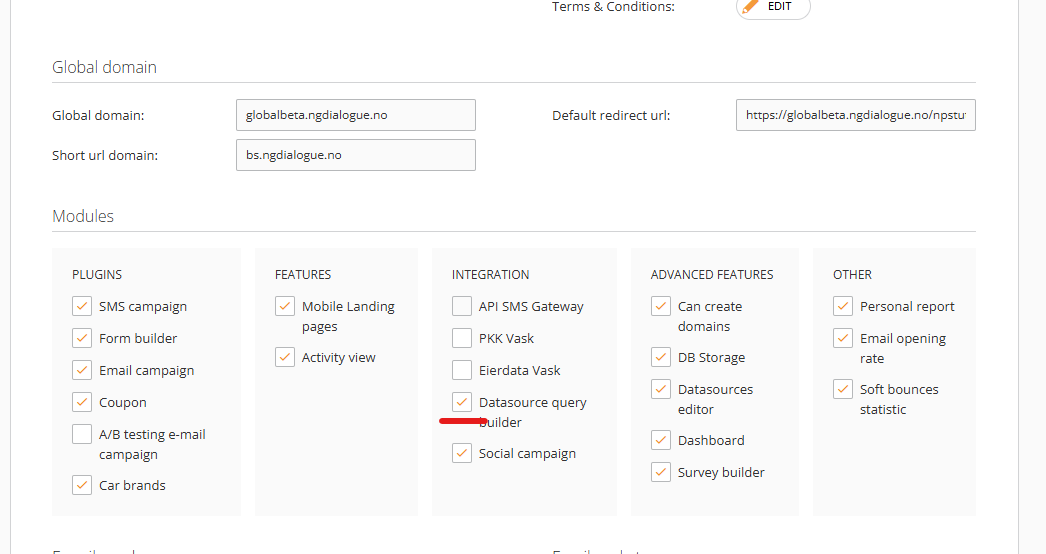
¶ Module "Datasource query builder" must be enabled for the customer
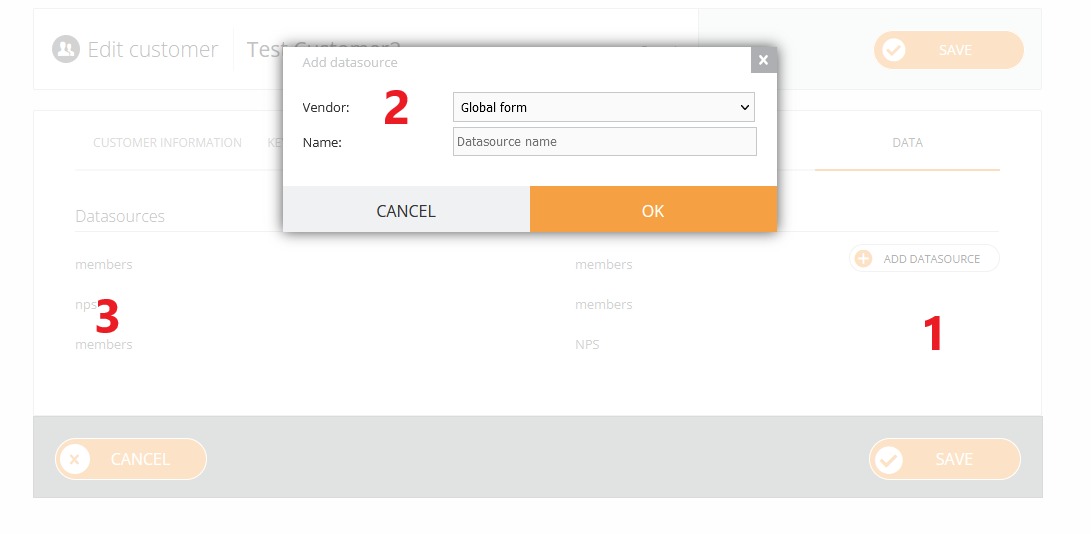
¶ Datasource - Global form to add
1. Under SuperAdmin go to Data and add a datasource;
2. Choose “global form” vendor and add a name;
3. Save and you will see the form in the list;
¶ Now you can use it for future campaigns
See the use cases and global form article.