¶ Intro
To enable respondents who are participating in a Voice Poll (VP) to opt in to continue or complement the survey in Survey Platform (SP) via a personal link sent by SMS and/or email, you need to establish integration between Voice Poll customer and Survey Platform Customer.
The integration should support configuration on two levels:
Admin level: link customers across SP and VP.
Customer level: link specific web surveys (SP) to specific polls (VP) and configure messaging.
This guide aims at Admin-level integration. Users with the SuperAdmin and Employee roles can establish this integration.
Note: Ensure that SuperAdmin enables Integration on their part beforehand and also adds Voice Poll clients' accounts as those with permission to send their data to our platform. Ask the tech team regarding it.
¶ Enable Voice Poll for Partner
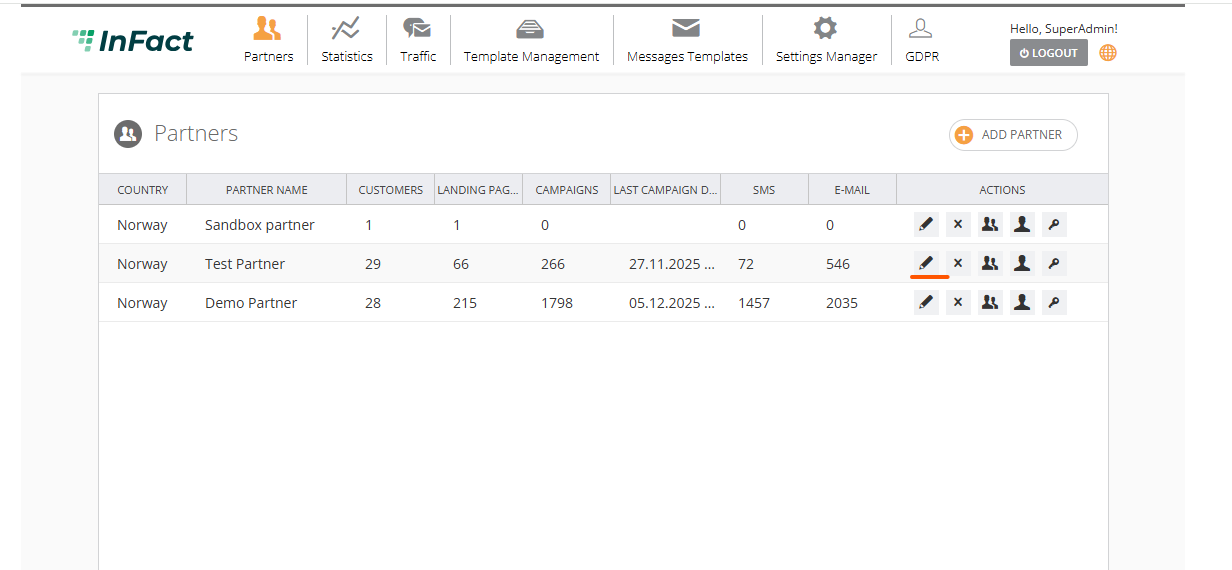
Log in under Employee and click Edit Partner:
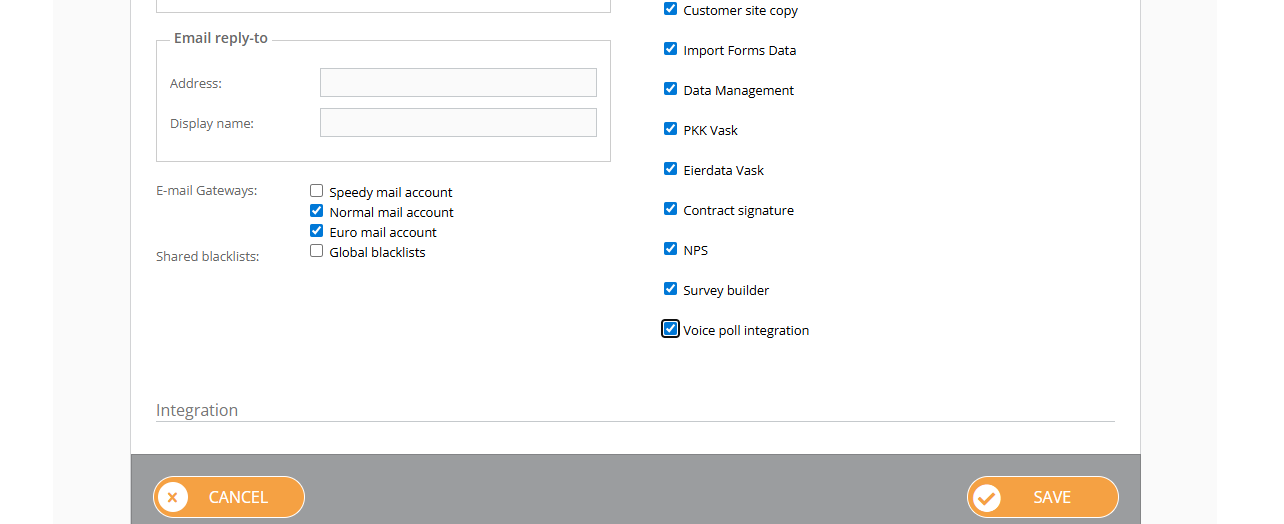
Enable Voice Poll and save:
¶ Enable Voice Poll for Client
Log in under Employee and navigate here: https://web.infact.no/vpclients
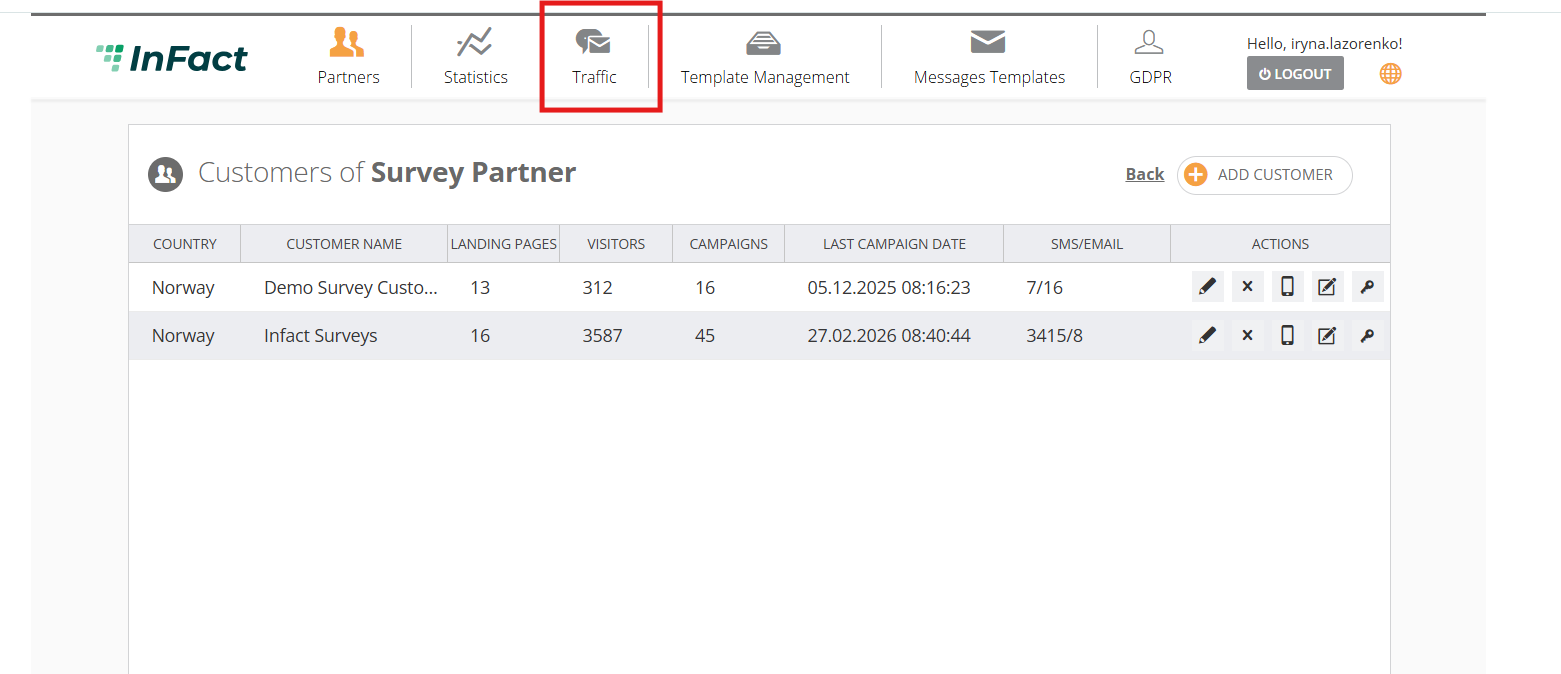
And then expand the left panel and click VP Customers:
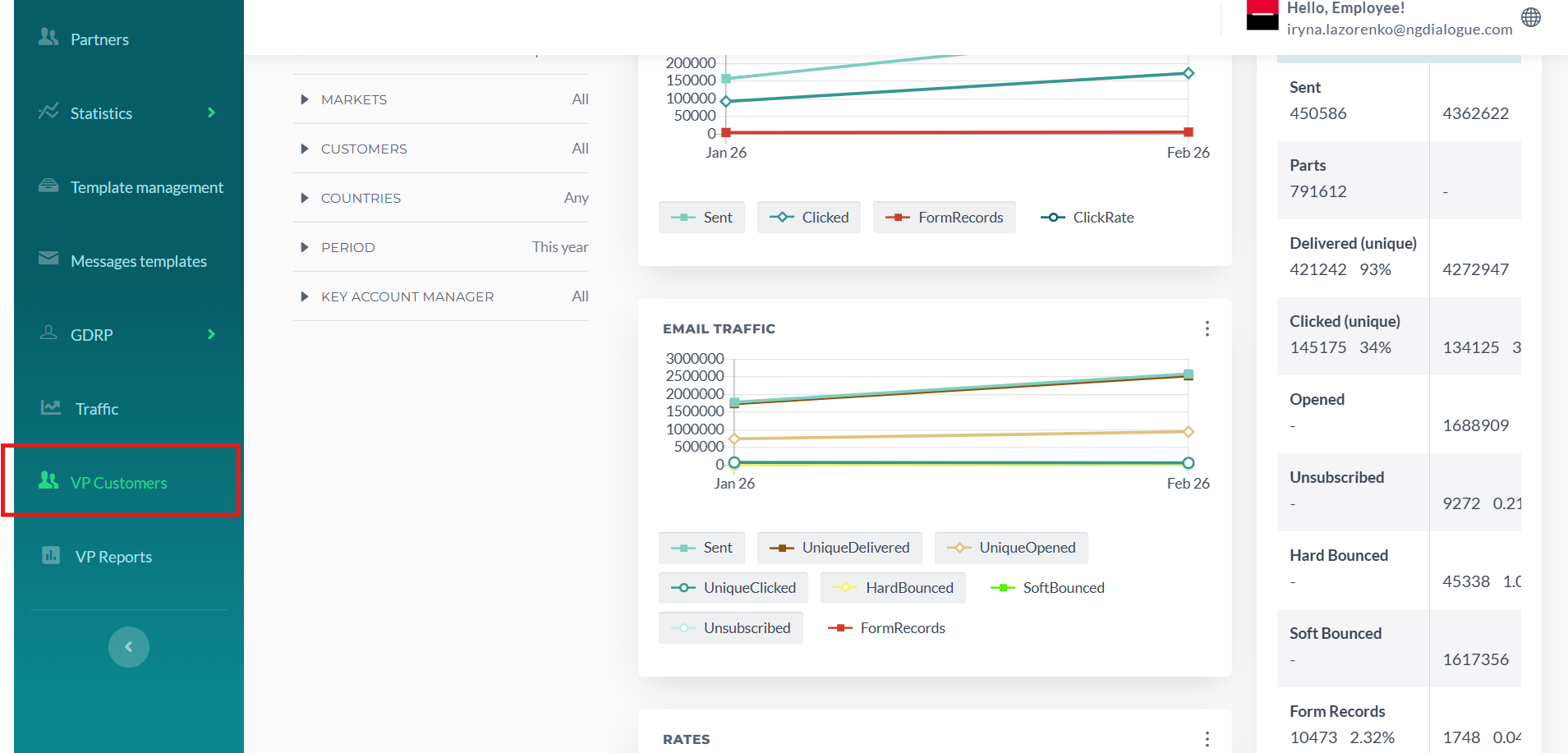
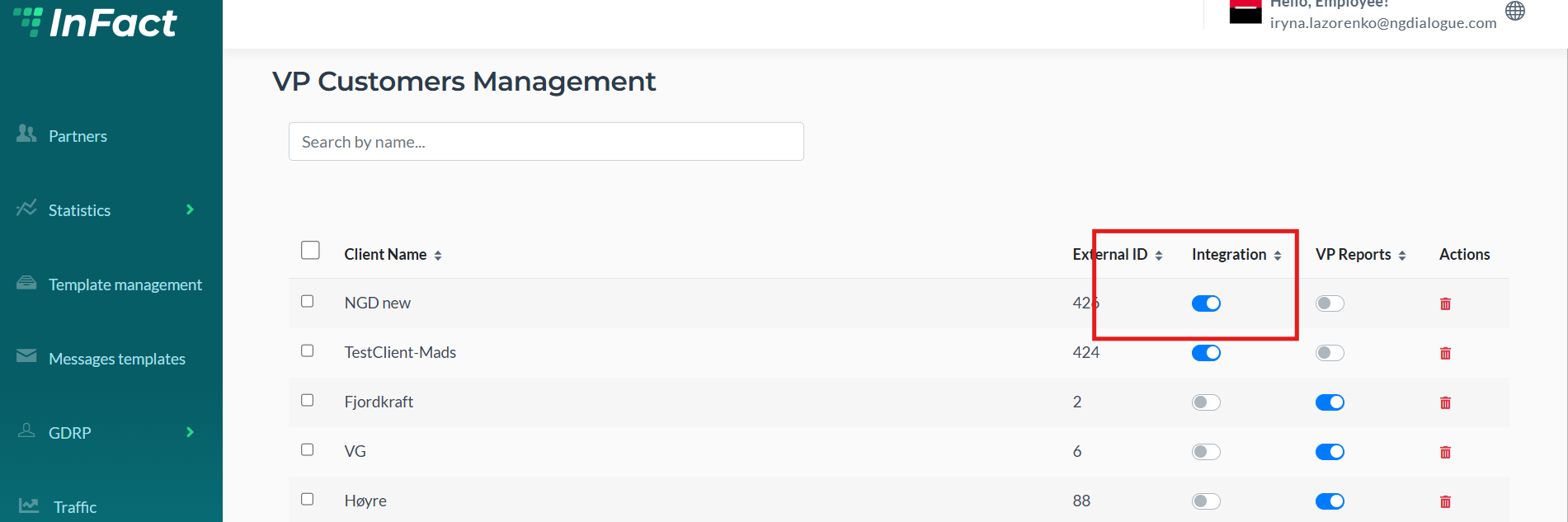
Find your Client and enable the integration and reports if needed:
¶ Enable Voice Poll for Customer
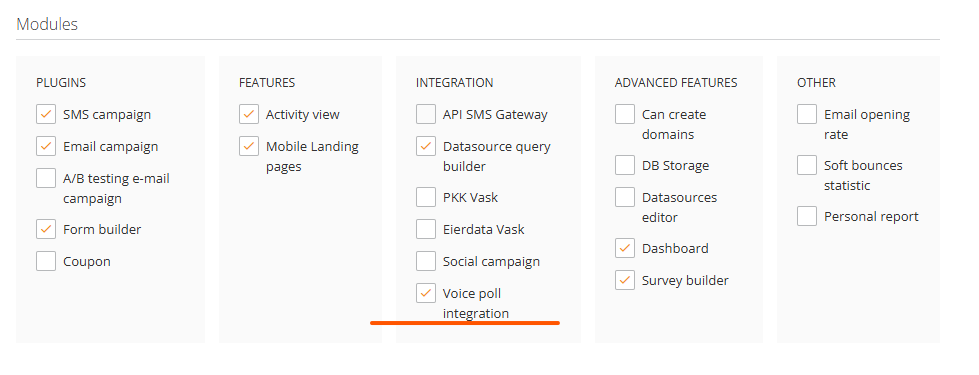
Click Edit Customer and scroll down to Modules, enable Voice Poll and Save:
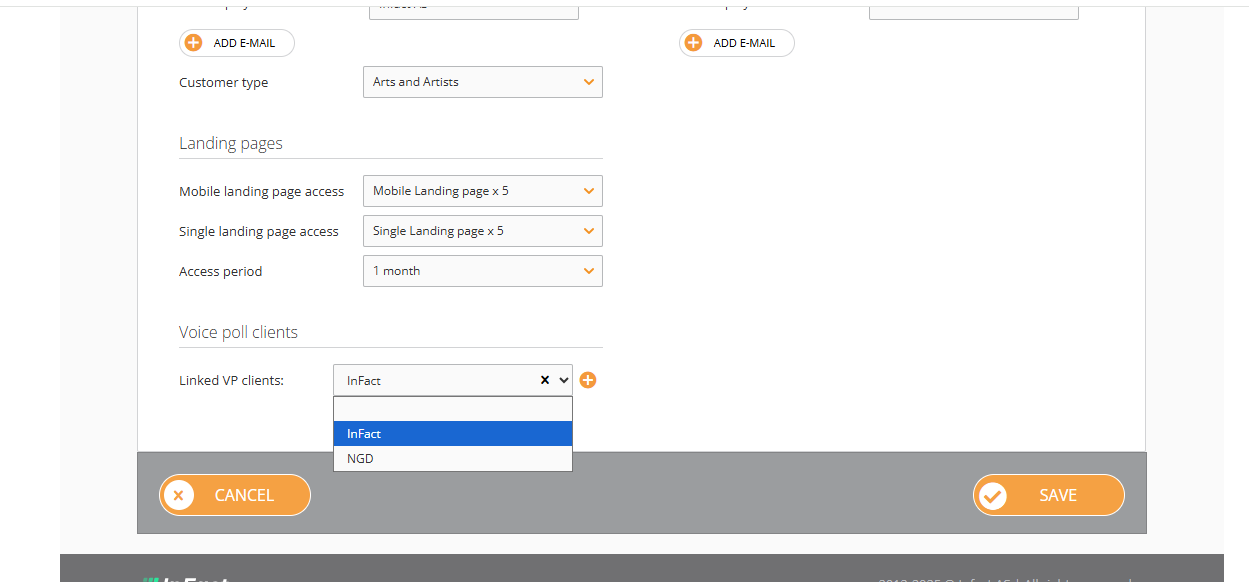
After the integration is on, you will see the list of clients who have permission to use Surveys:
After this is done, a customer can create a web survey via Survey Builder.