¶ Sendout Type
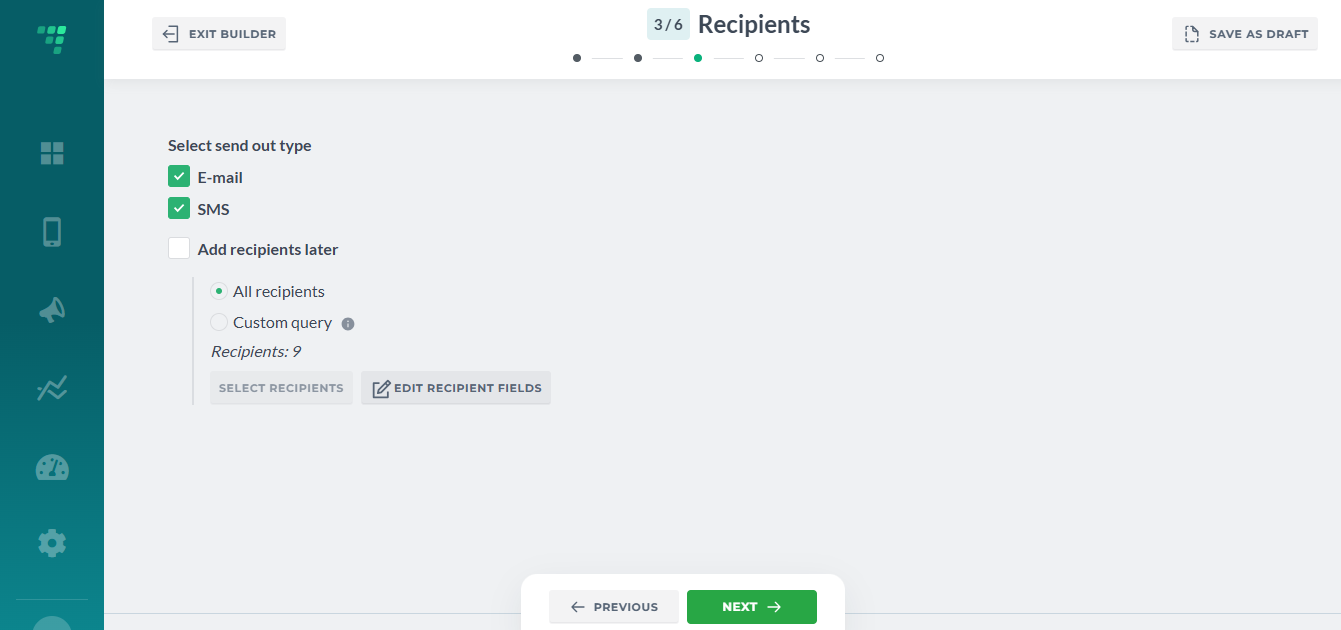
We need to configure sendout's type to properly assign recipients (respondents).
Select the campaign type: Email, SMS or Email and SMS and proceed:
¶ Source Type
¶ Datasource
It can be either datasource (database), previously created with imported members.
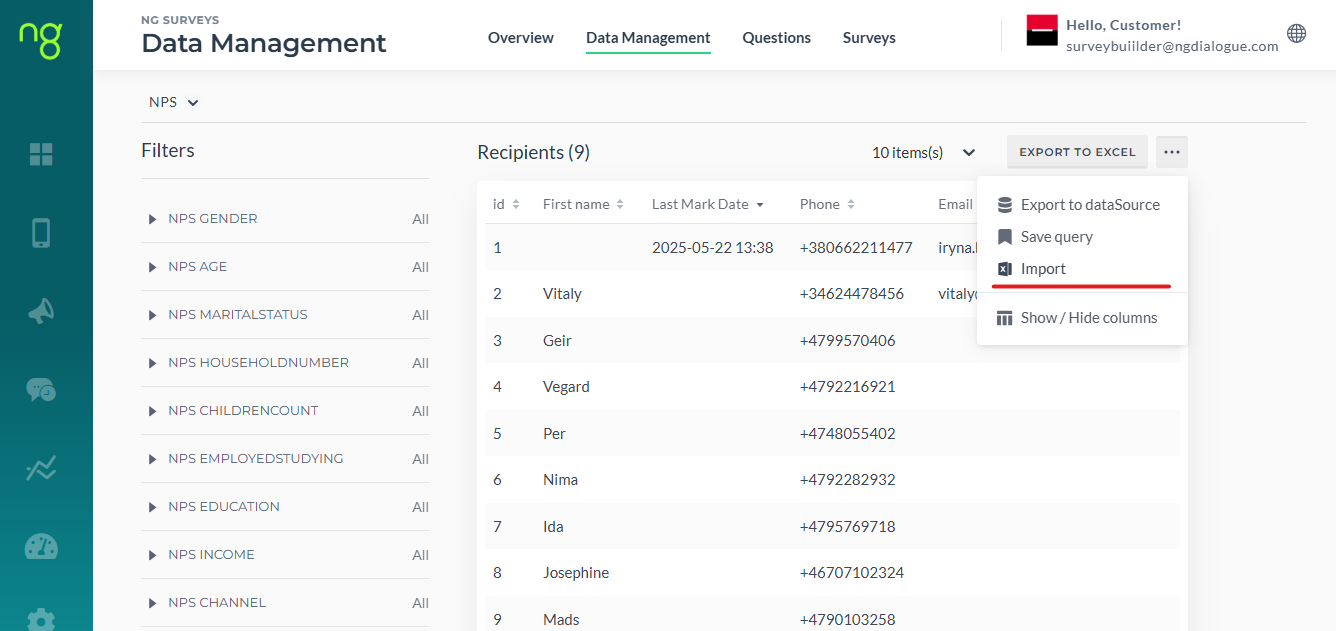
Import can be set up by tech team or you can manually import recipients via Dashboard/Data Management Page/Import: read more here
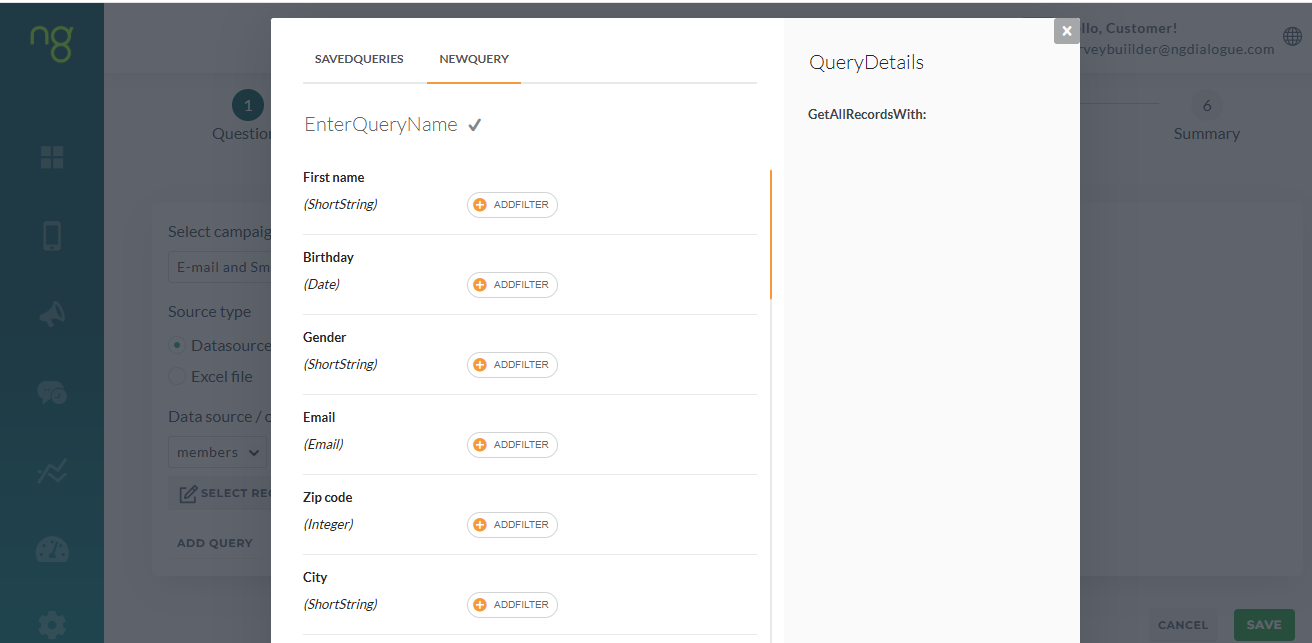
If you selected “Datasource”, click Add Query (Article on how to use filters in Query) to filter out your recipients by age, name, any other field.
Or use All recipients instead:

Select Recipients Fields is used mostly when the recipients have more than 1 phone or email field (primary, secondary email, for example) and you need to change that:
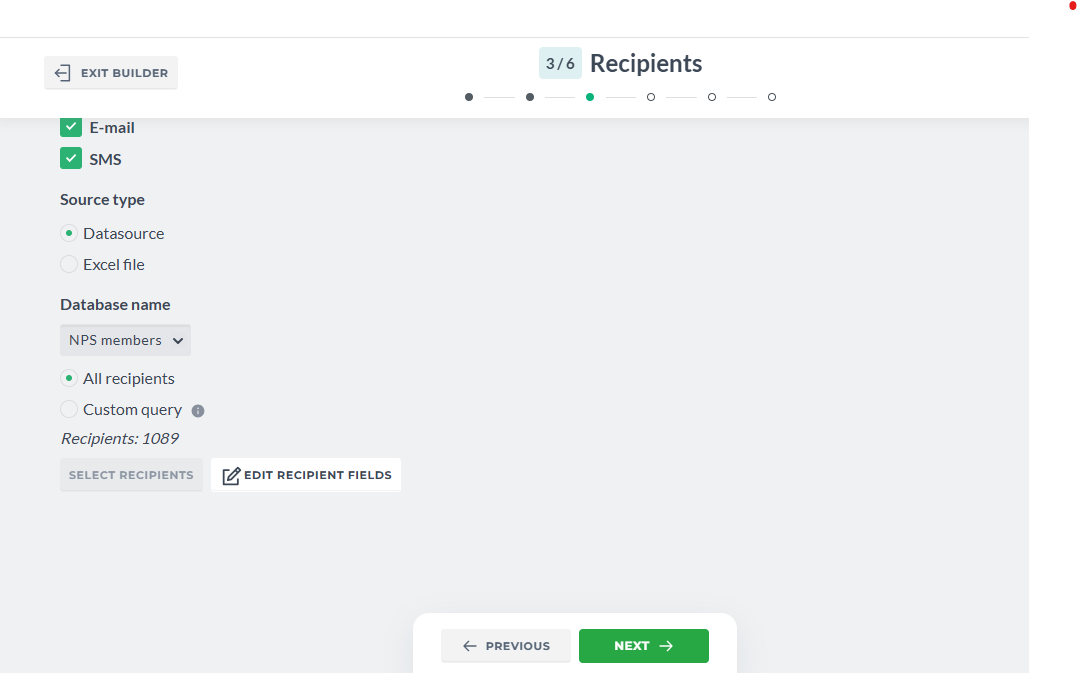
Or you have one column for both phone and email. You can view the database and select the columns that represent phone and email columns. But this is optional; in most cases the default settings work and do not require you to change anything:
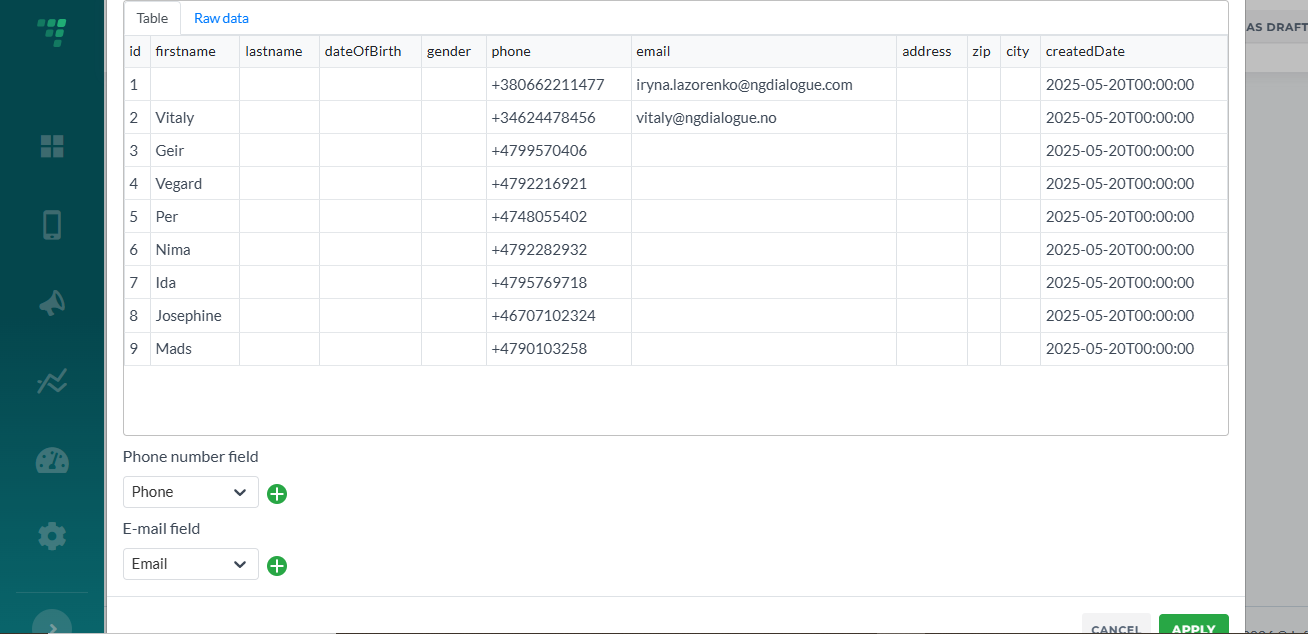
Datasources can be used for both anonymous and non-anonymous surveys. For non-anonymous, you always have a pair of databases: members and NPS (or Surveys) where one stores members and other - their answers. That is why you need to make sure you use the correct datasource when configuring Recipients.
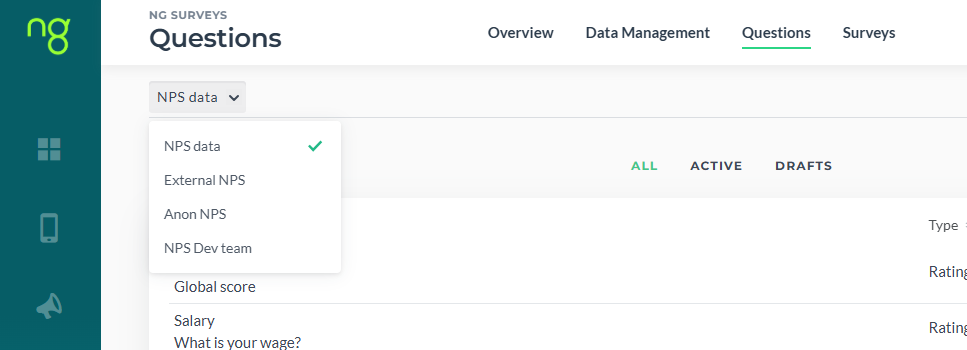
If your survey is non-anonymous, you must use the same datasource for recipients as you used for questions. Example: customer has two datasources: Gym Members and Spa Members. You cannot select questions created for Gym Members to send out to Spa Members as Answers for non-anonymous must be stored with their respondents.
¶ Excel
If you are sending out an anonymous survey, you can use the Excel file as well:
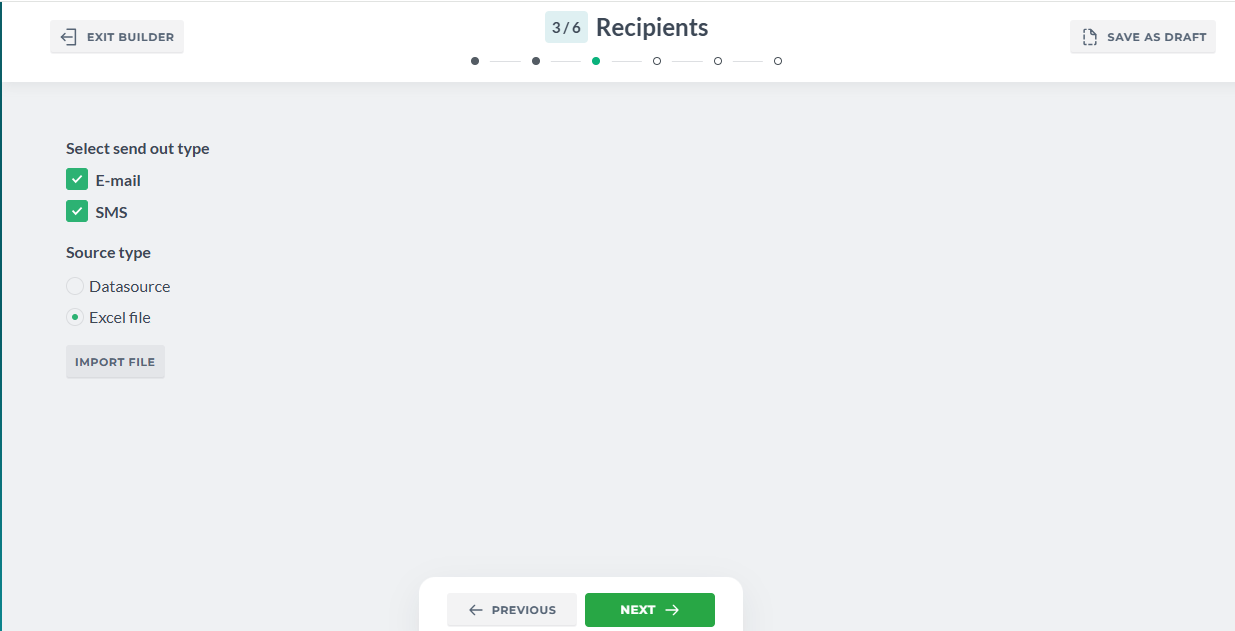
Click Import File, Drag&Drop the file and map the fields. Toggle “Use the first row as a header” if the header contains the titles like “phone”, “email” to speed up the process.
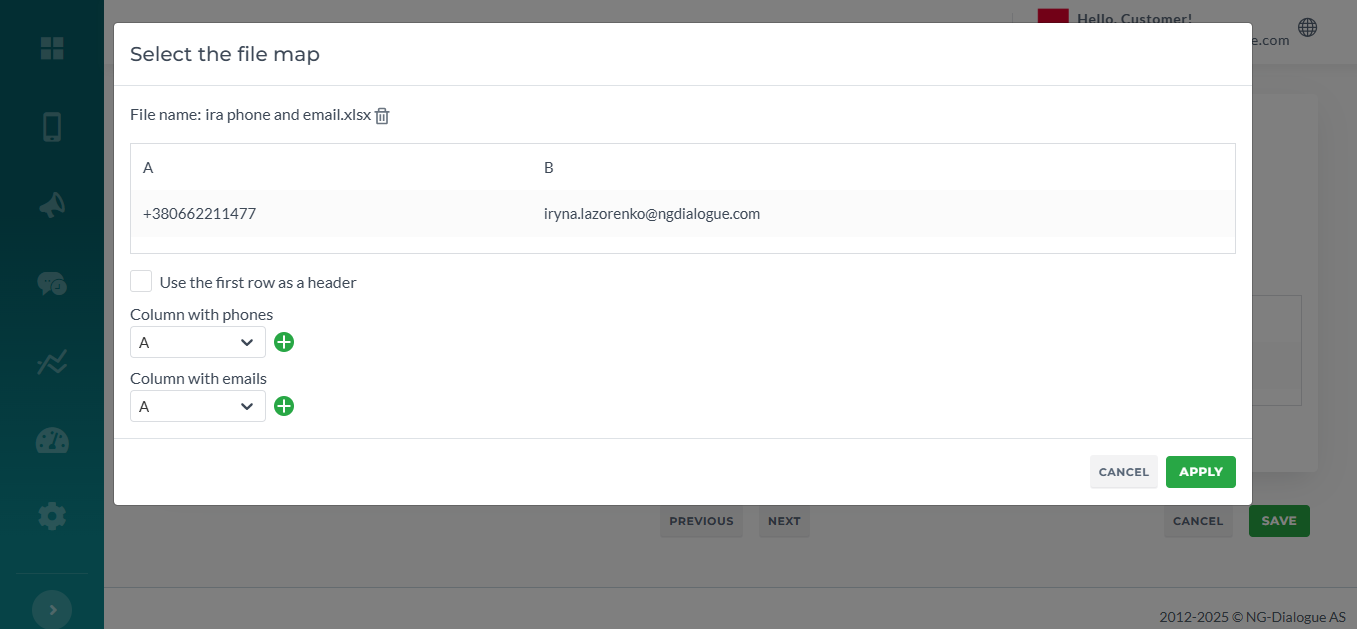
You can always get back and change the query/the file/re-map the fields.
Click Apply and proceed to the next step.
¶ Anonymous survey
Note that for this type of survey you can use not just any Excel, you can use any existing members datasourcr or a form that stores the records.