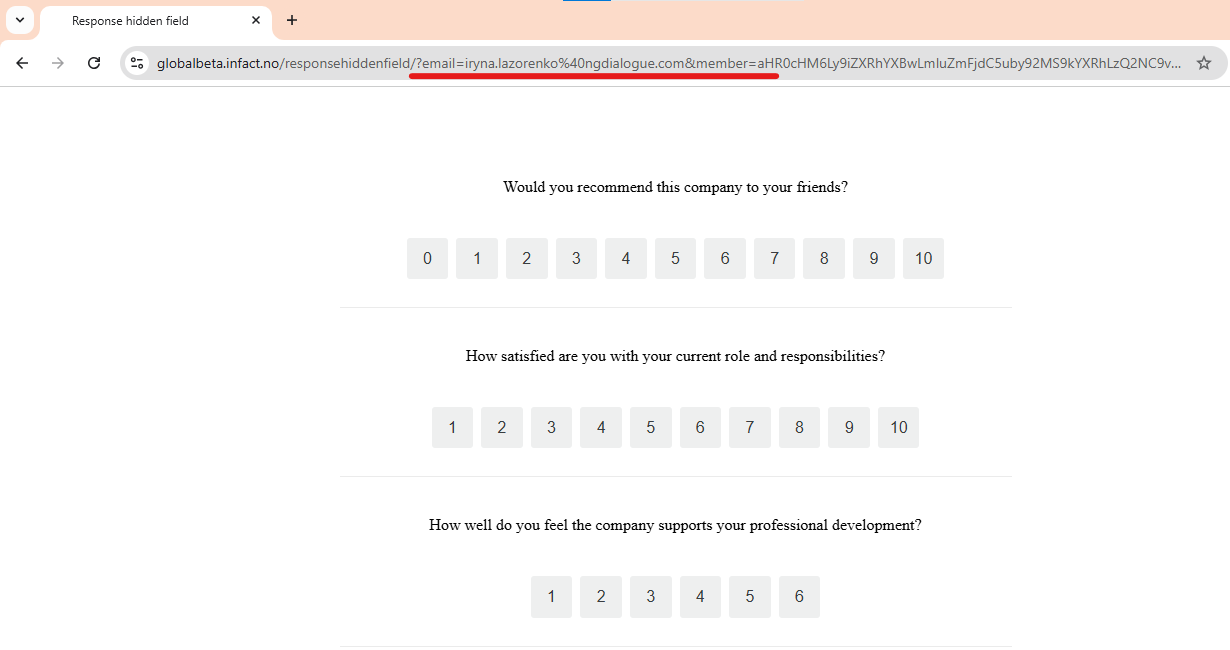
¶ Hidden Field
Hidden fields are not seen by the recipient but they allow you to see additional information when the form is submitted. For example, a name, customer id or city.
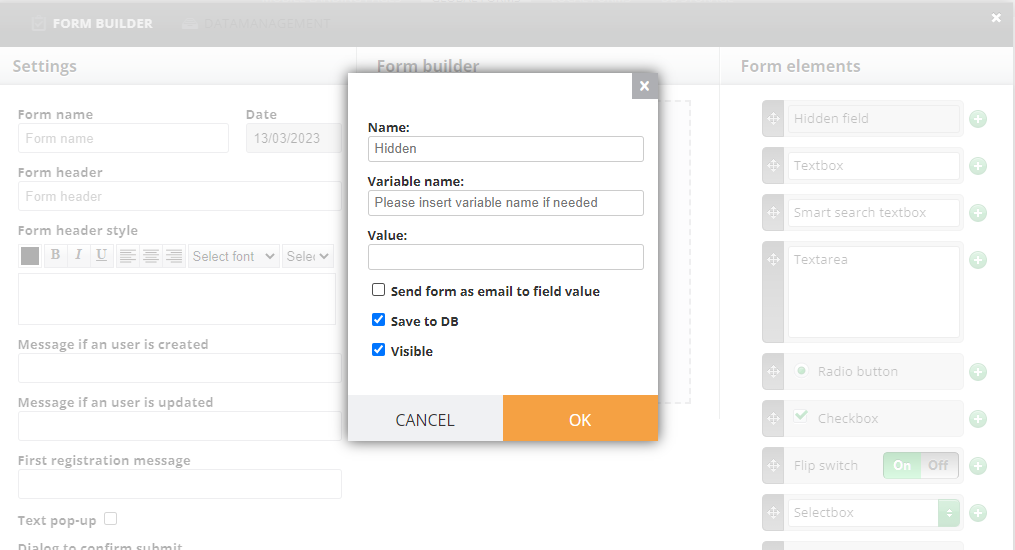
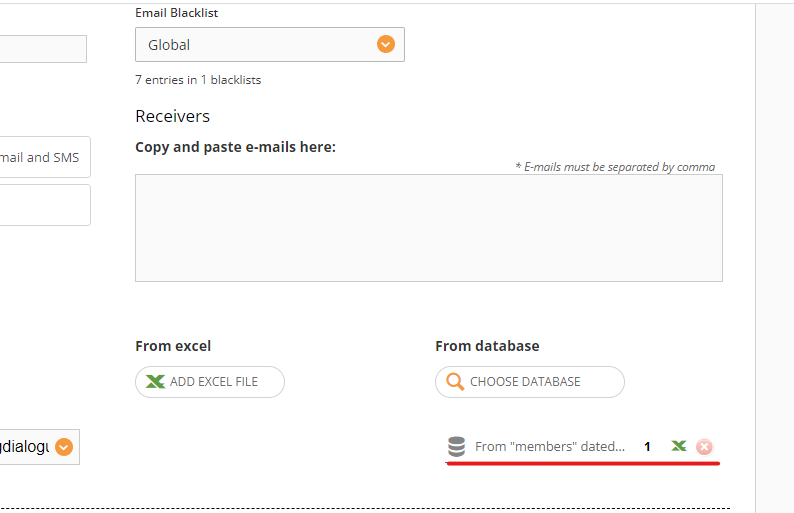
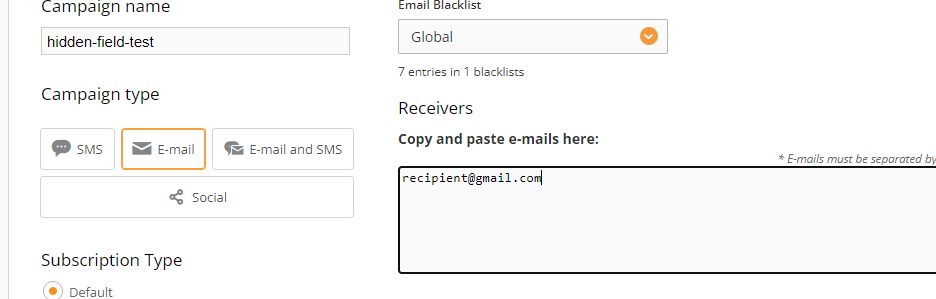
To get this hidden field work, you need to map the member either via Excel or datasource (as the data in hidden field cannot be entered by the recipient, it needs to be taken from somewhere like an Excel file).
¶ Variable from URL
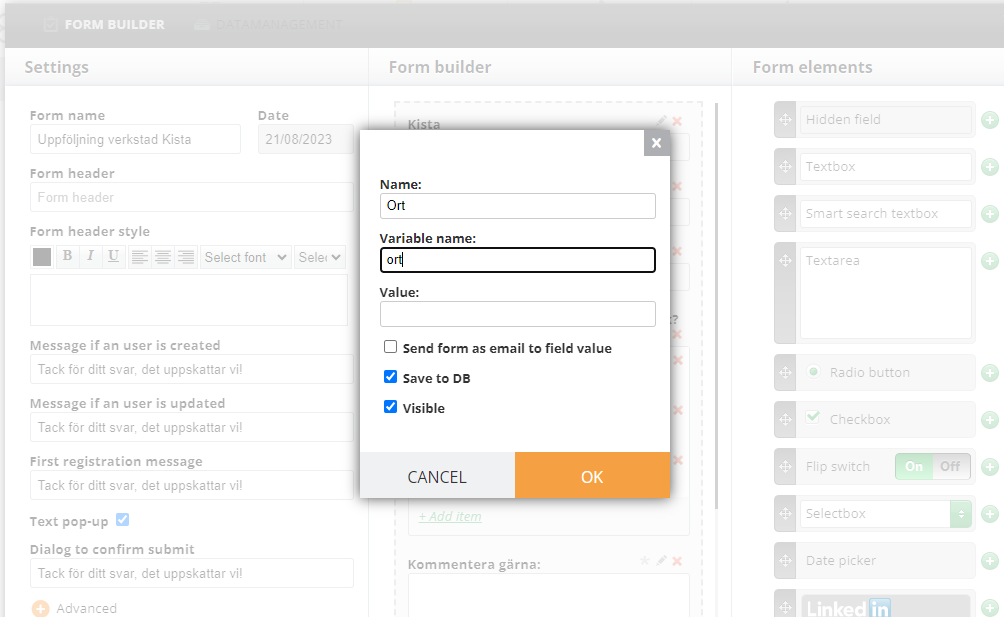
For example, you have customers from 3 different cities. You know where your customers are from and you do not need to ask them “please write down your city” but when they provide answers, you would like this info to be stored somewhere to be able to filter it and check, for example, which city has better or worse results. Especially, this is necessary if the survey is anonymous. So you can send out your campaign link with variables inside, like this one: https://info.bavaria.no/serviceinnkalling/?ort=%%ort%%
The variable %%ort%% will be changed once we send this link to the specific person and when we store the data, it will look like ort=Kista. This data won't be visible for a user but it will be stored in the form, datasource etc.
For this to work, the hidden field has to have a variable name
¶ Value
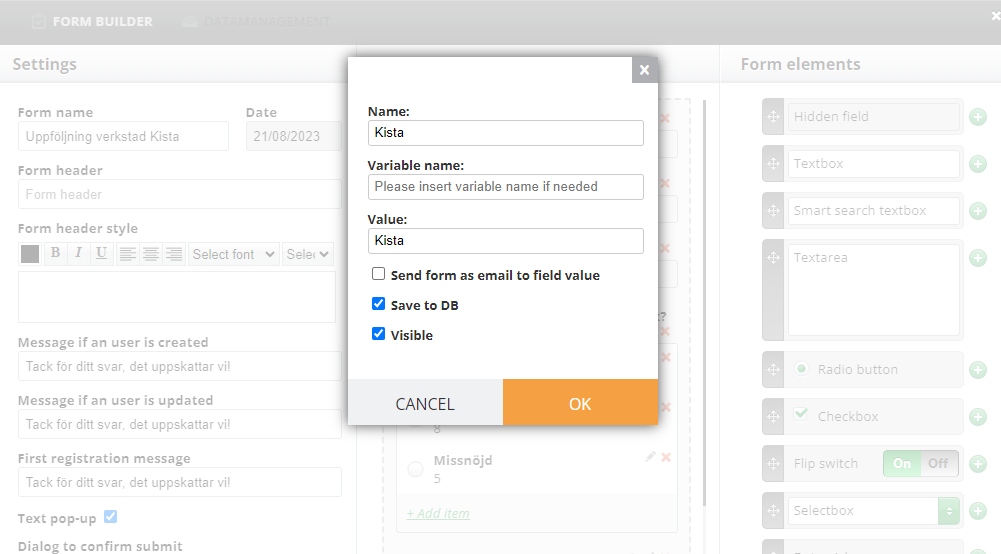
We can have a similar case as the previous one, but in this case, there won't be 2 or more cities. For example, your form has only one city. It this case, you can simply enter your value as we did in the screenshot:
¶ Send "form as email" to field value
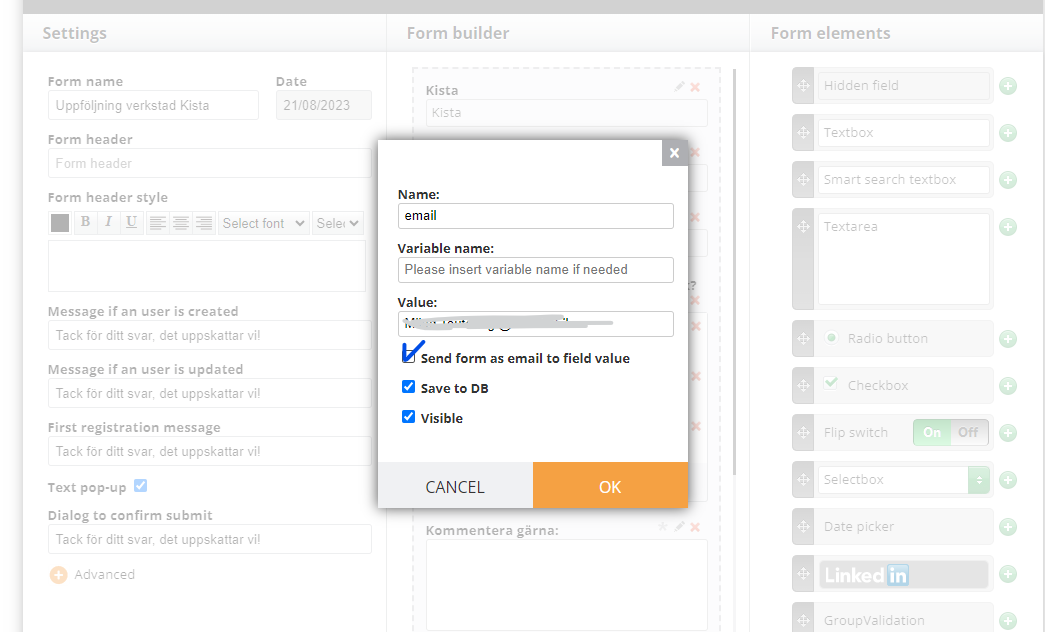
For example, you have a form. Each time data is posted to it, you would like to receive a letter. But you do not want a user who enters the data to see it. So you can add a hidden field and add your email address to Value and tick the box “Send form as email to field value”
If you would like to receive an email, not in all cases, but in specific instances (such as when someone provides a negative response), please check this page. Or Send to Form advanced feature.
¶ Send Response
If you have a non-anonymous survey and want to set up send response actions, but do not want to add a visible email/phone field, use this instruction:
Send responses can be enabled here:
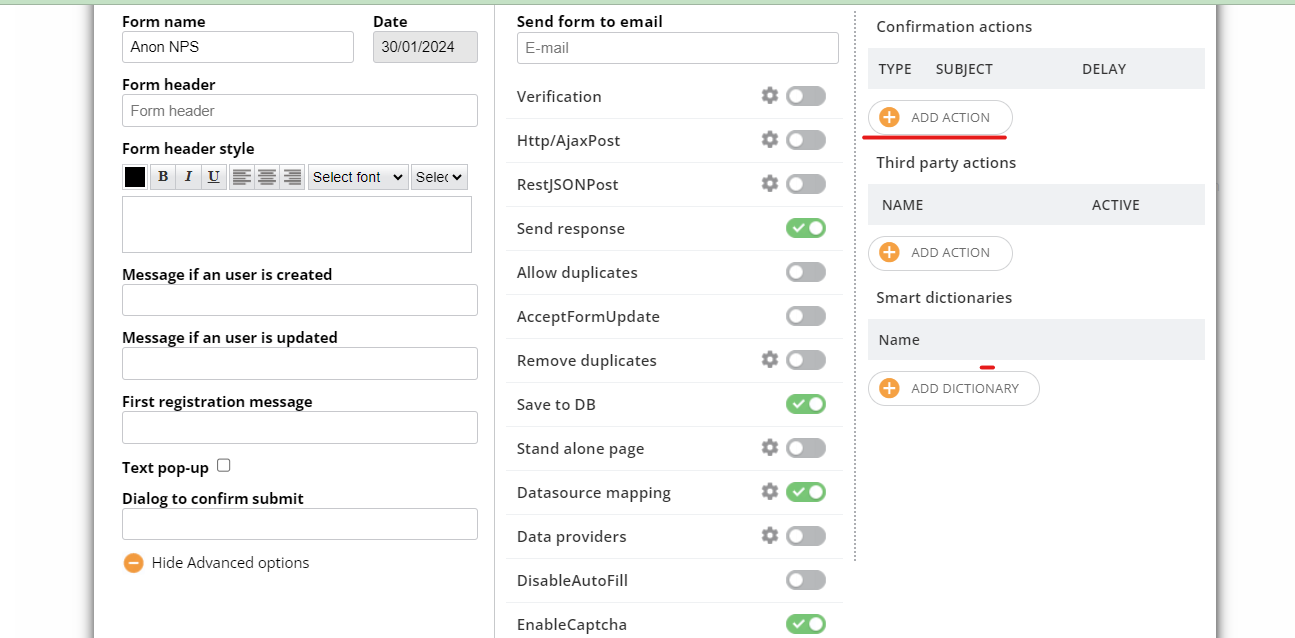
To set it up, you need a phone or an email field in the form to use it to send a response:
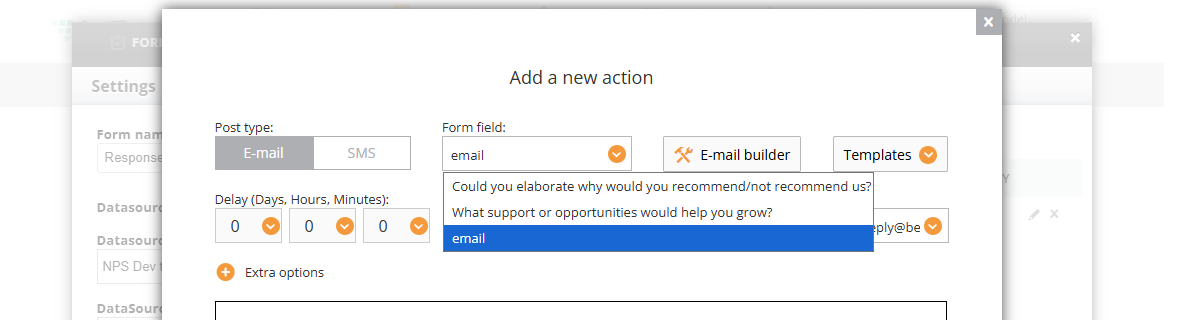
But if your survey includes just questions and you do not want a member to type in their contact info OR if you already have it the database, you can include it in the form as a hidden field: it won't be visible for a respondent but will be used automatically to send a response.
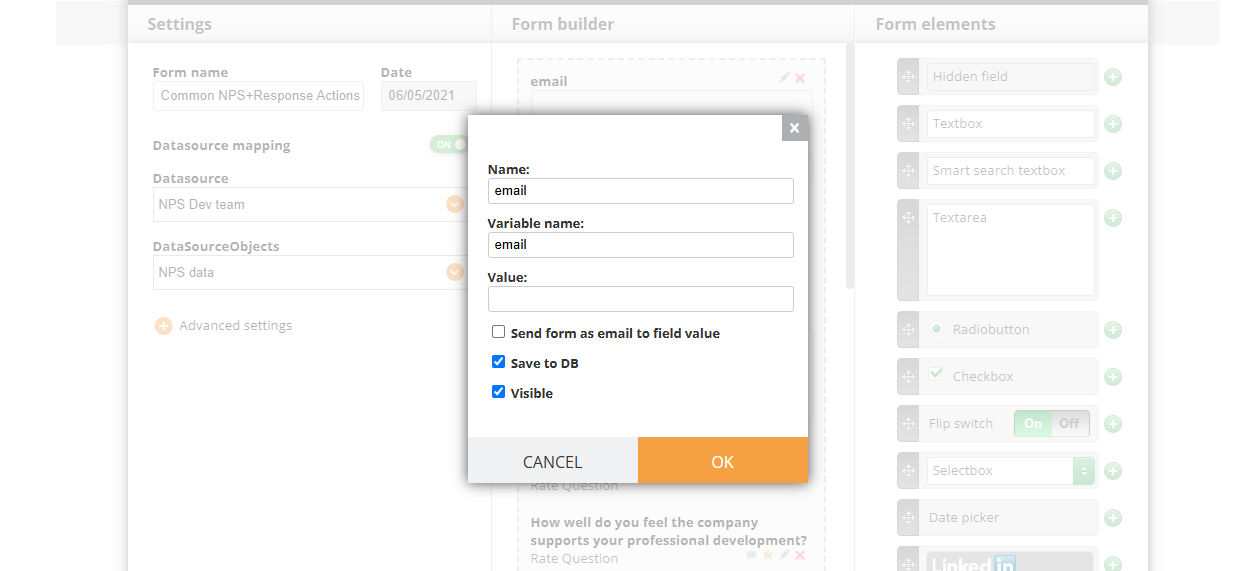
Add a hidden field and add a variable name and select this field in the “form field” drop-down for your action (a screenshot above):
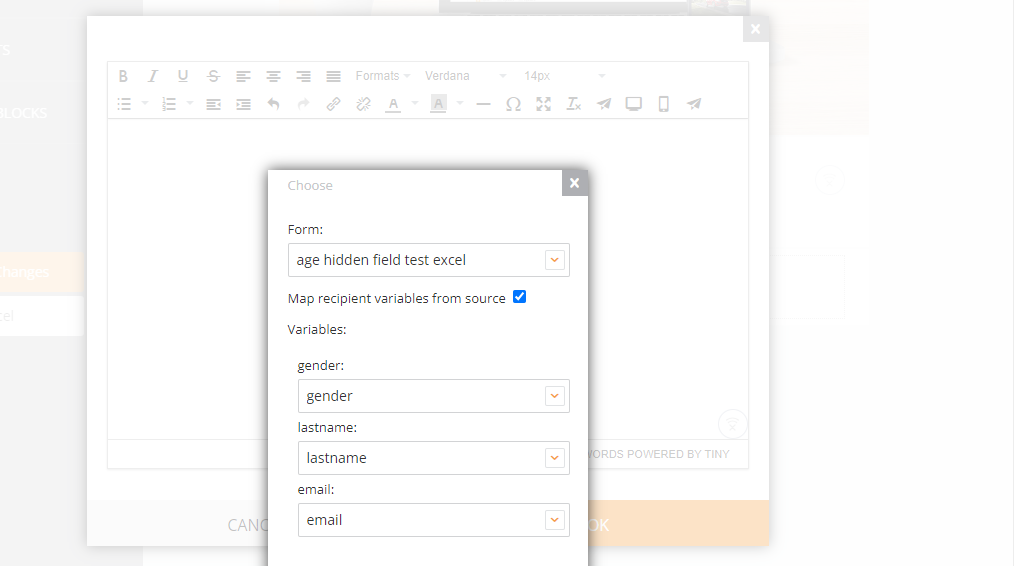
When adding a memberlink via campaign, select “autofill”:
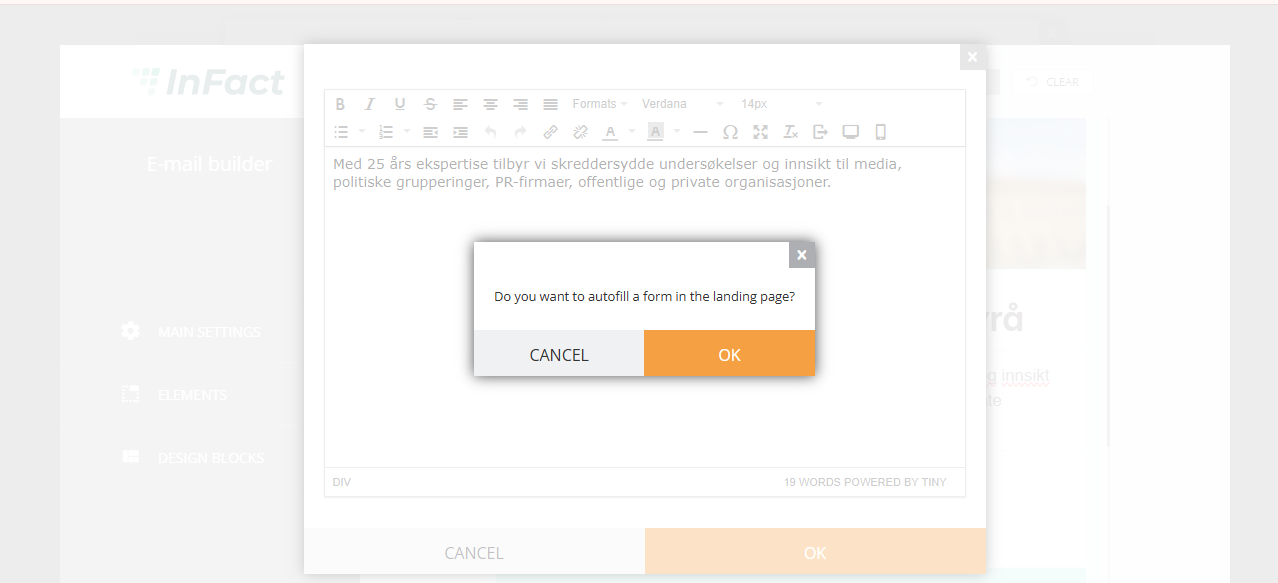
And then map the variables email to email, phone to phone:
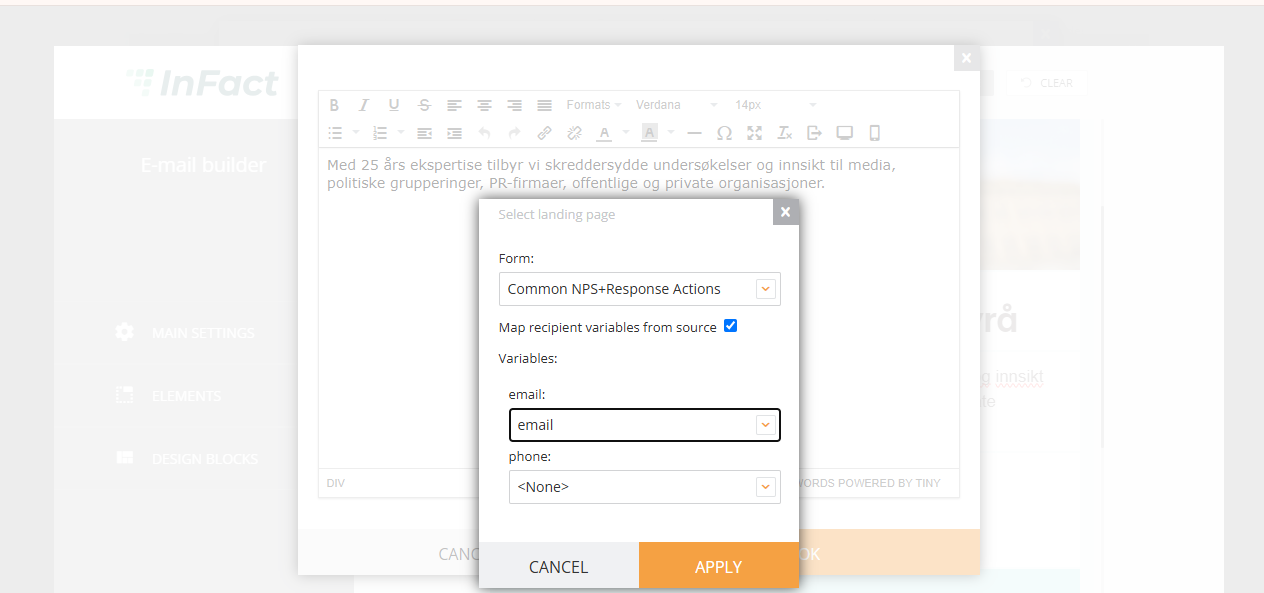
So when a respondent opens a link, the form will not have a visible field with phone or email but it is now it the link and it's passed to the hidden field that is used to send a response: