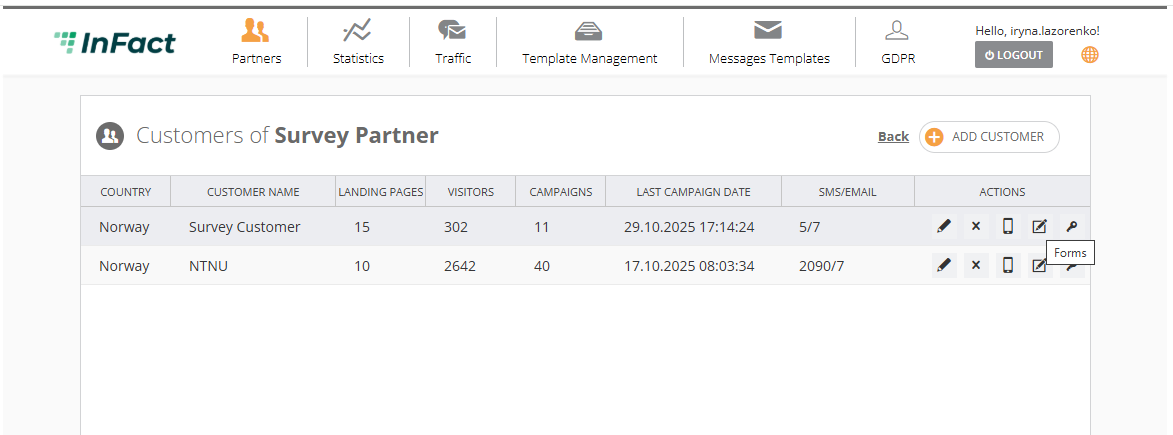
You can manage customers via Customer Page which is available under Partner and Employee account types.
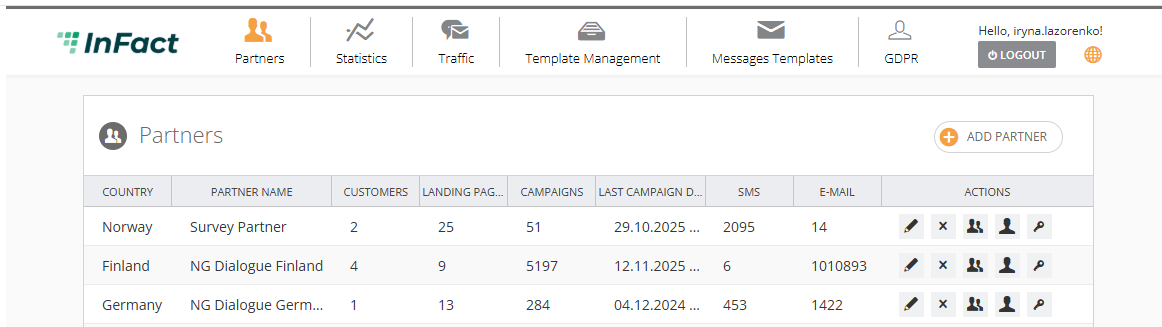
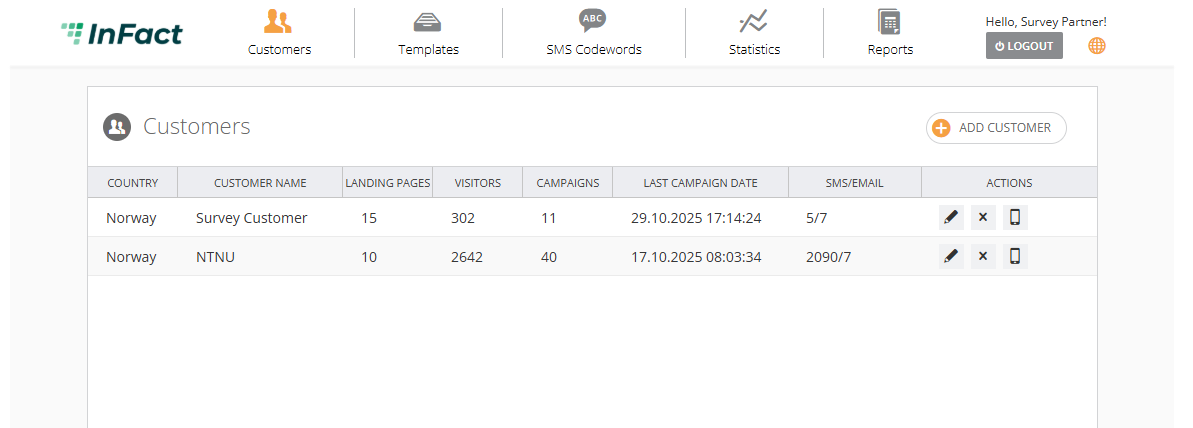
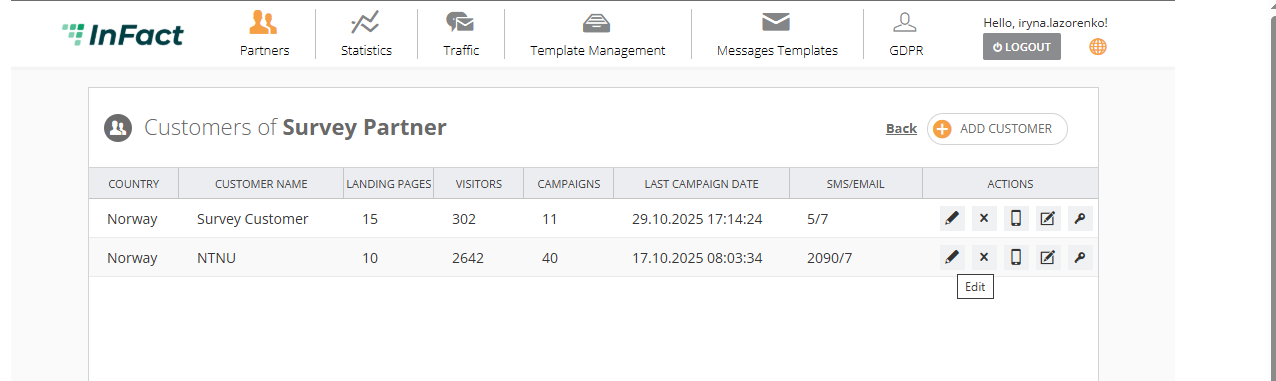
On the Customer Page, there are 5 sections. Here are the main, non-self-evident explanations for each section.
Clicking on the Key button will log you in under the customer's account. Make sure you do not log in as a different user (customer) in the same browser, as you will be logged out of your Employee account.
Other useful buttons:
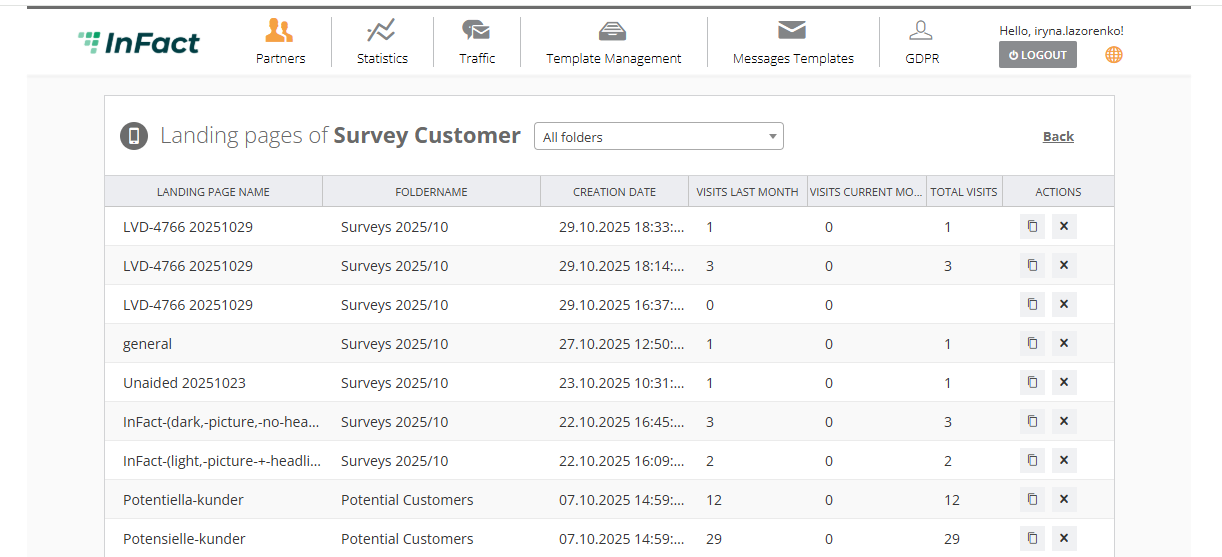
To manage customers' landings:
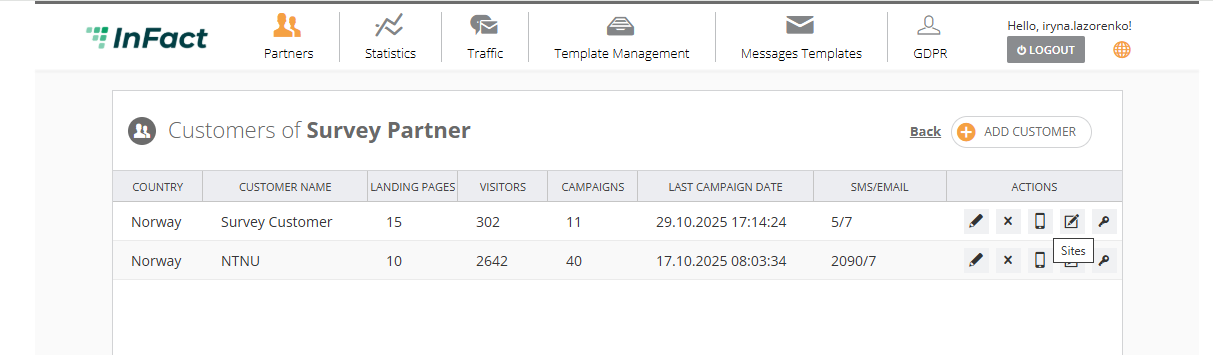
Share forms between customers:
¶ Customer Information
This section consists of Account settings, Company information, Global domain, Modules, Email sender, Email reply-to, Facebook and Twitter applications, Customer Type, Landing Pages, and Bokamera.
¶ Account settings and Company information
Obligatory fields are Email address, Contact Email, Invoice Email, Customer Name, and Password.
Login is generated automatically and it equals the email address needed to log in.
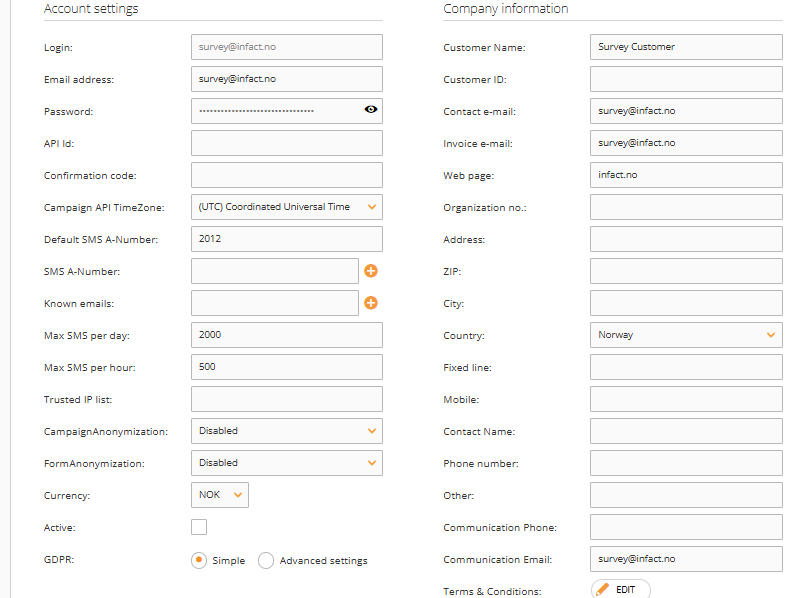
API Id is used to identify customers when they use our API and it can be any string. In the screenshot API Id is “123“ for customer Demokunde.
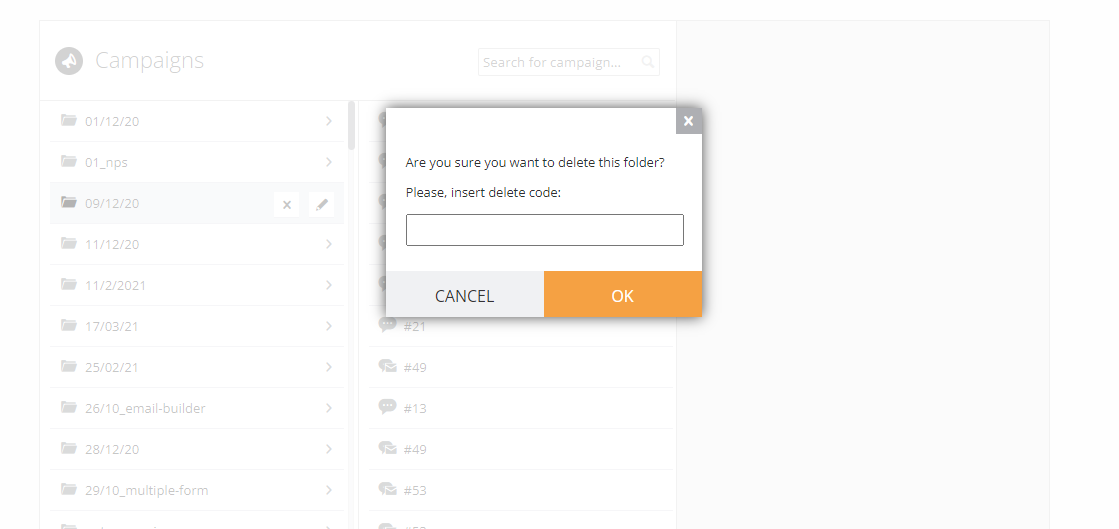
Confirmation code is needed for some secure actions like deleting folders and sites. There is a default value, if you need it, request it from tech support. By default leave it empty.
Customer ID is an internal number for identification. For example, https://www.infact.no/mmww/Admin/#/partners?pid=41&cid=43 where “pid” is Partner’s ID (ID is 41) and “cid” is Customer ID (ID is 43). When you are creating a new Customer, ID is 0. Once you have saved it, you can click Edit and see a new ID value.
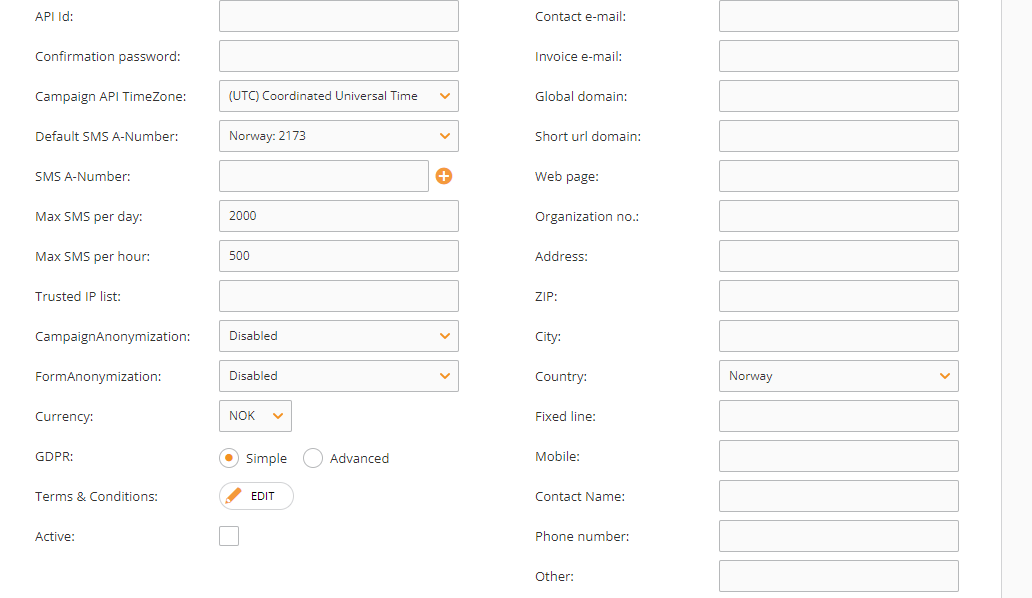
Trusted IP Pool is added only if a customer’s email domain does not use a shared IP pool, which is set by default.
¶ CampaignAnonymization
This feature can anonymize the personal data of campaign recipients. Timeframes can also be set. After the data is anonymized, we can only see the statistics (how many received, how many opened, clicked, etc) and ID but not the emails, phone numbers, or names.
¶ FormAnonymization
The same as for CampaignAnonymization.
¶ GDPR
In order for NGD to comply with the GDPR, we have already developed the ability to export data. We will do projects in order to delete data (or anonymize data for customers who want to be deleted), update customer data, etc.
All collections of consent will be saved in a DB. The fields in the DB should be
-customerID (LifeVision Customer)
-Phone number-Email
-Accept SMS (0/1)
-Accept Email (0/1)
-Accept advertising (0/1)
-Accept important info (0/1)
In advanced mode, we also gather\filter consent to receive information and advertisement SMS\Email.
E.g. if in advanced mode a client has disabled SMS, they will not receive any email, however, if SMS is enabled, clients have also the option to disable only advertisement SMS or information SMS.
Fixed line - landline phone number.
¶ Global domain
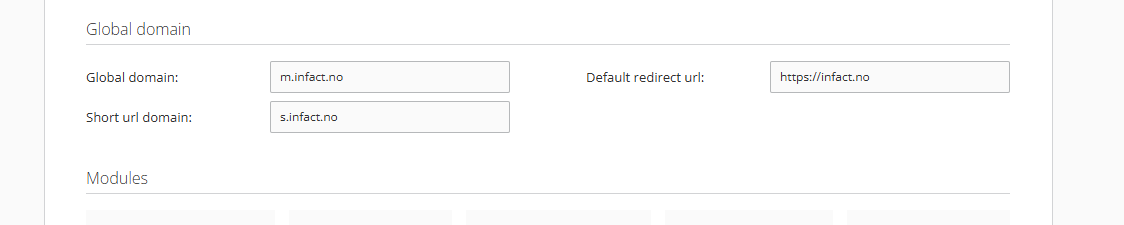
Default redirect URL is used instead of webpage field though its name is different (NotFoundRedirectUrl) in all other places like database, entities, etc since that’s what it is - redirect when the page is not found.
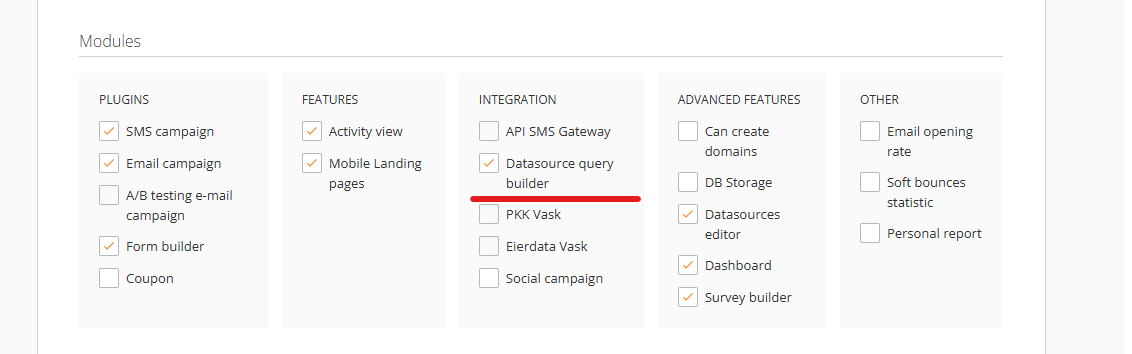
¶ Modules
¶ Powered By Logo
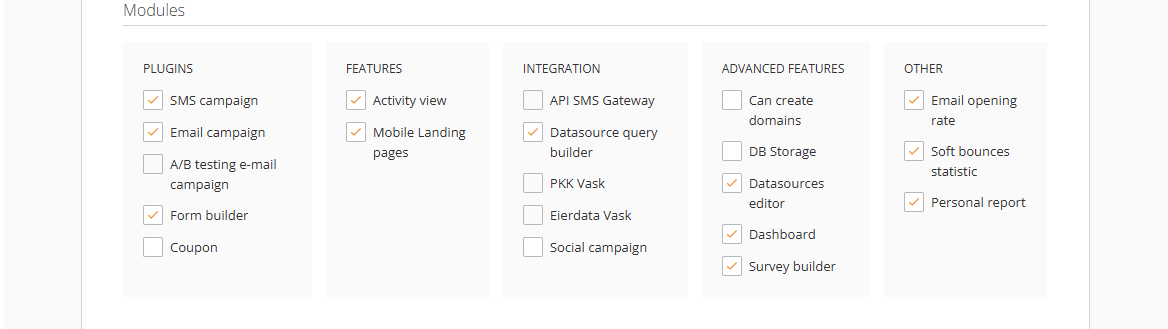
Shows Infact logo
¶ Twin logos
Enables to use of two identical logos for different landing pages
¶ Activity view
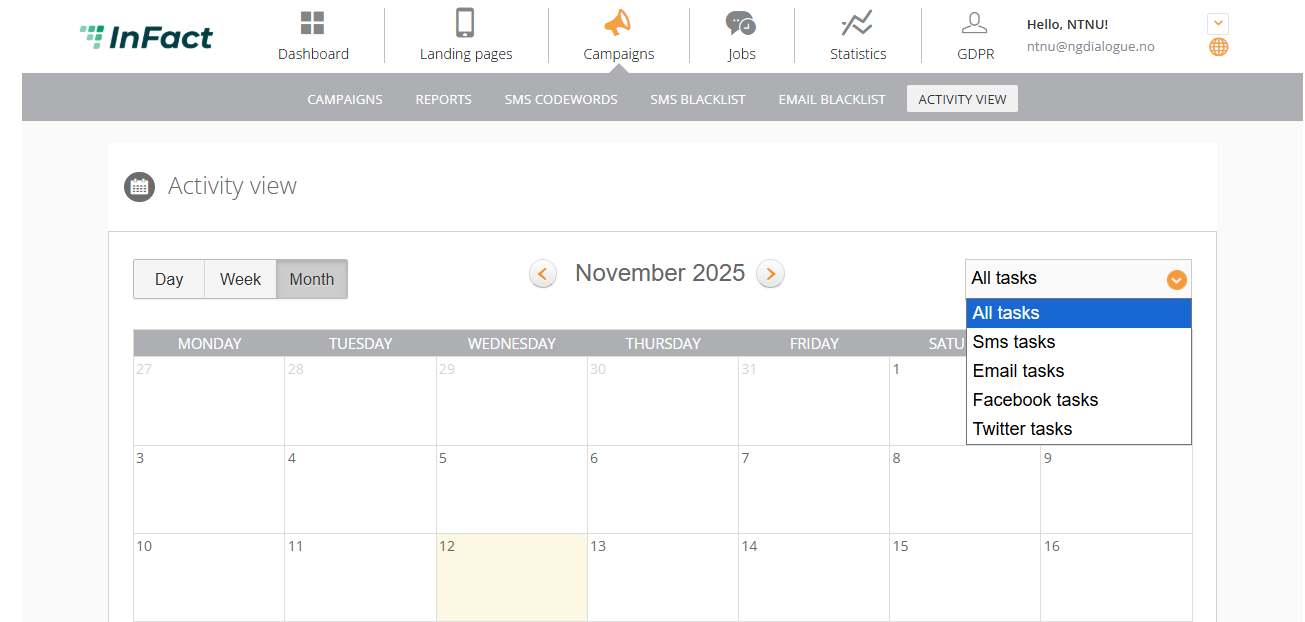
It is a feature that allows a Customer to see their activity in the calendar, which can be found in the Campaign tab.
¶ API SMS Gateway
Enables to use Infact API as an SMS gateway, we act as a proxy. It is always disabled.
¶ PKK Vask & Eierdata (Service) Vask
It is an integration with PKK Huset, a platform that checks when and whose cars need to undergo an EU inspection. Infact then sends campaigns to remind car owners of the inspection.
¶ The social campaign
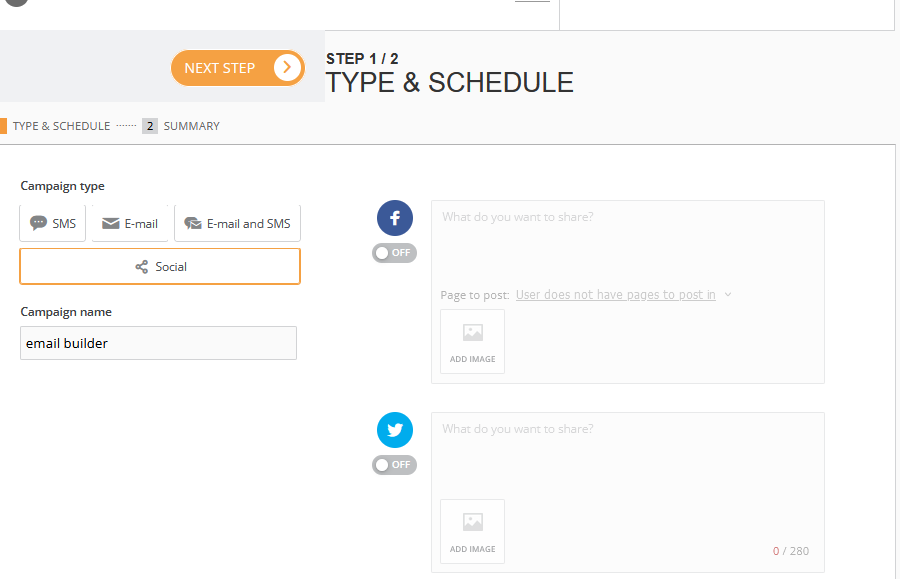
It is used to post via Facebook and X (Twitter).
¶ DB storage
Enables a customer to manage their database.
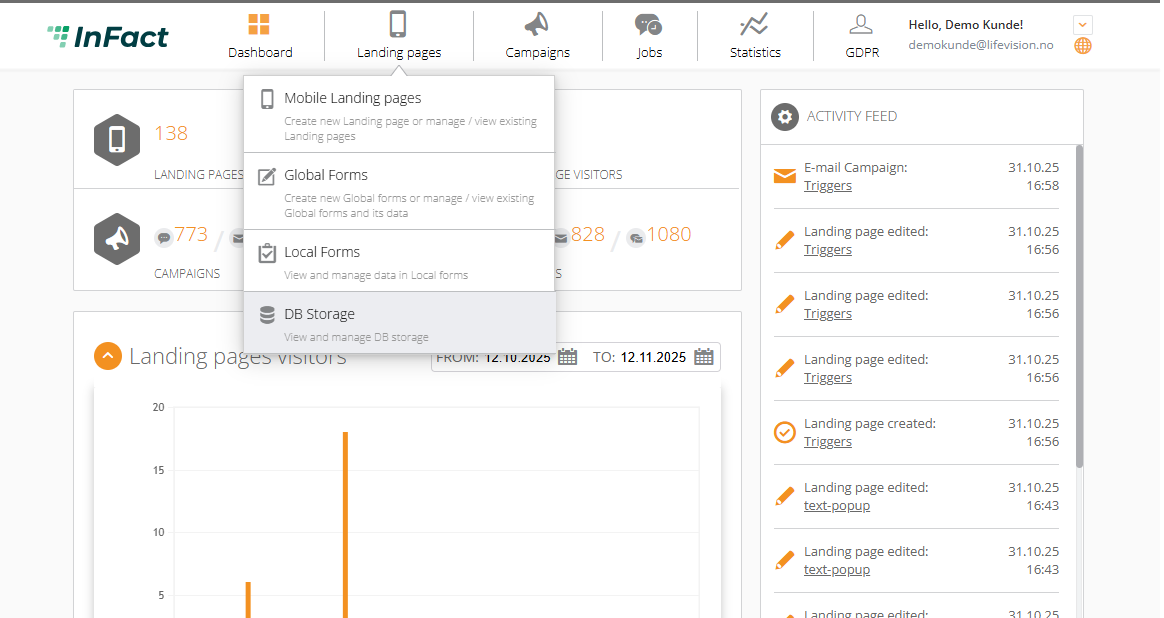
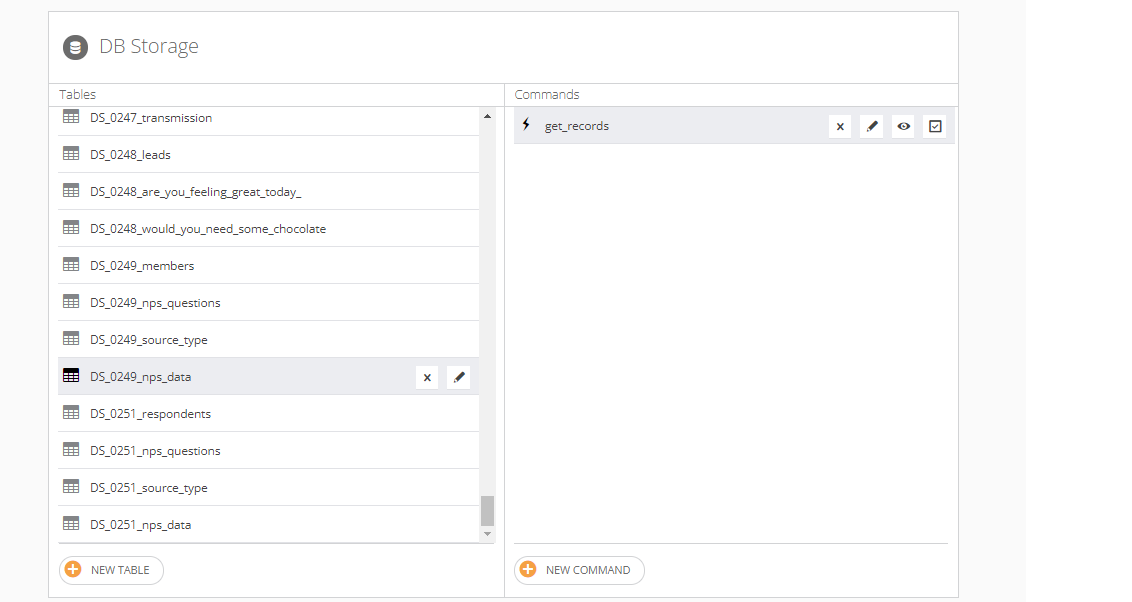
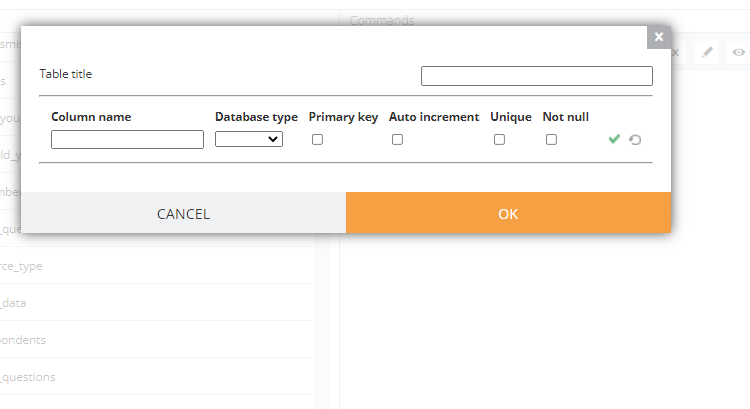
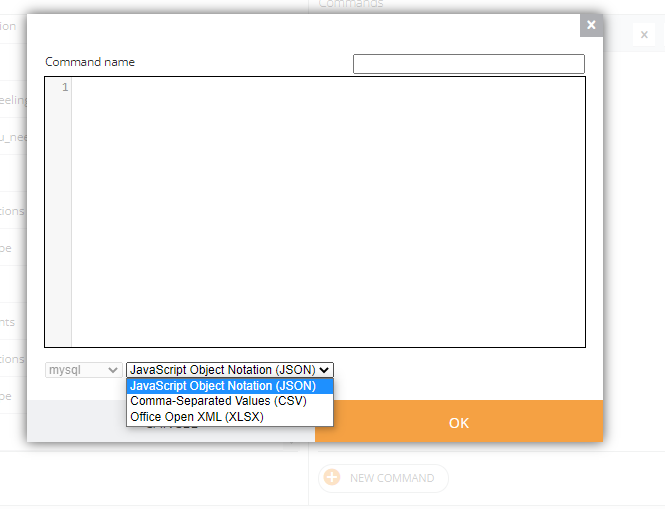
It allows you to create database storage tables and work with them by writing and applying commands.
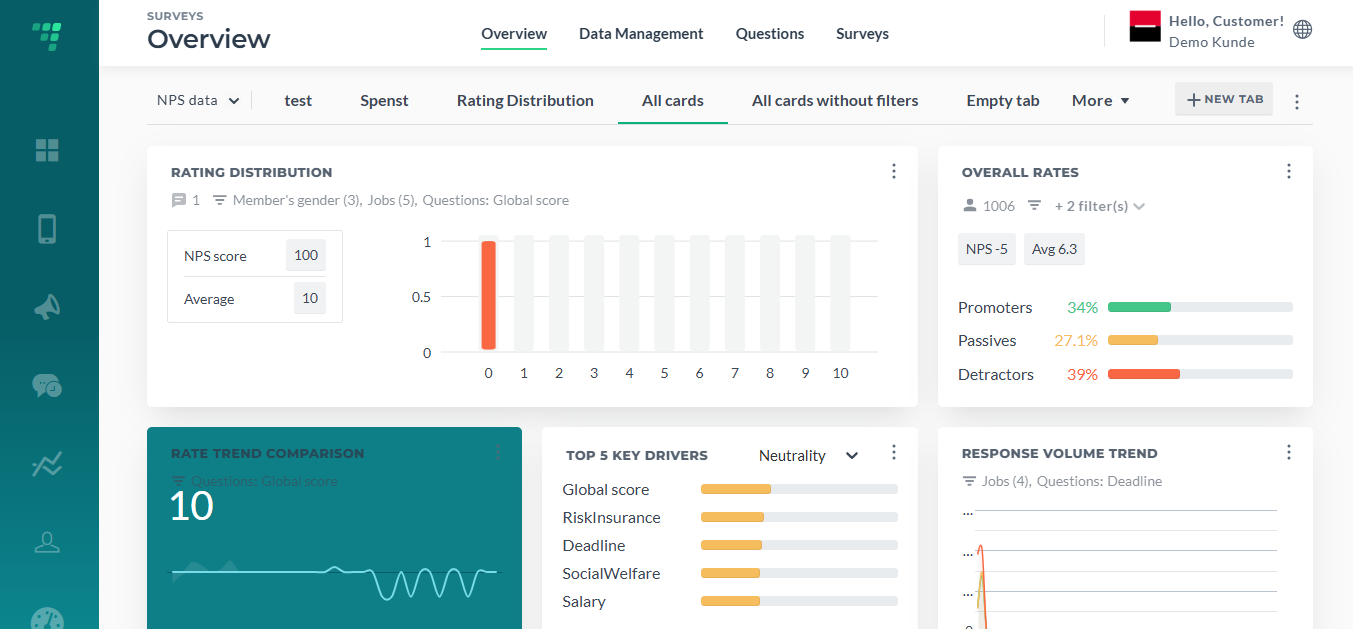
¶ Dashboard
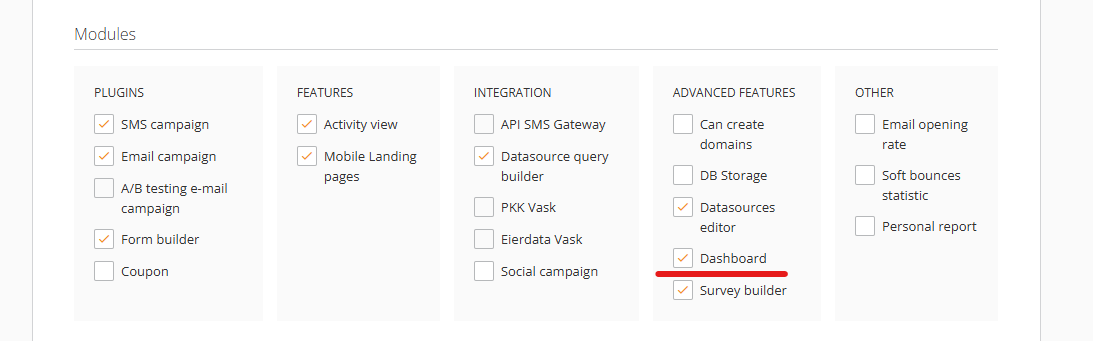
It enables Surveys Dashboard that allows clients to visualize their survey data. Enable it to use the Dashboard.
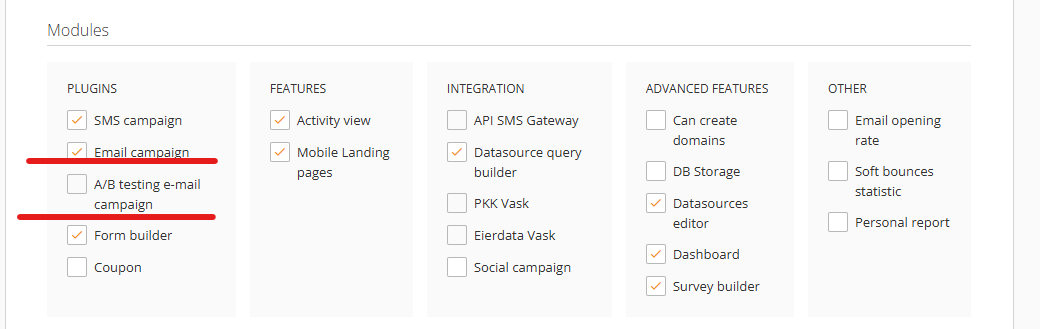
¶ Soft bounces statistics and Email opening rate
https://wiki.infact.no/interface/statistic
¶ Datasource Query Builder
¶ Email sender, Email reply-to
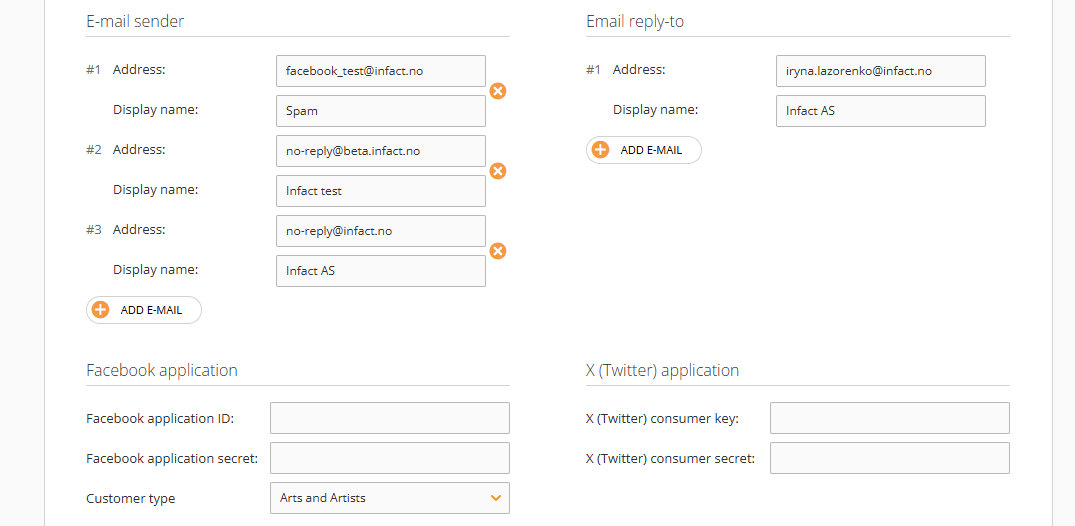
¶ Facebook and X( Twitter) applications
Facebook and X (Twitter) settings allow running campaigns ofthe Social type. Customers must provide us with access to their Facebook or X (Twitter) application in order to let us modify their page.
¶ Customer Type, Landing page and Bokamera
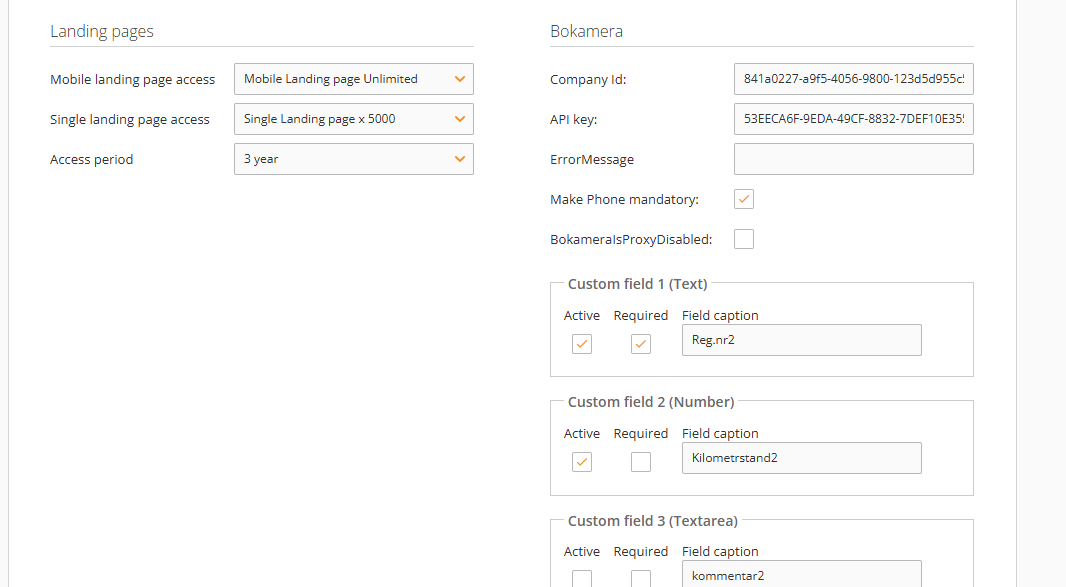
¶ Bokamera
This integration enables sending links to booking calendars. Click for more info.
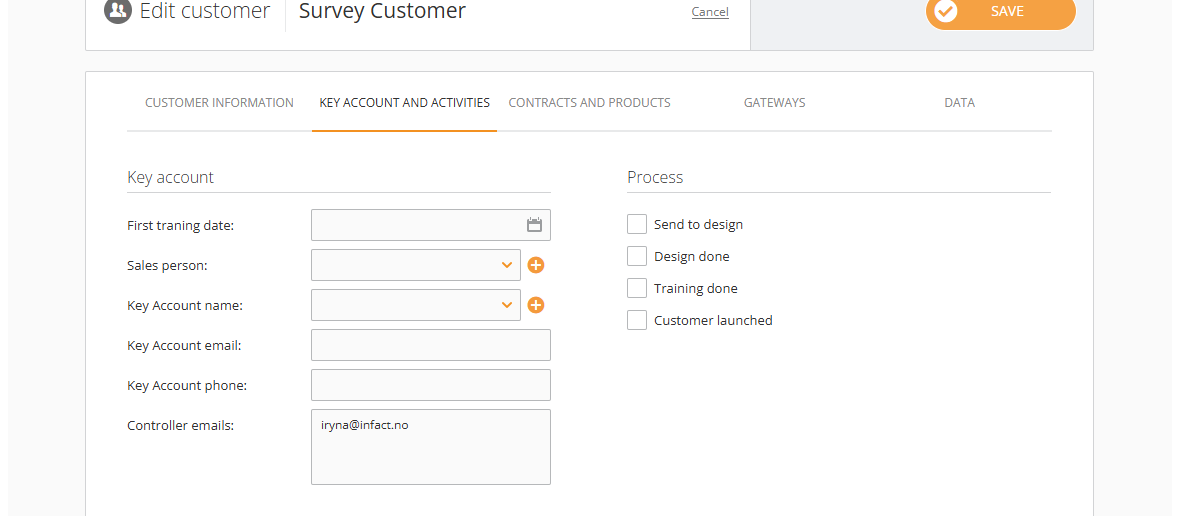
¶ Key Account and Activities
Data about training, sales, key account managers is there.
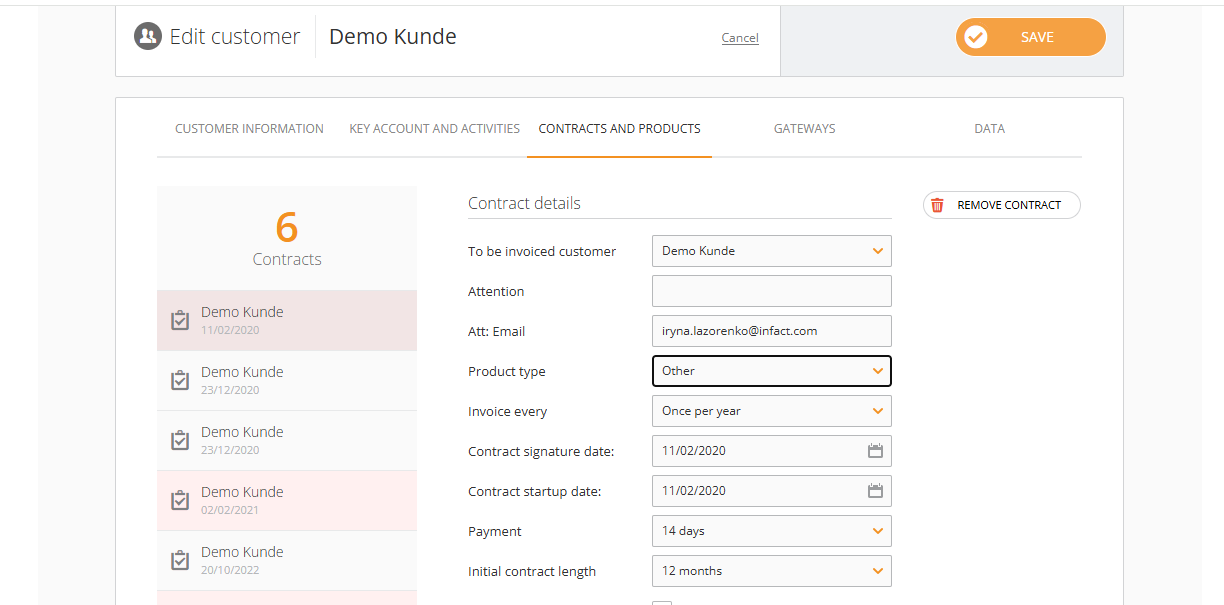
¶ Contract and Products
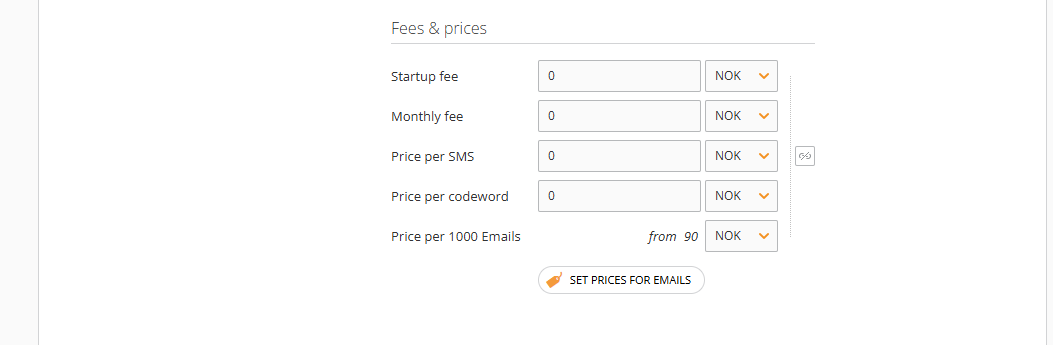
Contracts are added to be later used to generate invoices based on the product types.
¶ Gateways
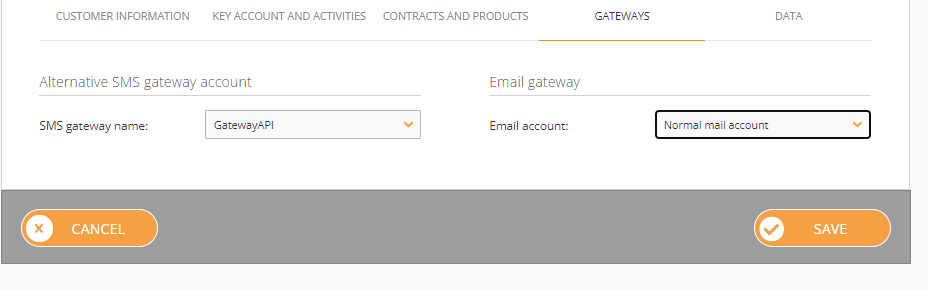
Types of gateways for emails and sms. By default, SMS has a GatewayAPI and Email is an Euro mail account, but some customers may have an alternative gateway which (is changed by the tech team).
¶ Data
This is a section where datasources can be created and deleted.
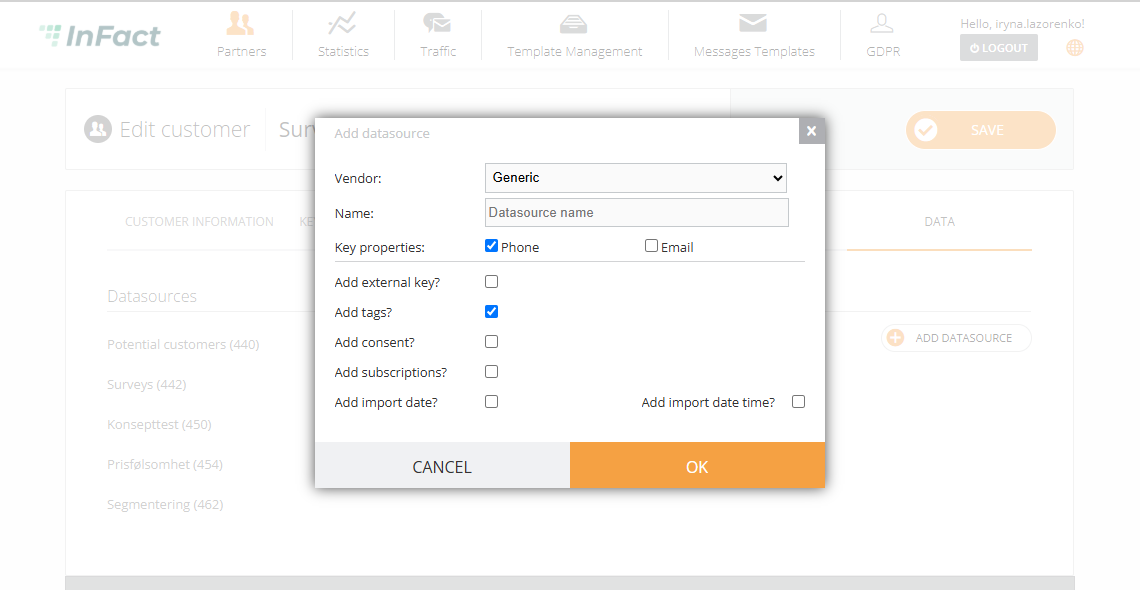
Create Members and Survey Datasource